On this page
What you will make #
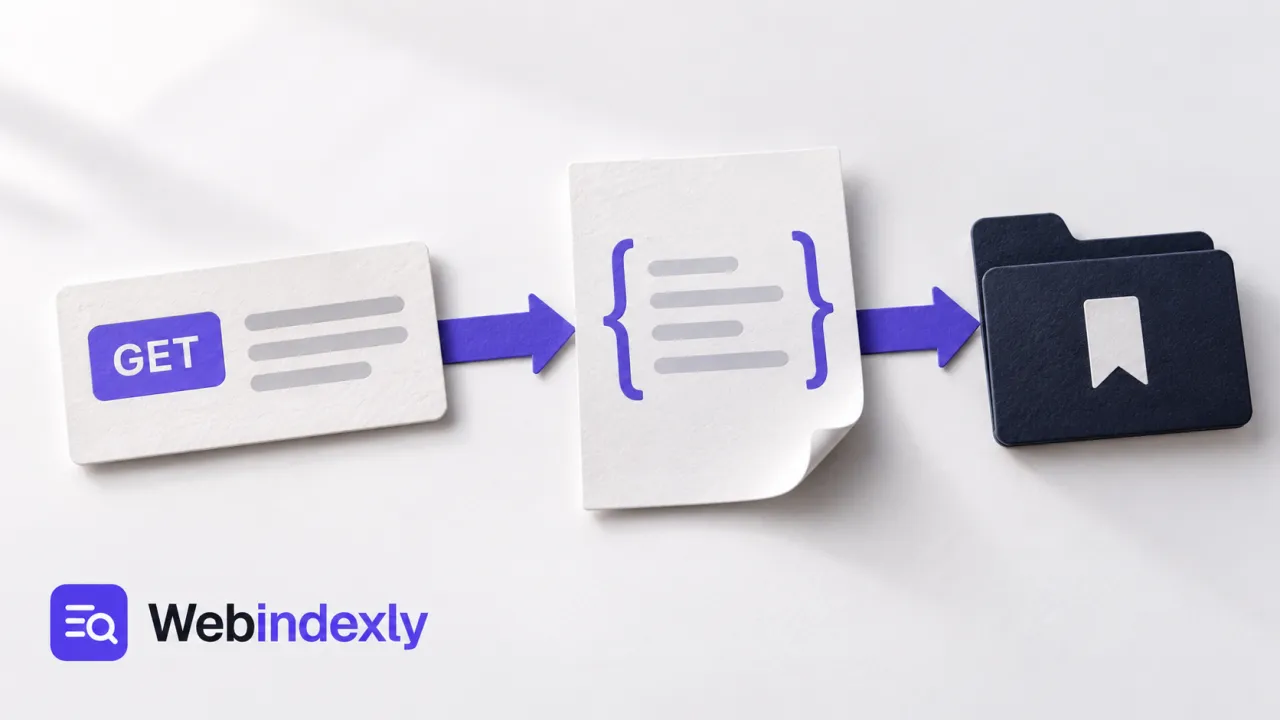
You will send a GET request to a public echo endpoint, inspect its response and save the request so you can repeat it. An echo endpoint returns information about the request you sent; it is useful for learning the controls without changing application data.
You need a browser, an internet connection and Hoppscotch. The exercise uses only synthetic values. No API key or production credentials are needed. Do not add private headers or personal information to a public echo service.
The worked request is:
GET https://echo.hoppscotch.io/?topic=webindexly-pilotThe endpoint is an external service, so availability and the exact response layout can change. The useful checks are the HTTP status and whether the returned data contains the value you sent.
1. Start with a clean REST request #
Open Hoppscotch's REST request view. Choose GET in the method selector. Enter https://echo.hoppscotch.io/ in the URL field.
For this example, leave Authorization unset and do not add a request body. GET is the method being taught here; using another method changes the meaning of the request. A clean setup also avoids accidentally carrying a header from a different example.
2. Add one query parameter #
Open the Parameters tab. Add a row with the key topic and value webindexly-pilot. Make sure the row is enabled.
The effective URL should include ?topic=webindexly-pilot. You can also type the complete URL directly, but use one method for this exercise so you do not add the parameter twice. Parameters describe this request; they are different from a JSON body.
3. Send and read the status #
Click Send and wait for the response. A successful response should show an HTTP success status, commonly 200 OK for this endpoint. If Hoppscotch shows only a network error, use the troubleshooting table before interpreting it as an API error.
A status alone is not enough to confirm your setup. It tells you how the server handled the request, but you still need to inspect the returned data.
4. Inspect the JSON body #
In the response body, look for the returned request URL or query information and confirm it includes webindexly-pilot. The exact JSON keys can vary with the echo service. Check the value, not a copied screenshot's line number.
Check response headers too. They can explain the returned format and caching behavior. Timing and size are useful observations, but one request is not a performance benchmark.
If you later use a real application endpoint, add the relevant data check: the intended record, expected field or correct result count. A 200 response with the wrong content still fails the task.
5. Change the parameter and repeat #
Change the value to second-check, send again and confirm the response contains the new value. This proves you are changing the current request and reading its latest response.
Return the value to webindexly-pilot when saving the example. Do not rely on remembering which version of an unsaved tab was correct.
6. Save a named request #
Open Collections, create a collection named API learning, and use Save to store the request there as Echo GET example. Hoppscotch's collections documentation describes the Save and Save as controls.
Select the saved request again and confirm its method, URL and parameter. Send it again. The saved configuration should reproduce the intended call. If the interface asks you to sign in for synchronization, decide whether you need that feature; exporting a personal collection is a separate backup/handoff option.
7. Keep a reusable copy #
Use the collection's export action if you want a file copy. Put it in a known location with a useful name. Before sharing any collection, inspect it for URLs, headers and variable values that should remain private.
For a later exercise, you can test an import in a separate disposable collection. Do not delete your maintained copy just because an export was created.
Troubleshooting a failed request #
| Symptom | What it can mean | What to do |
|---|---|---|
| Network error, with no HTTP status | Browser restriction, connectivity or interceptor problem | Check the URL and the selected request route |
| CORS error | The browser cannot expose the response | Follow the documented Agent or extension setup; choose proxies deliberately |
| 401 or 403 from a real API | Credentials or permission are missing | Use that API's documentation and authorized test credentials |
| 404 | Incorrect route | Check the path and trailing slash requirements |
| Query value is absent | Disabled row, stale request or wrong URL | Check the enabled parameter and resend |
| HTML instead of expected JSON | Redirect, wrong endpoint or error page | Inspect status, final URL and content type |
Hoppscotch's interceptor guide explains browser extensions, a local Agent and proxy routes. A remote proxy receives the request data you route through it. For a private API, choose an approved route that can reach the host. Do not disable browser security to make the example work.
Completion checklist #
- GET is selected and the effective URL is correct.
- The response has an HTTP status and contains the synthetic query value.
- Changing the parameter changes the returned value.
- The named collection request can be reopened and sent again.
- Any exported copy was checked before sharing.
Next steps and sources #
Read Hoppscotch vs Bruno if you want request definitions stored with code. The free API client shortlist also covers Postman and current free-plan boundaries.
Reviewed October 7, 2026 using the official quick start, collections and interceptor documentation. This is a learning workflow with synthetic data, not a test of your production API.