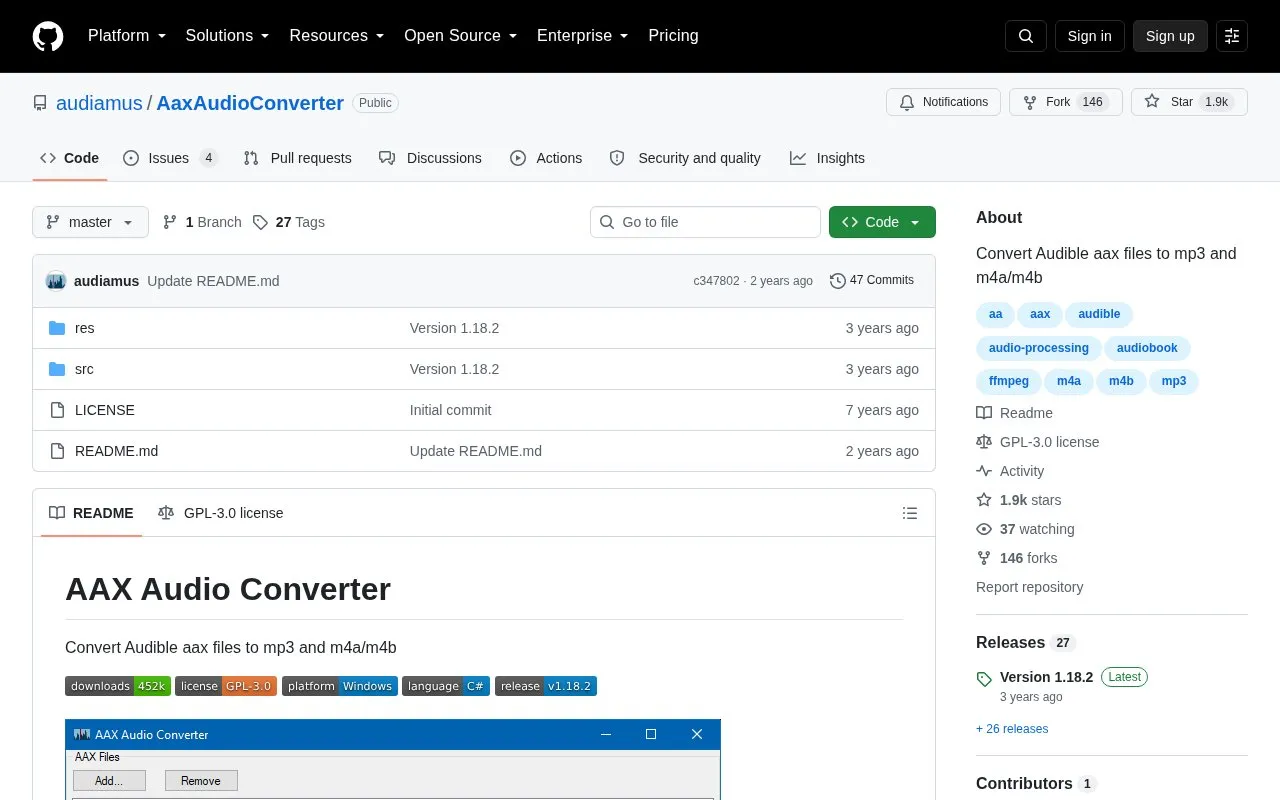
AAX Audio Converter is a free, open source Windows application that converts Audible audiobooks in the proprietary .aax format to plain .mp3 or .m4a/.m4b files. It also offers basic support for older .aa files. The project is hosted as a GitHub repository, and the Windows setup package is listed as version 1.18.2.
The application offers several processing modes. Each input file can produce one output file, or be split by chapter, or be divided into shorter tracks of roughly equal length, with or without respecting chapters. It keeps meta-tag information, including chapter metadata, and can adjust inaccurate chapter marks. Audio processing, including DRM handling, is carried out by the bundled FFmpeg tool. Use requires a download method or activation code tied to the user's own Audible account, and the application runs only on Windows.
Key features
Converts Audible .aax files to .mp3 or .m4a/.m4b
Basic support for older .aa files
Multiple processing modes, including splitting by chapter or into equal-length tracks
Preserves meta-tag information, including chapter metadata
Adjusts inaccurate chapter marks
Parallel conversion across all available processor cores
Best for: Windows users who want to convert their own Audible .aax audiobooks to MP3 or M4A/M4B files.
Good for
Free and open source software
Preserves meta-tag and chapter metadata during conversion
Supports books with more than 255 chapters and very long books
Watch out for
Runs only on Windows, with Windows 10 and above officially supported
Requires .NET Framework 4.8, and Windows 7 may work only with auto-update disabled
Requires Book Lib Connect, legacy Audible Manager, or a personal activation code, and legacy Audible Manager is no longer available from Audible directly
Books downloaded with Book Lib Connect do not need an activation code. If the application asks for one, any code will work. Without Book Lib Connect, the user's personal activation code is needed, and legacy Audible Manager can help the application find it automatically.
Which Windows versions does it support?
It is designed to run on Windows 10 and above. Windows 7 may still work, but only if auto-update is disabled.
What output formats can it produce?
It converts files to plain .mp3 or to .m4a/.m4b.
Is something wrong or out of date?
Tell us and an editor will check it.
Own this website?
Claim the listing and suggest updates yourself. An editor checks every claim first.