

Unified Remote lets a phone control a computer through mouse, keyboard, media, screen, and app-specific remotes.
ADB-and-FastbootPlusPlus
ADB-and-FastbootPlusPlus installs Android Debug Bridge and Fastboot tools on Windows, with installer and portable versions available.
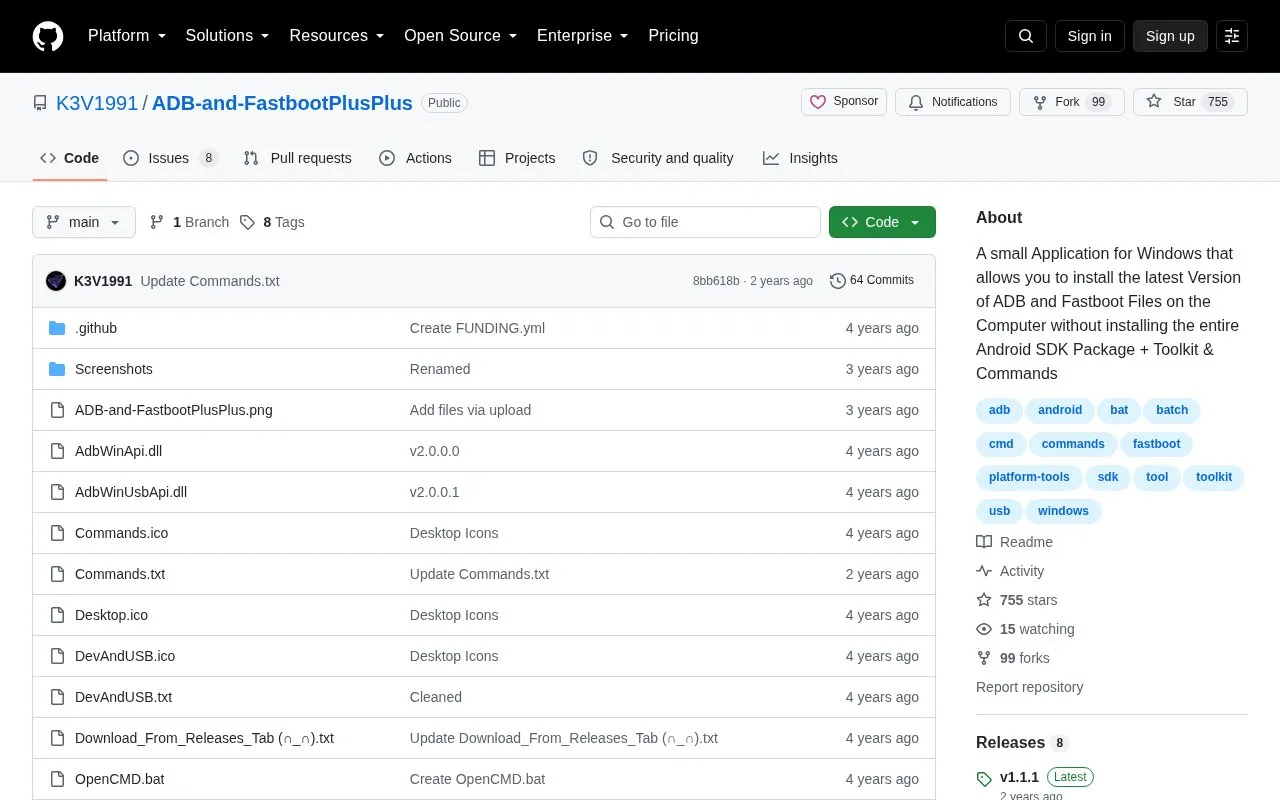
About ADB-and-FastbootPlusPlus
ADB-and-FastbootPlusPlus installs Android Debug Bridge and Fastboot files on a Windows computer without installing the full Android SDK package. It is offered as an installer and as a portable archive, and includes a toolkit for tasks such as installing APKs, checking firmware and Android versions, rebooting, taking screenshots, recording video without device sound, and creating bug reports and logcats.
Use requires Windows, a USB driver for the device, and PowerShell for the toolkit. The Android device must have Developer Options and USB debugging enabled and be connected in File Transfer mode.
Key features
- Installs ADB and Fastboot on Windows without full Android SDK
- Uninstalls bloatware for current user without root access
- Installs APKs and split APK bundles through popup menus
- Checks firmware, Android, kernel versions and security patch date
- Takes PNG screenshots and records video without device sound
- Reboots device to system, bootloader, or recovery
Best for: Windows users who need to run ADB and Fastboot commands without installing the full Android SDK.
Good for
- Available as installer and portable versions
- Installer can add tools to system PATH and install Universal ADB Driver
- Toolkit provides menu-guided commands and device information checks
Watch out for
- Requires Windows and a device USB driver
- Toolkit requires PowerShell
- Requires enabling Developer Options and USB debugging on the device
ADB-and-FastbootPlusPlus at a glance
- Category
- Mobile Apps › Android Apps
- Type
- Open-source project
- Pricing
- Not confirmed. Check the site
- Platforms
- Android, Windows
- Open source
- Not stated
- Language
- English
- Last checked
- Oct 5, 2026 · Online when checked
- Listed
- Oct 5, 2026
ADB-and-FastbootPlusPlus alternatives
Tools and sites you could use instead, ranked by how closely they match.

aShellYou provides Android Debug Bridge tools in a Material You-designed app, giving users a mobile interface for ADB tasks.
Open source
24 alternatives
aShell provides a local ADB shell on Android devices using Shizuku, allowing users to run Android Debug Bridge commands directly on the device.
Popular in Android Apps
Well-known listings from the same topic.
SwiftKeymicrosoft.com/en-us/swiftkeyMobile Abyssmobile.alphacoders.comPocketPal AIpocketpal.devGrapheneOSgrapheneos.orgTransittransitapp.comGameLoopgameloop.com


ADB-and-FastbootPlusPlus FAQ
How do I install the installer version?
Download the .msi file, follow the installer instructions to select an install folder, then use the command window or shortcut to run ADB and Fastboot commands.
How do I use the portable version?
Download the Portable.zip file, extract the archive, then double-click Open CMD.bat to open a command window for ADB and Fastboot commands.
How do I enable USB debugging?
Install the device USB driver, tap Build Number 7 times in Settings > About, enable USB debugging in Developer Options, connect in File Transfer mode, run "adb devices", then authorize the connection on the phone.
Is something wrong or out of date?
Tell us and an editor will check it.
Own this website?
Claim this listing
Claim the listing and suggest updates yourself. An editor checks every claim first.