

Better DeepSeek is a browser extension that adds tools, memory, project scaffolding, file generation, and in-browser Python execution.
Open source
12 alternativesVoyager is an enhancement suite for several AI assistants and includes a prompt manager for websites.
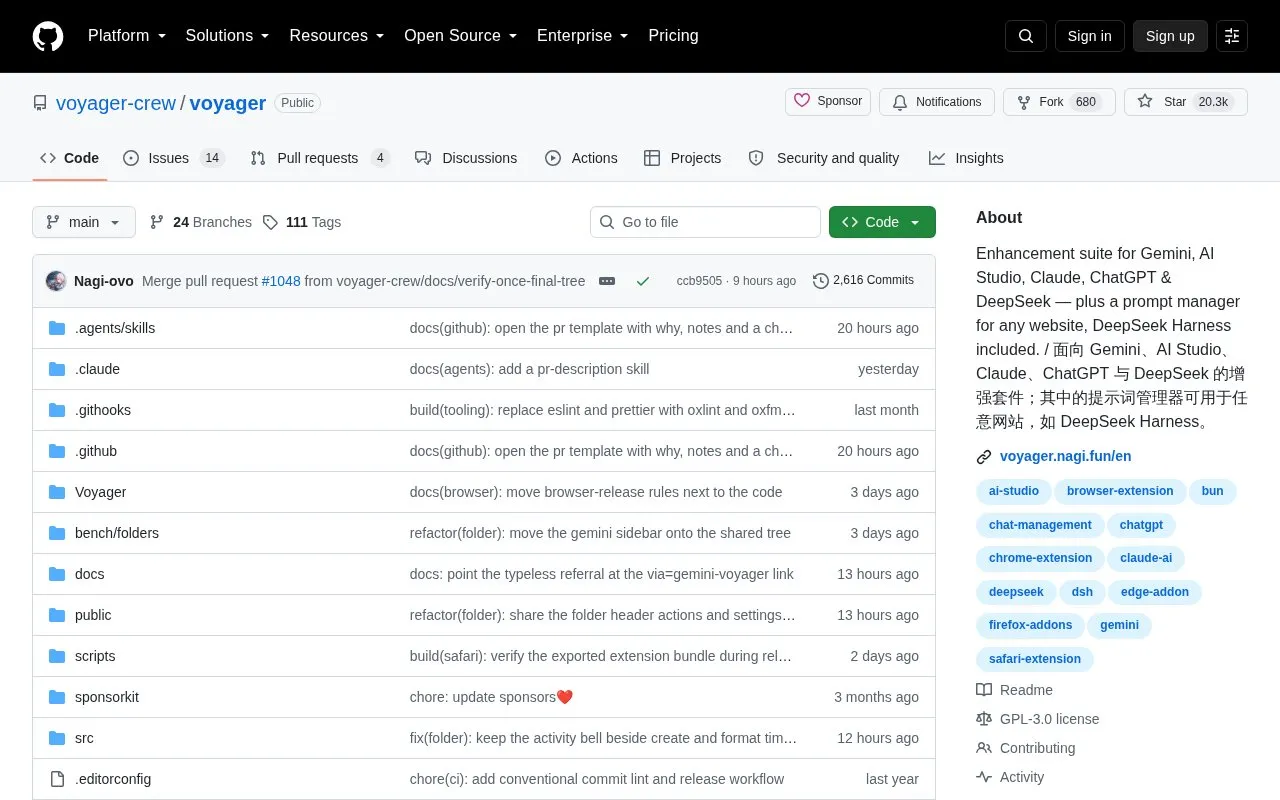
Voyager is a browser extension companion for Gemini, AI Studio, Claude, ChatGPT and DeepSeek. It organizes conversations into folders, stores reusable prompts for supported assistants and other websites, and adds tools for message navigation, conversation export, and formula and diagram rendering.
Folders and prompts sync through Google Drive, or iCloud on Safari. Some tools are listed as Gemini-only, and functions for Claude, ChatGPT and DeepSeek vary by platform.
Tools and sites you could use instead, ranked by how closely they match.
Better DeepSeek is a browser extension that adds tools, memory, project scaffolding, file generation, and in-browser Python execution.
The ShareGPT extension shared ChatGPT conversations and is deprecated; the site recommends using built-in sharing now.
AnythingLLM is a local-first platform for using AI agents and language models in a self-managed workspace.
NextChat is an AI chat assistant client that supports named language models and is available on web and several desktop and mobile platforms.
With PageGPT, users can ask questions about the current webpage through a Chrome extension using their OpenAI API key.
Mochii AI combines ChatGPT, Claude, and Gemini in a browser extension with custom characters and chatbot creation tools.
Well-known listings from the same topic.
Tell us and an editor will check it.
Claim the listing and suggest updates yourself. An editor checks every claim first.


