

Block ads across a network with Pi-hole, which filters DNS requests for connected devices.
Android Server
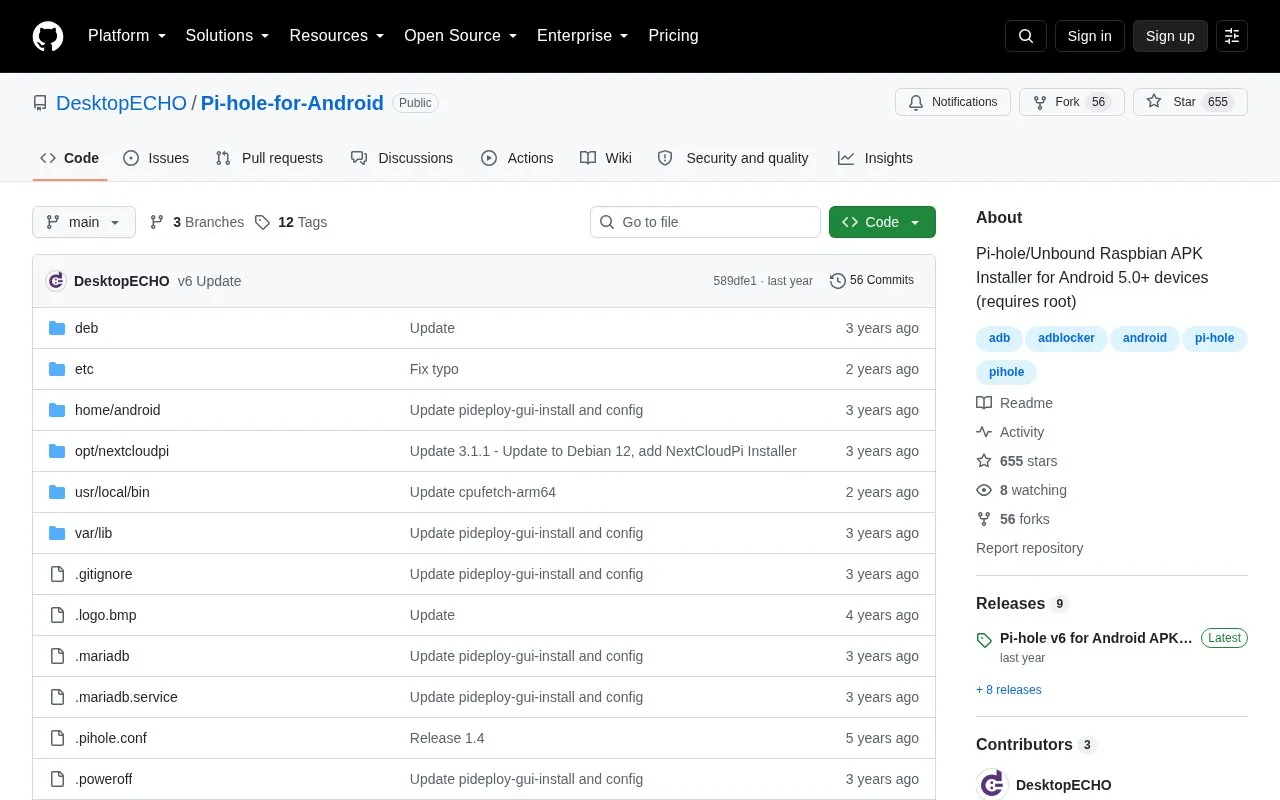
Pi-hole for Android is an installer project for running Pi-hole and Unbound on Android 5.0 or later devices that have root access.
About Android Server
Pi-hole for Android is an installer project for running Pi-hole and Unbound on rooted Android devices. It deploys a Debian disk image through Pi Deploy, a fork of Linux Deploy, turning the device into a local DNS sinkhole that blocks advertisements and internet trackers at the network level on a private network. It runs on devices with an ARMv7 or newer CPU under Android 5.0 or later, and form factor is not restricted to phones.
After deployment, the instance is managed from a browser on the same network, over SSH, or through an RDP session. Networking is configured automatically, and the instance should be restarted after moving the Android device to a different network. The deployment password is shown only once, so it must be recorded at setup time.
Key features
- Installs Pi-hole and Unbound on rooted Android 5.0+ devices with ARMv7 or newer CPUs
- Deploys a Debian disk image via Pi Deploy, a Linux Deploy fork
- March 2025 update adds Pi-hole v6 compatibility; lighttpd removed
- 64-bit image by default; 32-bit devices switch to the raspbian32.tgz source
- Administration through a browser on the network, SSH, or RDP
- Instance can be stopped and started from the Pi Deploy app
Best for: Users with rooted Android hardware who want to run a Pi-hole DNS sinkhole for a private network.
Good for
- Supports phones, tablets, HDMI sticks and other rooted Android form factors
- Offers browser, SSH and RDP paths to administer the instance
- March 2025 update brings compatibility with Pi-hole v6
Watch out for
- Requires a rooted Android device with an ARMv7 or newer CPU running Android 5.0 or later
- 32-bit devices need the Source Path URL changed manually to raspbian32.tgz
- The deployment password is displayed only once and must be recorded
Android Server at a glance
- Category
- Privacy & Security › Ad & Tracker Blockers
- Type
- Open-source project
- Pricing
- Not confirmed. Check the site
- Platforms
- Android, Linux
- Open source
- Not stated
- Language
- English
- Last checked
- Oct 6, 2026 · Online when checked
- Listed
- Oct 5, 2026
Android Server alternatives
Tools and sites you could use instead, ranked by how closely they match.
Popular in Ad & Tracker Blockers
Well-known listings from the same topic.
AdGuard DNSadguard-dns.ioNxFilternxfilter.orgNextDNSnextdns.ioAdAwayadaway.orgRethink DNSrethinkdns.comSponsorBlocksponsor.ajay.app


Android Server FAQ
What are the requirements for Pi-hole for Android?
A rooted Android device with an ARMv7 or newer CPU running Android 5.0 or later. For Android 4.x devices the project points to a Legacy branch.
How is it installed?
Download the Pi Deploy APK, open the app and grant file or root permission, then use New Deployment to download and install the Raspbian Pi-hole image.
How do I reach the Pi-hole instance after deployment?
The device's IP is shown in the Pi Deploy main window. Pi-hole administration is reachable from any browser on the network at that IP followed by /admin, over SSH as android@, or through an RDP session.
Is something wrong or out of date?
Tell us and an editor will check it.
Own this website?
Claim this listing
Claim the listing and suggest updates yourself. An editor checks every claim first.