
Android Virtual Pen
Android Virtual Pen sends pen input from an Android device to a PC, where it emulates a virtual pen.
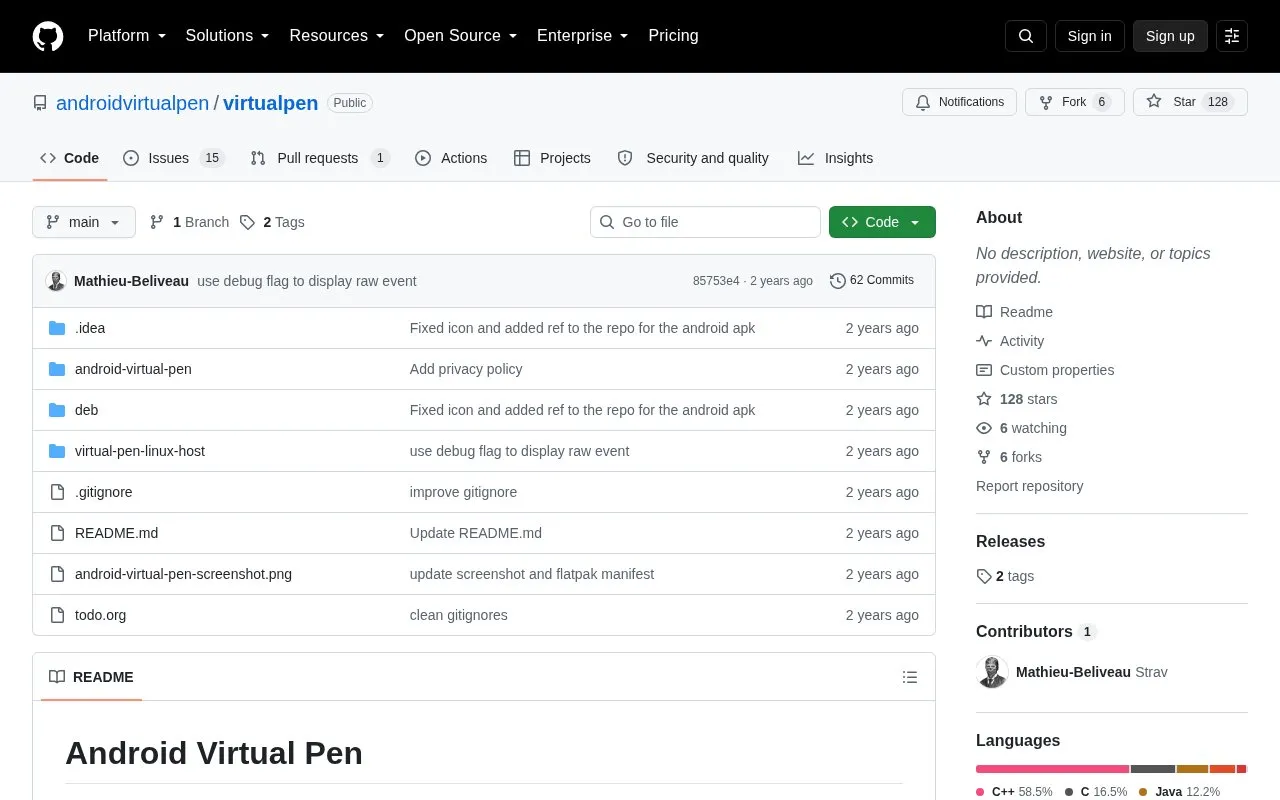
About Android Virtual Pen
Android Virtual Pen sends pen input from an Android device to a PC host over USB, where it emulates a virtual pen. On Linux it supports X11 and Wayland and provides adjustable pressure threshold and sensitivity, eraser support, and stretched or fixed screen mapping.
It targets only the primary screen, does not support pen tilt, and has no host support for macOS and Windows. The project describes the software as beta and still needing testing with various devices.
Key features
- Adjustable pen pressure threshold to avoid unintended clicks
- Adjustable pen pressure sensitivity for customized force
- Eraser support
- Stretched and fixed display mapping modes
- Detects USB devices and saves settings per device
- Supports X11 and Wayland on Linux host
Best for: People who want to use an Android pen device as a USB input tablet for a Linux PC.
Good for
- Designed for low-latency pen input
- Supports both X11 and Wayland
- Automatically saves settings for each USB device
Watch out for
- Can only target the primary screen on the PC host
- Pen tilt is not supported
- No host support for macOS and Windows
Android Virtual Pen at a glance
- Category
- Software & Utilities › Linux Apps
- Type
- Open-source project
- Pricing
- Not confirmed. Check the site
- Platforms
- Android, Linux, macOS, Windows
- Open source
- Not stated
- Language
- English
- Last checked
- Oct 6, 2026 · Online when checked
- Listed
- Oct 5, 2026
Popular in Linux Apps
Well-known listings from the same topic.
AltBoxaltbox.devThe Levelatorarchive.org/details/conversationsnetwork_org-l…Alacrittyalacritty.orgShellScriptshellscript.shghostwriterghostwriter.kde.orgLibrebootlibreboot.org


Android Virtual Pen FAQ
How is the Android device connected to the Linux PC?
Connect via USB, start the Android app, then launch the Virtual Pen app on Linux, select the device, enter the device screen resolutions, press connect, and allow the connection on Android.
What is the difference between stretched and fixed display mode?
Stretched mode maps the Android screen completely to the PC primary screen, which can cause distortion if ratios differ. Fixed mode centers it at 1:1 if it fits, with no distortion.
Does it work with macOS or Windows hosts?
No, the source lists no host-side support for macOS and Windows.
Is something wrong or out of date?
Tell us and an editor will check it.
Own this website?
Claim this listing
Claim the listing and suggest updates yourself. An editor checks every claim first.