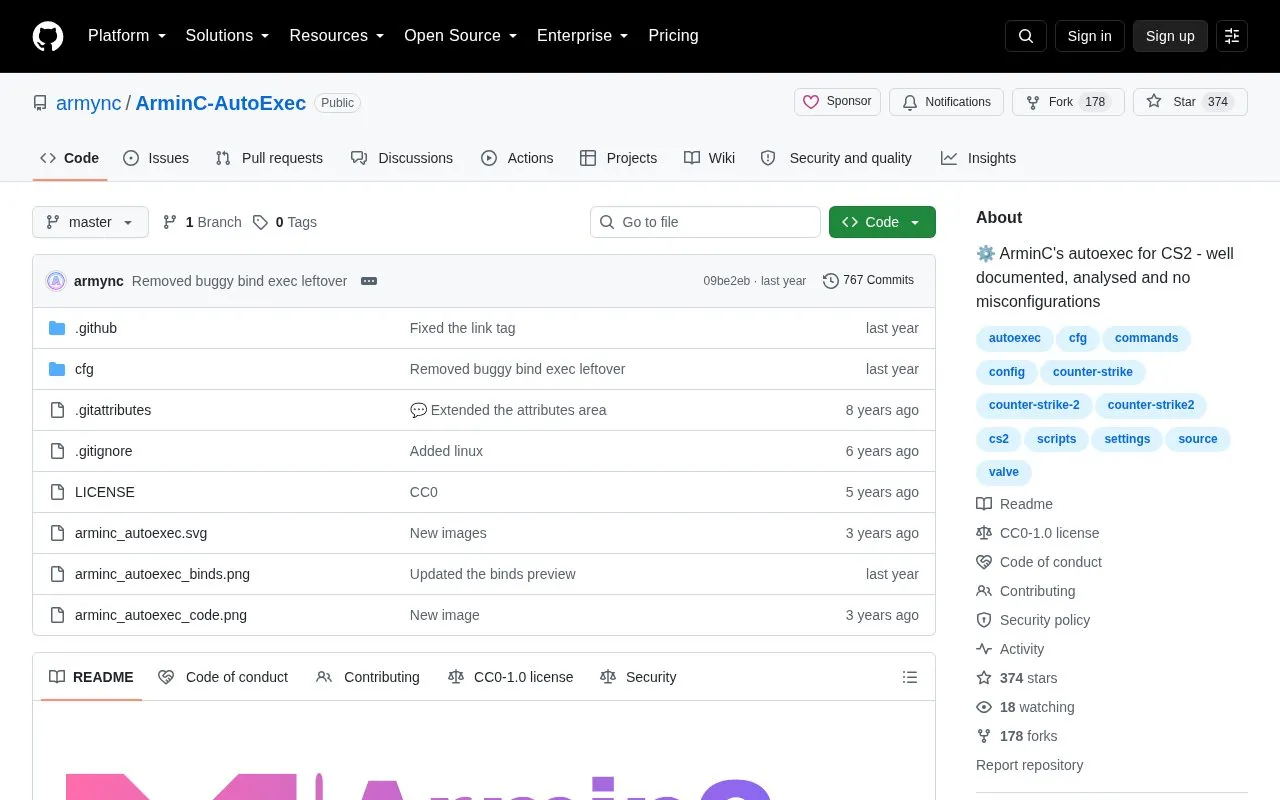
ArminC-AutoExec is an open-source Counter-Strike 2 autoexec configuration maintained in a GitHub repository. It provides a documented, categorized config file with tuned network and gameplay values, plus a template system intended to make the settings easy to customize. Installation involves extracting the cfg folder into the game's Steam directory and running 'exec autoexec.cfg' from the console; if the config does not load automatically, the '+exec autoexec.cfg' launch option can be used. Updates are either applied manually by following new commits or performed by replacing the files and repeating the installation steps.
Key features
Template-based config for customizing Counter-Strike 2 settings
Commands documented with symbols and grouped by function
Tuned network and gameplay values vs. default settings
Binds assigned via scancodes rather than key names
Separate update paths for edited and unedited configs
Companion wiki with help articles
Best for: Counter-Strike 2 players who want a documented configuration they can read, edit and maintain themselves.
Good for
Released under a CC0-1.0 license with publicly visible commit history
Commands are documented and categorized rather than left unexplained
Author states the config avoids misconfigured or leftover commands
Watch out for
Crosshair is designed for 1920x1080; other resolutions may behave differently
Installation and updating are manual file operations
On a new desktop or operating system, files must be placed again rather than transferred by Steam cloud
Download the latest version, extract the contents of the cfg folder into the game's Steam cfg directory, launch the game, and type 'exec autoexec.cfg' in the console. If it does not boot, try the launch option '+exec autoexec.cfg'.
How do I update it?
If you edited the config, check the new commits and update manually. If you did not edit it much, delete or replace the files, repeat the installation steps, then restore your preference settings.
Will the crosshair suit my resolution?
The crosshair is designed for 1920x1080; at other resolutions the experience may vary.
Is something wrong or out of date?
Tell us and an editor will check it.
Own this website?
Claim the listing and suggest updates yourself. An editor checks every claim first.