

An open source Python library for drift detection in machine learning systems.
Open source
24 alternativesAutoViz automatically creates visualizations for datasets of different sizes from a single line of code.
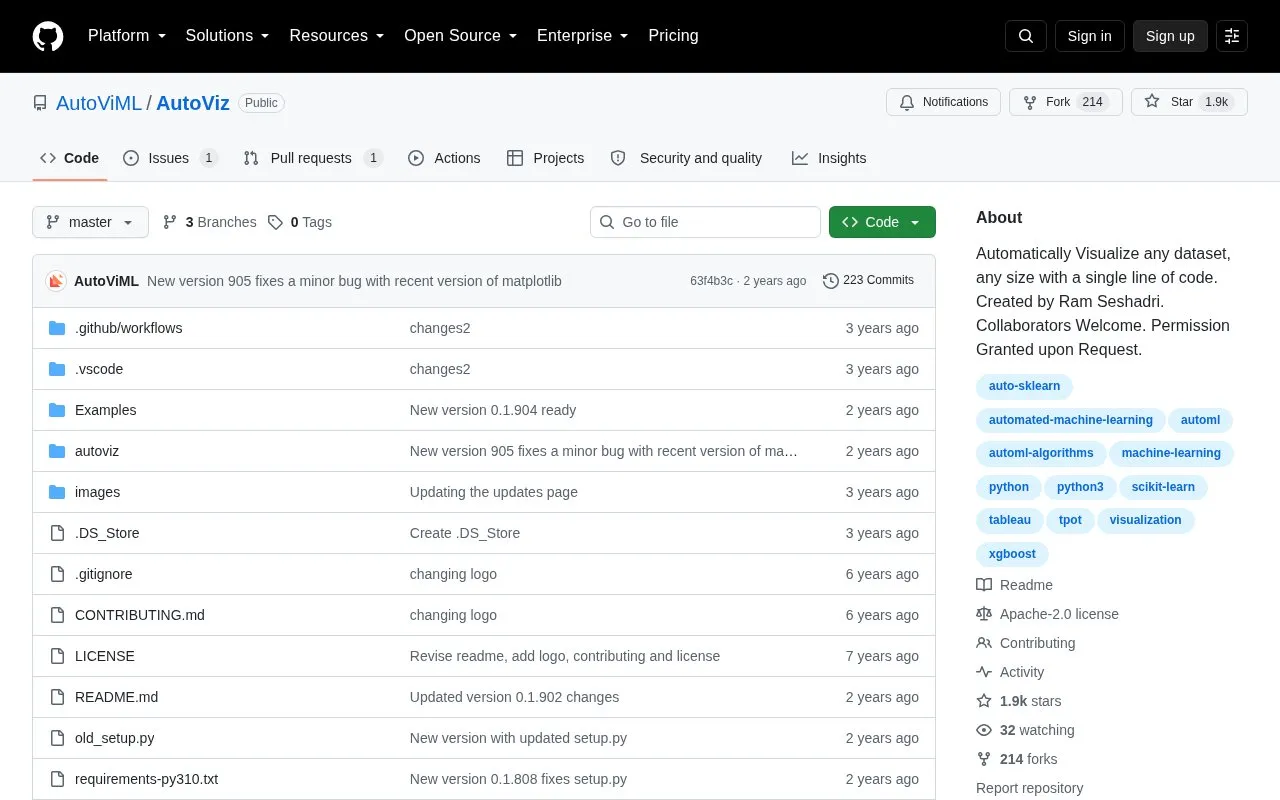
AutoViz is an open-source Python library for exploratory data analysis. It creates multiple visualizations for a dataset from a single line of code, abstracting plotting library details, and shows patterns, trends, and relationships in the data.
It runs a data quality assessment by default and includes a FixDQ() function to address issues. Chart type and color palette can be customized. Use requires cloning the repository and setting up a Python/Anaconda environment.
Tools and sites you could use instead, ranked by how closely they match.
An open source Python library for drift detection in machine learning systems.
tsfresh automatically extracts relevant features from time series data.
PySS3 supports interpretable text classification with SS3 and visualization tools for explainable AI.
AIF360 provides fairness metrics and explanations for datasets and models, along with algorithms to mitigate bias.
Modin scales Pandas data workflows by changing a single line of code in a project.
H2O AutoML automatically generates features and selections, with a no code AutoML offering.
Well-known listings from the same topic.
Tell us and an editor will check it.
Claim the listing and suggest updates yourself. An editor checks every claim first.


