
Use Webacus, a calculator built for developers and their calculation tasks.
Awesome VSC Extensions
Awesome Visual Studio Code Extensions lists extensions for the Visual Studio Code editor.
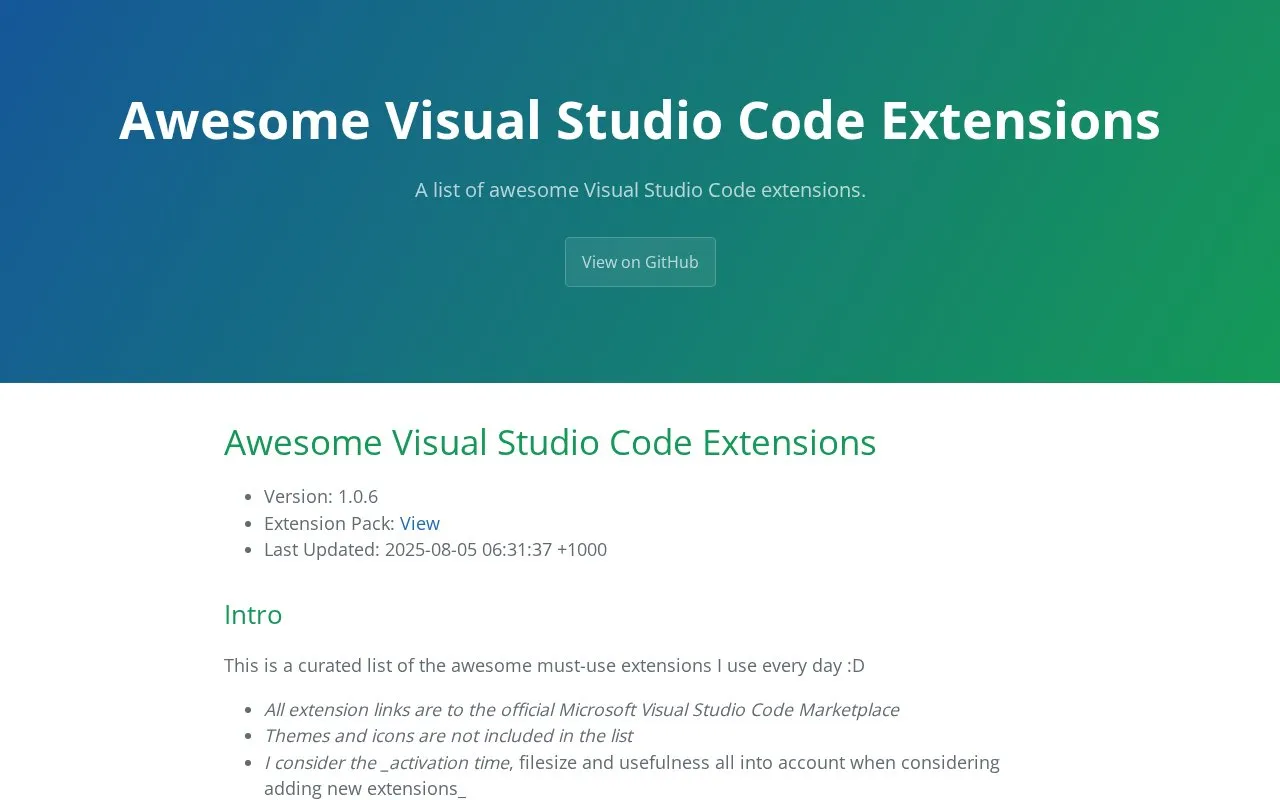
About Awesome VSC Extensions
Awesome Visual Studio Code Extensions is a curated list of extensions for the Visual Studio Code editor, selected by the page's author from extensions they use every day. Each entry has a short description and links to its page on the official Microsoft Visual Studio Code Marketplace. The page states that the author considers activation time, file size, and usefulness when adding an extension. The list is updated periodically; the page shows version 1.0.6 and a last update dated 2025-08-05.
The list covers text editing, navigation, and display helpers, such as sorting and deduplicating lines, highlighting matching tags, and showing file size or path in the status bar. To install an extension, the page recommends searching for its exact name in the Extensions section of the Visual Studio Code sidebar. The page also notes that themes and icons are not included, and advises disabling or removing unused extensions to help keep the editor's performance up, especially at startup.
Key features
- Short descriptions with links to official Visual Studio Code Marketplace pages
- Text tools for sorting, shuffling, deduplicating, and removing empty lines
- Inline display of errors, warnings, and other language diagnostics
- Automatic closing and renaming of paired HTML and XML tags
- Status bar entries for file path, file size, and selected line count
- Official language packs for popular non-US languages, linked from the page
Best for: Visual Studio Code users who want a short, specific list of extensions to browse and install.
Good for
- Each listed extension links to its official Marketplace page for more details.
- The author states that activation time, file size, and usefulness are considered when adding extensions.
- The page gives a clear install method: search the exact extension names in the in-app Extensions section.
Watch out for
- Themes and icons are not included in the list.
- The list reflects one author's daily-use choices and is not presented as a complete catalog.
Awesome VSC Extensions at a glance
- Type
- Online tool
- Pricing
- Not confirmed. Check the site
- Platforms
- Web
- Open source
- Not stated
- Language
- English
- Good for
- Developers
- Last checked
- Oct 6, 2026 · Online when checked
- Listed
- Oct 5, 2026
Awesome VSC Extensions alternatives
Tools and sites you could use instead, ranked by how closely they match.

Find websites related to a domain and explore alternatives through SimilarSites, including its browser extension.

Label multimodal data and evaluate AI models with Label Studio, an open-source annotation platform.

Frontend code snippets are collected for web developers in FreeFrontend, a curated library.

Clone Wars indexes more than 100 open source clones of popular sites, with source code, tutorials, demos, and technology stacks.
Convert BIP39 mnemonic phrases with Ian Coleman's browser-based code converter and review its source code.
Popular in Web Directories & Curated Lists
Well-known listings from the same topic.
Cheat Sheetscheat-sheets.org10015.io10015.ioStation Indexwikipedia.org/wiki/List_of_Internet_radio_stat…Wiki LLM Listen.wikipedia.org/wiki/List_of_large_language_m…List of Emojisen.wikipedia.org/wiki/List_of_emojisProton Calendarproton.me/calendar


Awesome VSC Extensions FAQ
How do I install the extensions in this list?
The page recommends using the Extensions section in the left sidebar of Visual Studio Code and searching for the exact extension names shown as headers in the list.
Are the extensions free?
The page states that extensions add or change functionality within Visual Studio Code and are free from cost.
Are language packs available?
The page links to official language packs for non-US coders. They show the Visual Studio Code interface in a preferred language for popular languages.
Is something wrong or out of date?
Tell us and an editor will check it.
Own this website?
Claim this listing
Claim the listing and suggest updates yourself. An editor checks every claim first.