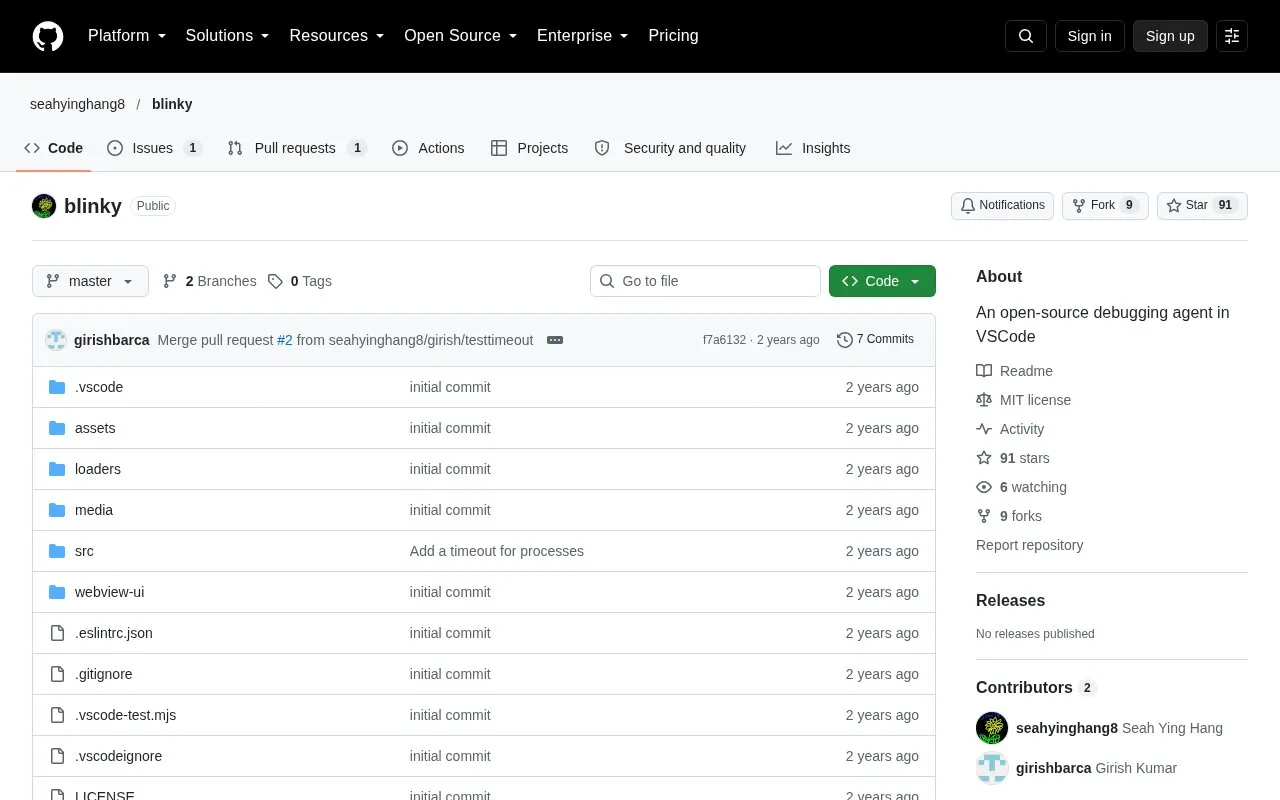
Blinky is an open-source AI debugging agent that runs inside Visual Studio Code. It uses large language models (LLMs) to help identify and fix errors in backend code. The project is inspired by SWE-agent, and its core agent loop was adapted from that project. Blinky uses the VS Code API, the Language Server Protocol (LSP), and print statement debugging to locate and address bugs.
To use it, a developer installs the extension, describes the bug in the chat panel, and optionally lists repro steps. The agent then works on the code, and the developer can send feedback while it runs. When the agent finishes, the developer can accept or reject its changes. On first run, Blinky asks for an OpenAI API key, which is stored locally in the VS Code configuration. Requests are sent to OpenAI's servers, and the source does not describe other data handling.
Key features
Uses LLMs to identify and attempt fixes for backend code errors
Navigation tools such as GoToDefinition and GetAllReferences built on LSP
GetFilesRelevantToEndpoint tool for navigating backend systems
Verify tool runs user-specified repro steps until the test passes
Accepts user feedback while the agent is running
Match-and-replace file editing using line-numbered original text
Best for: Developers working on backend code in Visual Studio Code who are willing to supply their own OpenAI API key.
Good for
Open source, with the code available in a public GitHub repository
Runs inside VS Code through a chat interface and the editor's own APIs
Changes made by the agent are shown for review, with the option to accept or reject them
Watch out for
Requires an OpenAI API key, and requests are sent to OpenAI's servers
Support for other models such as LLaMA 3 and Claude is listed as a roadmap item, not a current feature
Repro steps are optional but recommended, and the roadmap notes that writing them is tedious and time-consuming
Blinky's core agent loop was ported from SWE-agent. Blinky extends that work with navigation tools that use VS Code's Language Server Protocol, and it runs the agent inside VS Code.
What is the Verify tool?
Verify runs the repro steps that the user specified. The agent debugs the code iteratively until the test in the repro step passes, and it can use the output of its print statements as feedback.
How is the OpenAI API key handled?
Blinky prompts for the OpenAI API key on the first run. The key is stored locally in the VS Code configuration and is used for later calls to OpenAI's servers.
Is something wrong or out of date?
Tell us and an editor will check it.
Own this website?
Claim the listing and suggest updates yourself. An editor checks every claim first.