

aiPDF lets users chat with PDFs, web articles, YouTube videos, and podcasts to summarize content and extract information.
BLUF
A browser extension, BLUF summarizes and explains webpages, PDFs, and YouTube videos, with a chat feature for questions.
About BLUF
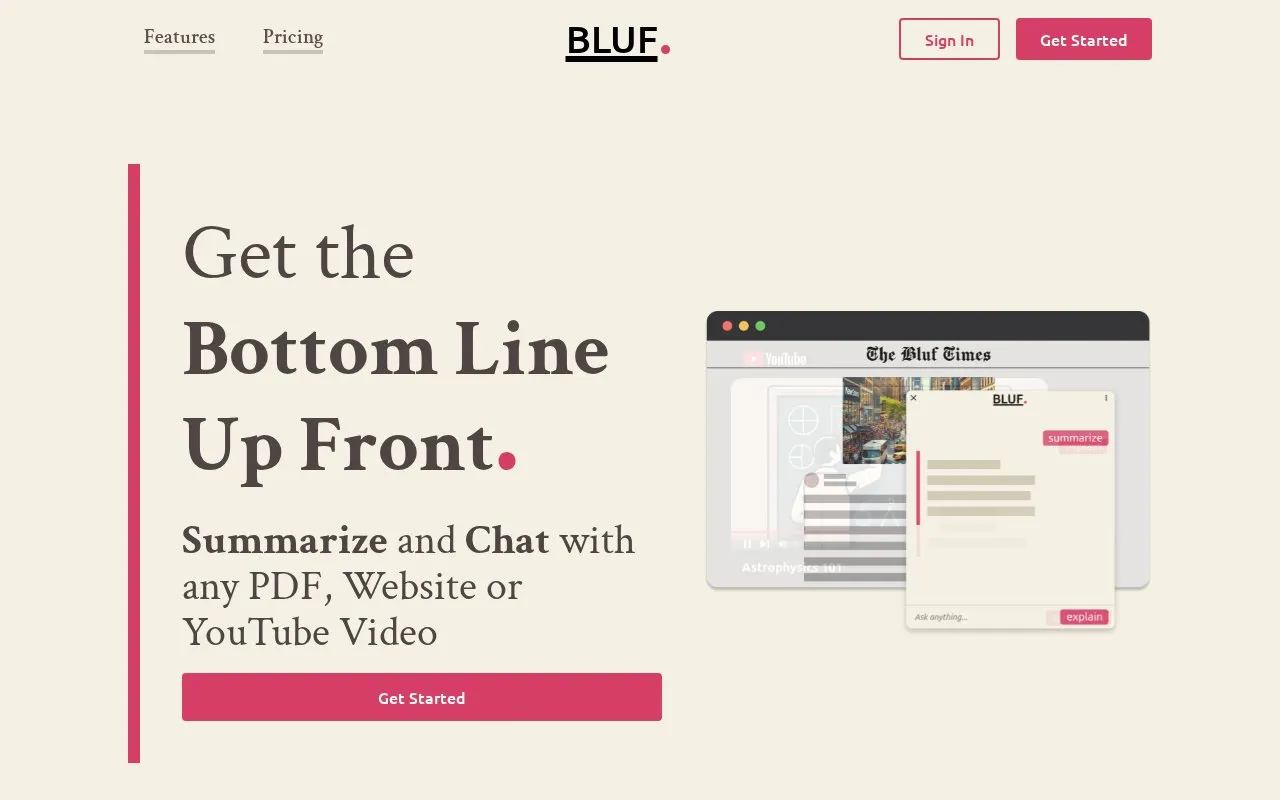
BLUF is a browser extension that summarizes and explains websites, PDFs, YouTube videos, and local files. It provides summarize and explain options and allows follow-up questions about the content. It can be activated by right-clicking text, clicking the toolbar icon, or pressing Shift + Alt + B.
Use is subject to monthly prompt limits and per-page word limits that vary by plan; if a page is too large, a smaller section can be selected for processing. The FAQ states it is currently available on Chrome and Firefox. BLUF collects usage data but not prompt or answer content, and prompt contents are sent to OpenAI to complete requests.
Key features
- Summarize websites, PDFs, YouTube videos and local files
- Explain complex concepts in simpler terms
- Ask follow-up questions about summarized content
- Activate via right-click, toolbar icon, or Shift+Alt+B
- Process selected page portion via right-click
- Dedicated summarize and explain buttons for large content
Best for: Researchers, students, journalists, and busy professionals who need to review articles, papers, reports, or videos.
Good for
- Works with websites, PDFs, YouTube videos, and local files
- Includes separate summarize and explain modes with follow-up questions
- Failed requests do not count against prompt usage
Watch out for
- Monthly prompt and per-page word limits apply
- Prompt box is not optimized for large content; dedicated buttons are recommended
- Currently available on Chrome and Firefox, with other browsers coming soon
BLUF at a glance
- Website
- bluf.ai
- Category
- AI & Machine Learning › AI Search & Research
- Type
- Website
- Pricing
- Not confirmed. Check the site
- Platforms
- Browser extension, Web
- Open source
- Not stated
- Last checked
- Oct 5, 2026 · Online when checked
- Listed
- Oct 5, 2026
BLUF alternatives
Tools and sites you could use instead, ranked by how closely they match.

Skipit summarizes YouTube videos and answers questions about them, including videos up to 12 hours long.
Paid
24 alternatives
SummaryTube summarizes YouTube videos and extracts key moments and transcripts.
Paid
24 alternatives
MaxAI adds an AI assistant to the browser for reading, writing, and searching, with a Chrome extension available.

Foreplay saves ads from TikTok and Facebook ad libraries and provides tools for creative analytics and ad workflow management.
Free trial
24 alternatives
MyMemo organizes and analyzes a personal knowledge collection that users can query through ChatGPT.
Popular in AI Search & Research
Well-known listings from the same topic.
Awesome Decision Tree Papersgithub.com/benedekrozemberczki/awesome-decisio…Twelve Labstwelvelabs.ioLocuslocusextension.comChattyDocschattydocs.comaimatchproaimatch.proBizPlanner AIbizplanner.ai


BLUF FAQ
What counts as a prompt?
Any message sent to BLUF, including a text prompt or a summarize or explain request. Multiple questions in one message count as one prompt, and failed requests do not count.
What does “words/page” mean?
The maximum number of words that can be processed in a single page or document. If a page is too large, select a smaller portion and right-click to focus BLUF on that section.
What data does BLUF collect?
BLUF collects usage data, but not the content of prompts or answers. Prompt contents are sent to OpenAI to complete requests, which does not keep data for longer than 30 days.
Is something wrong or out of date?
Tell us and an editor will check it.
Own this website?
Claim this listing
Claim the listing and suggest updates yourself. An editor checks every claim first.