
Cap
Cap records, edits, and shares screen videos on Mac, Windows, and Linux, with instant and studio recording modes.
About Cap
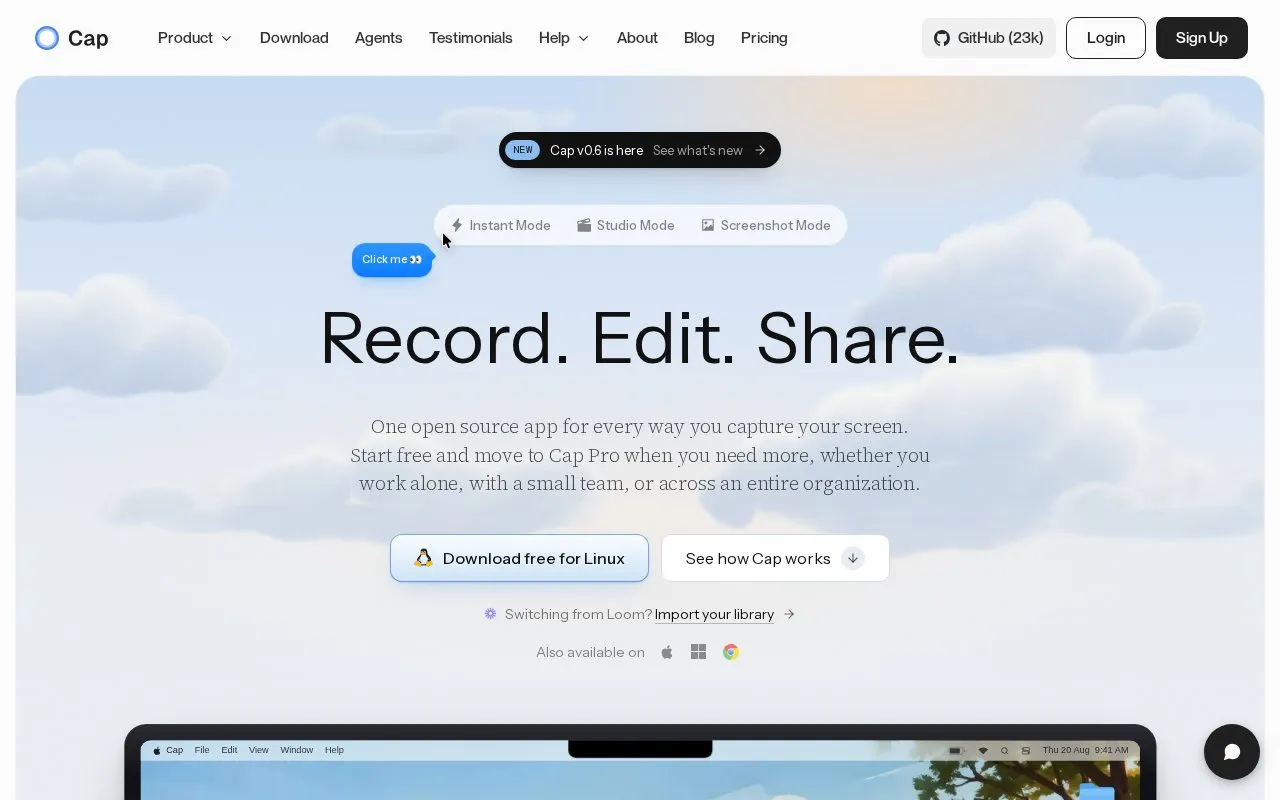
Cap is a free, open source screen recording and screenshot tool available for macOS, Windows, Linux, and web. It offers three core capture modes: Instant for quick cloud-uploaded recordings, Studio for high-quality local 4K recordings with editing, and Screenshot for styled window or area captures. All shared content is hosted on a browser-viewable Cap page that includes comments, reactions, auto-generated transcripts, and chapters, with no account required for viewers. A Cap Pro tier is available for users or teams needing additional features, though specific pricing is not listed.
Key features
- Three capture modes: Instant, Studio, Screenshot
- Instant Mode uploads recordings to cloud while recording
- Studio Mode records 4K locally with separate screen, camera, mic tracks
- Built-in editor for Studio recordings with blur, cursor effects, custom backgrounds
- Screenshot Mode beautifies window/area captures with one click
- Shared content has auto transcript, chapters, and no-viewer-account browser access
- Free and open source for basic use
- Supports macOS, Windows, Linux, and web platforms
- Shared content requires no viewer account to access
Cap at a glance
- Website
- cap.so
- Category
- AI & Machine Learning › AI Video Generators
- Type
- Online tool
- Pricing
- Not confirmed. Check the site
- Platforms
- Linux, macOS, Web, Windows
- Open source
- Not stated
- Language
- English
- Last checked
- Oct 6, 2026 · Online when checked
- Listed
- Oct 5, 2026
Popular in AI Video Generators
Well-known listings from the same topic.


Cap FAQ
Is Cap free to use?
Do viewers need an account to watch shared Cap content?
What recording modes does Cap offer?
Tell us and an editor will check it.
Claim the listing and suggest updates yourself. An editor checks every claim first.