

AI Studios generates videos from text, with custom avatars, dubbing, translation, and text-to-speech features listed on its page.
Captions
Captions generates and edits videos from footage with AI tools for post-production and creating ready-to-share content.
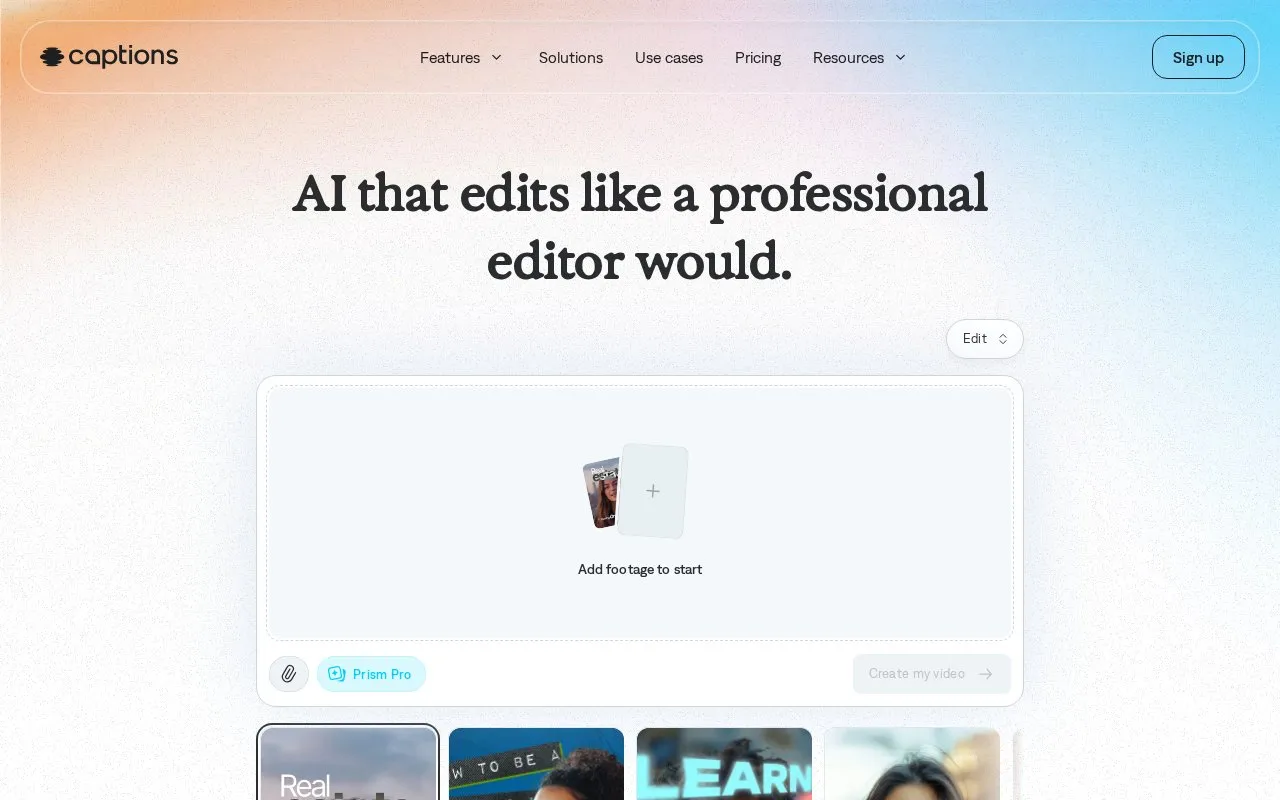
About Captions
Captions edits uploaded footage into finished videos and can also generate new footage. It offers automatic captions, translation and subtitling, AI avatars, eye-contact correction, noise removal, pause trimming, and generated music and sound effects, with edits applied by selecting a style or using text prompts.
It works with vertical and horizontal video for uses such as social content, ads, podcast clips, tutorials, and product videos. Some features are available without a subscription, while full access requires a paid plan.
Key features
- Create auto-captions with stylized fonts
- Translate and subtitle video in 100+ languages
- Apply editing styles that cut scenes and overlay B-roll
- Generate AI avatars or a digital twin
- Correct inconsistent eye contact automatically
- Remove background noise and trim pauses and filler words
Best for: Creators and businesses making social videos, ads, podcast clips, tutorials, and product videos from existing footage.
Good for
- Supports vertical and horizontal video
- Works on phones and computers via apps and browser signup
- Edits can be directed with simple text prompts
Watch out for
- Full capabilities require a paid plan; only some features are available without a subscription
Captions at a glance
- Website
- captions.ai
- Category
- AI & Machine Learning › AI Video Generators
- Type
- Online tool
- Pricing
- Not confirmed. Check the site
- Platforms
- Web
- Open source
- Not stated
- Last checked
- Oct 5, 2026 · Online when checked
- Listed
- Oct 5, 2026
Captions alternatives
Tools and sites you could use instead, ranked by how closely they match.

Dubpro dubs video content into multiple languages using AI with human review and quality checks.

Deepshot provides AI lip-sync tools for translating, reshooting, testing, and adapting video content.

Clueso converts screen recordings into product videos and step-by-step documentation for demos, training, and SOPs.
Free trial
8 alternatives
Dubly.AI translates videos into more than 40 languages with voice cloning and lip synchronization.

Targum translates video using AI and lets users upload a video file for translation.
Popular in AI Video Generators
Well-known listings from the same topic.
AIFreeVideoaifreevideo.comGstory.aigstory.aiVibesvibes.aiPlask Motionplask.aiPika AIpikaai.orgFaceless Reelsfacelessreels.app


Captions FAQ
What is the Captions app?
An AI video editor that edits uploaded footage into finished videos and can also generate new footage without recording.
What types of videos can Captions edit?
Vertical and horizontal video, including social content, video ads, podcast clips, tutorials, and product assets.
What happened to Mirage Studio?
It was merged into Captions. Former subscribers can log in to Captions online to see existing projects and actors.
Is something wrong or out of date?
Tell us and an editor will check it.
Own this website?
Claim this listing
Claim the listing and suggest updates yourself. An editor checks every claim first.