

Tella records, edits, and shares screen videos on Mac, Windows, and Chrome, including screen, camera, and microphone capture.
Clipchamp
Microsoft Clipchamp is an online video editor for recording, editing, and sharing videos, with templates and stock media.
About Clipchamp
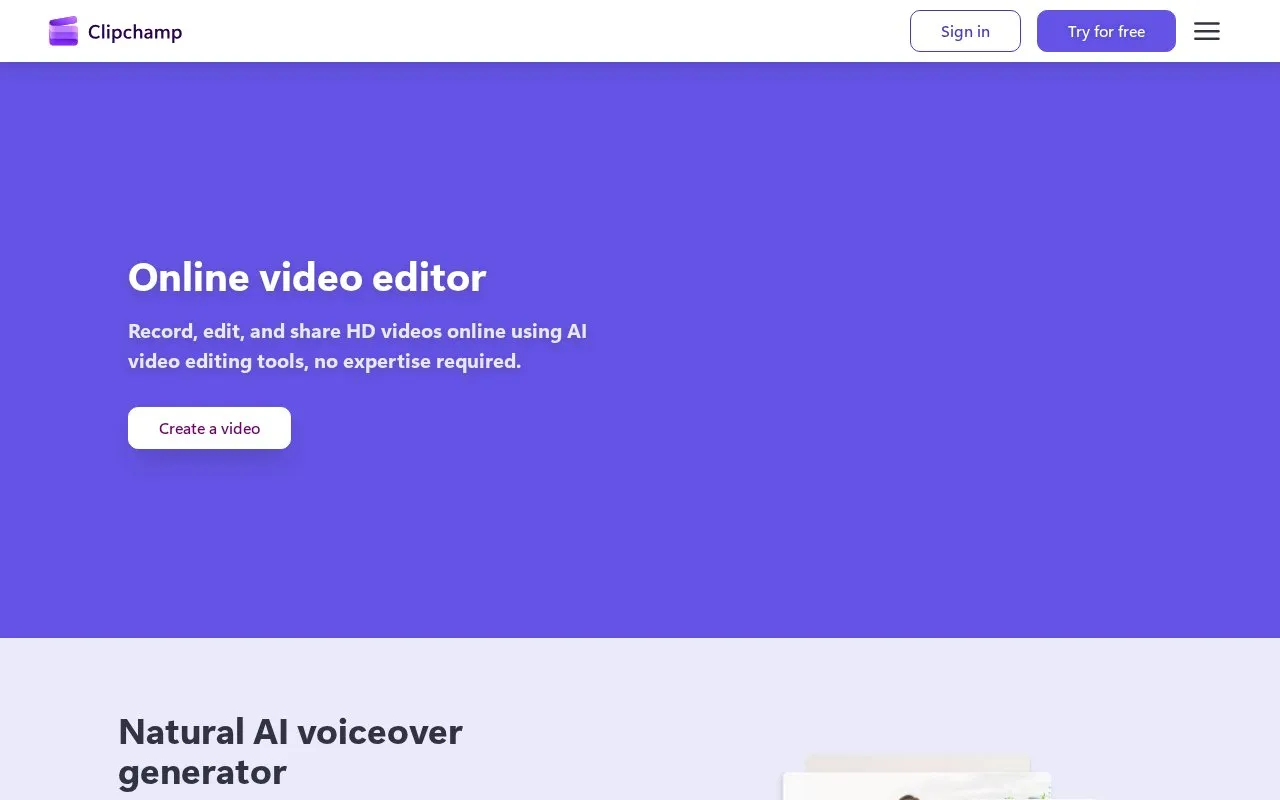
Clipchamp is an online video editor for recording, editing, and sharing videos. It includes camera, screen, and voice recording, text-to-speech voiceover with voice, pitch and pace controls, subtitle generation, tools to remove background noise, silences and filler words, plus templates and royalty-free stock video, images, music and effects.
It works in a web browser and as a Windows app, listed in the Start menu on Windows 11 and in the Microsoft Store for Windows 10. Exports are described in HD quality with support for up to 4K resolution, and premium editing features require a Microsoft 365 subscription.
Key features
- Record camera, screen, and voice with unlimited retakes
- Turn text into speech with selectable voice, pitch, and pace
- Generate subtitles in over 80 languages with editable style
- Remove background noise, silences, and filler words from audio
- Access royalty-free stock videos, images, music, and effects
- Use video templates for work, school, or social media
Best for: People who need to record and edit videos for work, school, or social media without prior editing expertise.
Good for
- Works in a browser without software download
- Provides templates and royalty-free stock media
- Combines recording, voiceover, subtitles and audio cleanup
Watch out for
- Premium editing features require a Microsoft 365 subscription
- Desktop app is described only for Windows 10 and Windows 11
Clipchamp at a glance
- Website
- clipchamp.com
- Category
- AI & Machine Learning › AI Voice & Audio
- Type
- Online tool
- Pricing
- Not confirmed. Check the site
- Platforms
- Web, Windows
- Open source
- Not stated
- Language
- English
- Last checked
- Oct 6, 2026 · Online when checked
- Listed
- Oct 5, 2026
Clipchamp alternatives
Tools and sites you could use instead, ranked by how closely they match.
Featured in
 8 sites


Best of
Best Free Video Editing Software: 8 Picks for Real Projects
The best free video editing software should let you finish a video without discovering a payment gate at export. I'd…
 8 sites


Best of
Best Free Screen Recorders for Tutorials and Quick Updates
The best free screen recorders fall into two groups: apps that save a video you control and services that make sharing…
Popular in AI Voice & Audio
Well-known listings from the same topic.
Google Illuminateilluminate.google.comAlteredaltered.aiELSA Speakelsaspeak.comKreadoAIkreadoai.comPodwisepodwise.aiAddsubtitleaddsubtitle.ai


Clipchamp FAQ
How do I get the Clipchamp Windows app?
It is in the Start menu on Windows 11 and available from the Microsoft Store for Windows 10.
What stock media can I use?
Royalty-free stock videos, images, music, stickers, GIFs and sound effects from the content library.
What export quality is stated?
HD quality exports, with up to 4K video resolution mentioned.
Is something wrong or out of date?
Tell us and an editor will check it.
Own this website?
Claim this listing
Claim the listing and suggest updates yourself. An editor checks every claim first.