
Cockpit Project
Administer Linux servers through Cockpit, a web-based graphical interface.
About Cockpit Project
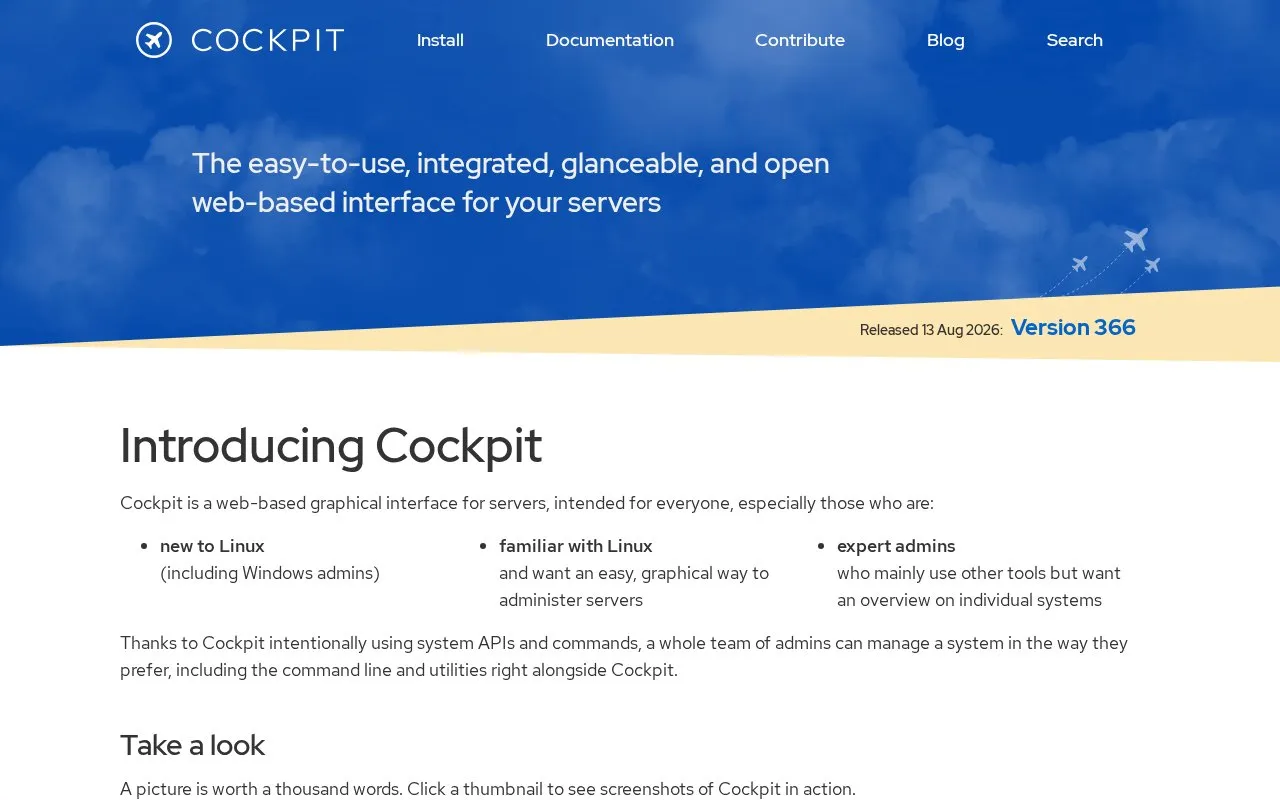
Cockpit Project provides a web-based graphical interface for administering Linux servers on individual hosts. It uses existing system APIs and commands to perform tasks such as managing networks, firewall settings, storage, virtual machines, containers, user accounts, software updates, systemd services, and system logs, and includes a built-in terminal for remote access.
Cockpit is installed and enabled on each managed host and accessed through a browser via port 9090. It uses the system’s normal user logins and privileges by default and is designed to be used alongside command-line tools and other workflows.
Key features
- Inspect and change network settings and firewall
- Manage storage including RAID and LUKS partitions
- Create and manage virtual machines
- Download and run containers
- Browse and search system logs
- Use built-in terminal on remote server in browser
- Uses existing system APIs without adding a separate tooling layer
- Works alongside command line, Ansible, and other tools
- Runs on demand via systemd socket activation when not in use
Cockpit Project at a glance
- Website
- cockpit-project.org
- Category
- Development › Self-Hosting
- Type
- Online tool
- Pricing
- Not confirmed. Check the site
- Platforms
- Linux, Web, Windows
- Open source
- Not stated
- Language
- English
- Last checked
- Oct 5, 2026 · Online when checked
- Listed
- Oct 5, 2026
Popular in Self-Hosting
Well-known listings from the same topic.


Cockpit Project FAQ
How do I access Cockpit after installation?
Can I continue using command-line tools with Cockpit?
How does Cockpit handle logins?
Tell us and an editor will check it.
Claim the listing and suggest updates yourself. An editor checks every claim first.