

Teach Yourself Computer Science curates resources for building a broad, self-directed computer science education.
CS Circles
CS Circles offers Python tutorials and introductory guidance for people beginning to program.
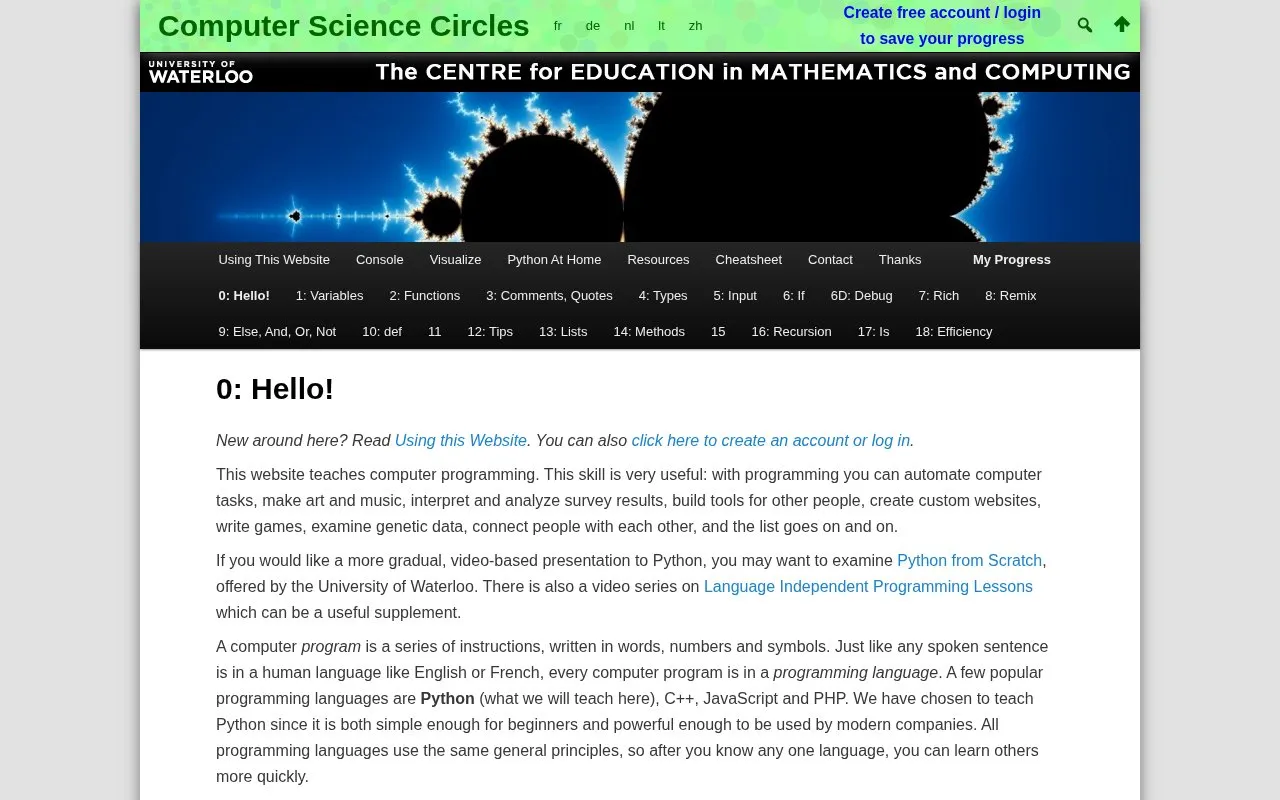
About CS Circles
CS Circles teaches computer programming through Python 3 lessons. Lessons include explanations, example code, and exercises completed in an on-page editor with a Run program button to test code and view output.
An account can be created to save code versions, view submission history, and track completed exercises. The lessons aim to be self-contained for Python 3, and the site notes that Python 2 material found elsewhere may be incompatible in some ways.
Key features
- Python 3 lessons with explanations and example code
- In-page code editor with Run program button
- Exercises that show a checkmark when correct
- Account-based saving of submitted code versions
- History view of past code submissions
- Progress tracking for completed exercises when logged in
Best for: People beginning to program who want an introduction to Python 3 with guided exercises.
Good for
- Lessons include runnable examples with visible output for each program
- Exercises provide checking with editing and retry in the editor
- Logged-in users have code versions saved and restored on return visits
Watch out for
- Saving progress and remembering completed exercises requires creating an account and logging in
- Lessons cover Python 3, so some Python 2 information found elsewhere may not apply
CS Circles at a glance
- Website
- cscircles.cemc.uwaterloo.ca
- Category
- Education & Learning › Learn to Code
- Type
- Website
- Pricing
- Not confirmed. Check the site
- Platforms
- Web
- Open source
- Not stated
- Language
- English
- Last checked
- Oct 5, 2026 · Online when checked
- Listed
- Oct 5, 2026
CS Circles alternatives
Tools and sites you could use instead, ranked by how closely they match.

CSRankings lists computer science research rankings and accepts support from visitors.
Papers We Love brings together academic computer science papers and a community of readers with local chapters.

LearnCS.online provides interactive lessons for learning Java and Kotlin.

The Borr Project builds a broad computer science curriculum from online materials for foundational study.

CS Academy provides educational material and activities for learning computer science.
Popular in Learn to Code
Well-known listings from the same topic.
Codelabscodelabs.developers.google.comScratchscratch.mit.eduTelegram Bot APIcore.telegram.org/botsStudent Developer Packeducation.github.com/packHacksplaininghacksplaining.comQB64SourceCodeqb64tutorial.com


CS Circles FAQ
Which Python version do the lessons teach?
The lessons teach Python version 3.
Do I need an account to save my work?
Yes. The site saves every version of code you run, shows history, and remembers completed exercises only when you have created an account and are logged in.
How do I know if an exercise is correct?
When the program performs the task correctly, a checkmark appears in the top right corner of the box.
Is something wrong or out of date?
Tell us and an editor will check it.
Own this website?
Claim this listing
Claim the listing and suggest updates yourself. An editor checks every claim first.