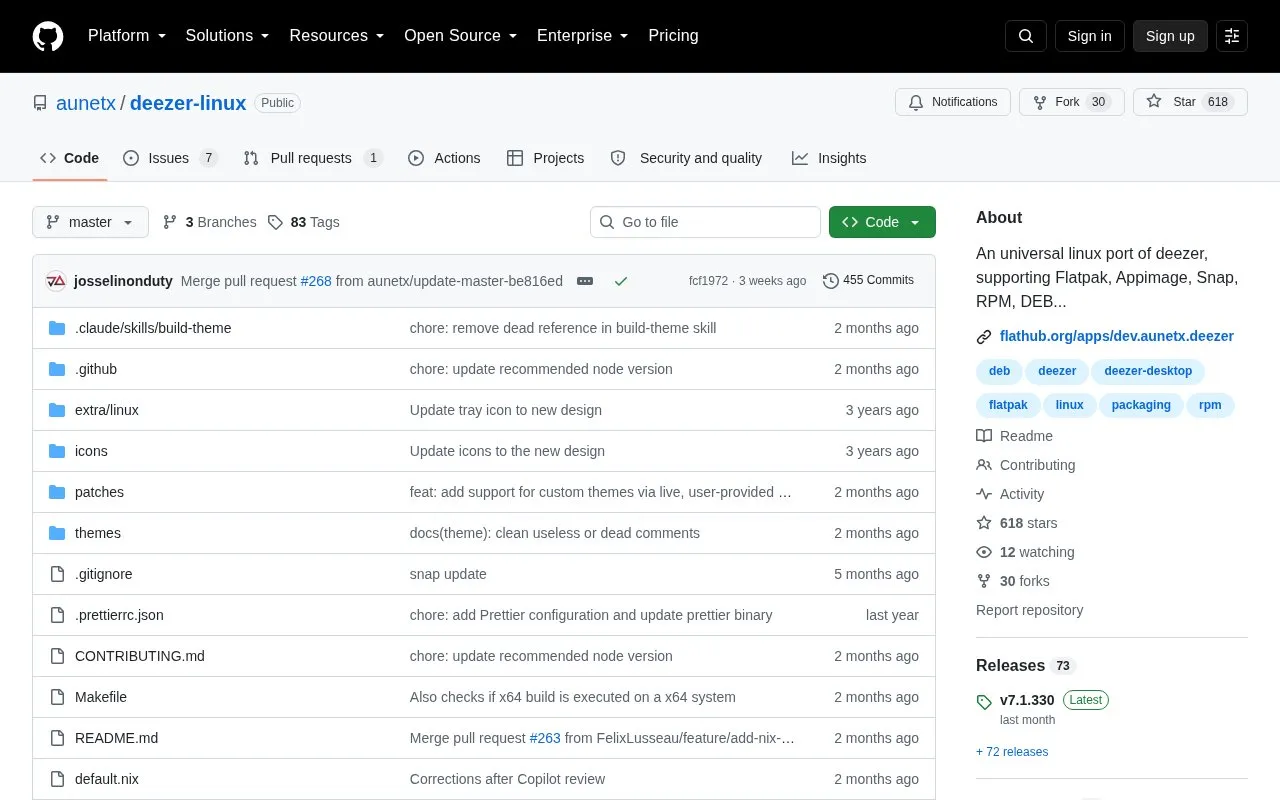
Deezer Linux is an unofficial port of the Windows-only Deezer app for Linux. Because it is based on the native Windows app, it supports downloading songs for offline listening.
It is distributed as Flatpak, Snap, AppImage, Nix, .deb, .rpm, and tar.xz, with install and launch commands for each format and options for tray behavior, themes, notifications, and hardware acceleration. Flatpak and Snap builds are sandboxed with limited system access, and the AppImage does not integrate with the desktop on its own.
Key features
Offline song downloads through Windows app base
Packages for Flatpak, Snap, AppImage, Nix, DEB, RPM, tar.xz
Start in tray or quit when window is closed
Sync dark/light theme with OS or load custom CSS
Hide offline banner shown with VPN or DNS blocker
Disable animations, notifications, or hardware acceleration
Best for: Linux users who want to run the Windows Deezer app, including offline downloads, on their distribution.
Good for
Available in multiple package formats for different distributions
Supports offline song downloads
Provides command-line options for tray, theme, and notifications
Watch out for
Unofficial port, not an official Linux version
Flatpak and Snap sandboxing limits system access and can cause feature issues
AppImage does not integrate into the desktop environment on its own
Flatpak is sandboxed and auto-updated, Snap is for Ubuntu and Snap-based distros, AppImage is a portable file, Nix is for Nix setups, and .deb, .rpm, and tar.xz are downloaded from the releases page for their respective distributions.
How do I use the AppImage?
Mark the file executable and run it. Use Gear Lever or AppImageLauncher to add an app icon and menu entry.
How do I launch the app from a terminal?
Use flatpak run dev.aunetx.deezer for Flatpak, deezer-desktop for Snap, Nix, .deb and .rpm, and ./deezer-desktop for tar.xz or the AppImage file.
Is something wrong or out of date?
Tell us and an editor will check it.
Own this website?
Claim the listing and suggest updates yourself. An editor checks every claim first.