

Run an SSH server for chat so users can join a command-line conversation with this project.
Open source
24 alternativesChat over SSH with Devzat, a terminal-based developer community for games, music, discussion, and technology news.
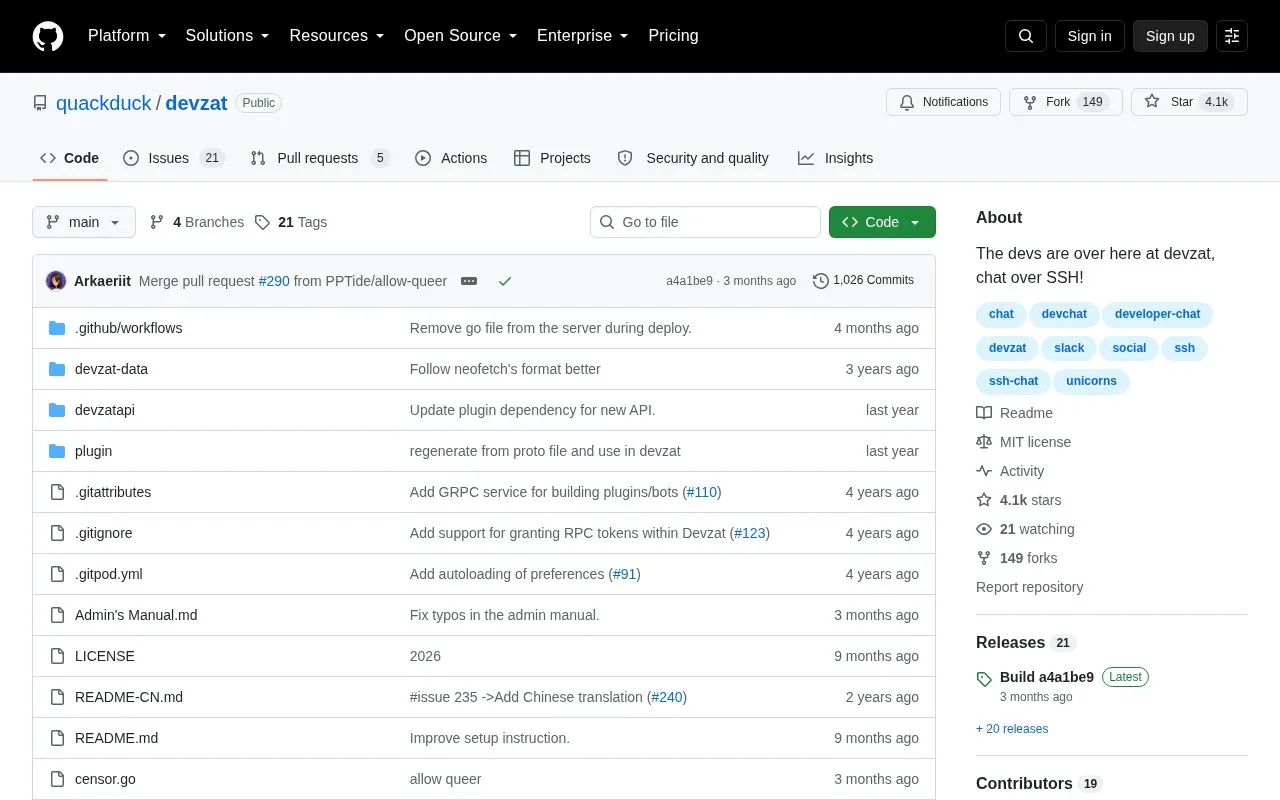
Devzat is a custom SSH server that opens a chat instead of a shell prompt. Users connect with an SSH client, choose a display name from the SSH username, and use rooms, direct messages, markdown with code highlighting, emoji replacements, and built-in Tic Tac Toe and Hangman.
The main server at devzat.hackclub.com identifies users by SSH public key, with port 443 available for firewall use without a key. The repository includes instructions to self-host an instance, which listens on port 2221 by default.
Tools and sites you could use instead, ranked by how closely they match.
Run an SSH server for chat so users can join a command-line conversation with this project.
Moderate Matrix communities with Mjolnir, a bot that can handle malicious invites, spam, and other server issues.
Use Molly, an Android fork of Signal focused on additional security features.
Rocket.Chat provides real-time messaging, voice, video, AI, and related collaboration tools for organizations.
Conduit provides a Matrix-powered chat server, described by its project as simple, fast, and reliable.
Delta Chat offers decentralized messaging with multi-profile and multi-device support, plus links to chatmail relays.
Well-known listings from the same topic.
Tell us and an editor will check it.
Claim the listing and suggest updates yourself. An editor checks every claim first.


