
Diffr
Diffr compares text in a browser editor with split-view and trim options.
About Diffr
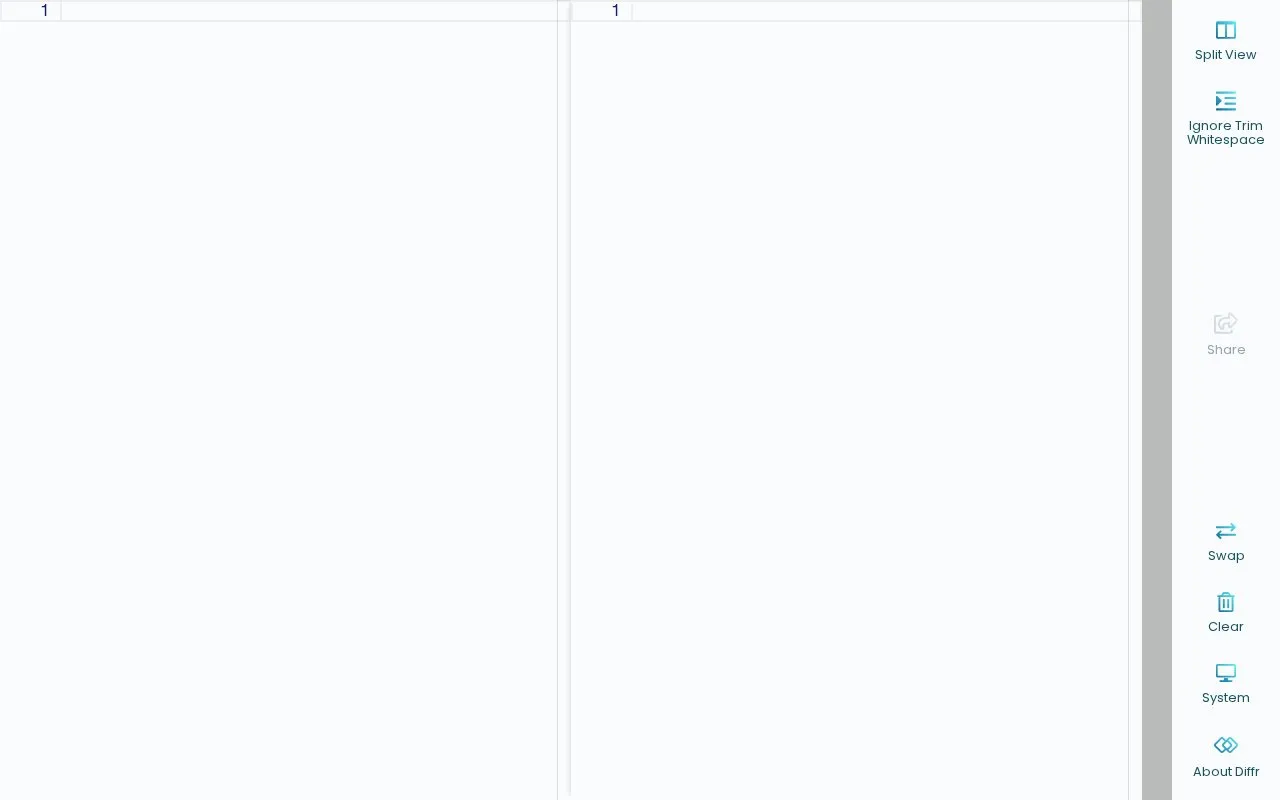
Diffr is a web tool for comparing text. It works in the browser through an editor interface. You can use it to look at differences between two pieces of text in the same view.
The editor includes a Split View option and an Ignore Trim Whitespace option. It also provides Share, Swap, and Clear controls. Additional options listed are System and About Diffr. The page notes that loading the editor may take a moment on the first visit.
It suits people who need to check two versions of text for changes. This includes writers, students, or anyone reviewing edits in plain text. It is accessed as a web page in the browser and is listed in the online text tools category for general comparison tasks.
Key features
- Compare text in browser editor
- Split View display option
- Ignore Trim Whitespace option
- Swap control for inputs
- Clear control for editor
- Share control in interface
- Runs in web browser
- Split-view comparison option
- Whitespace handling option
- Swap and clear controls
- First editor load may take a moment
Diffr at a glance
- Website
- loilo.github.io/diffr
- Category
- Online Tools › Text Tools
- Type
- Online tool
- Pricing
- Not confirmed. Check the site
- Platforms
- Web
- Open source
- Not stated
- Last checked
- Oct 5, 2026 · Online when checked
- Listed
- Oct 5, 2026
Popular in Text Tools
Well-known listings from the same topic.


Diffr FAQ
What is Diffr?
Does Diffr offer split view?
Can Diffr ignore whitespace when comparing?
Tell us and an editor will check it.
Claim the listing and suggest updates yourself. An editor checks every claim first.