
Disable JavaScript
Follow browser-specific instructions for disabling JavaScript and read why someone might do so.
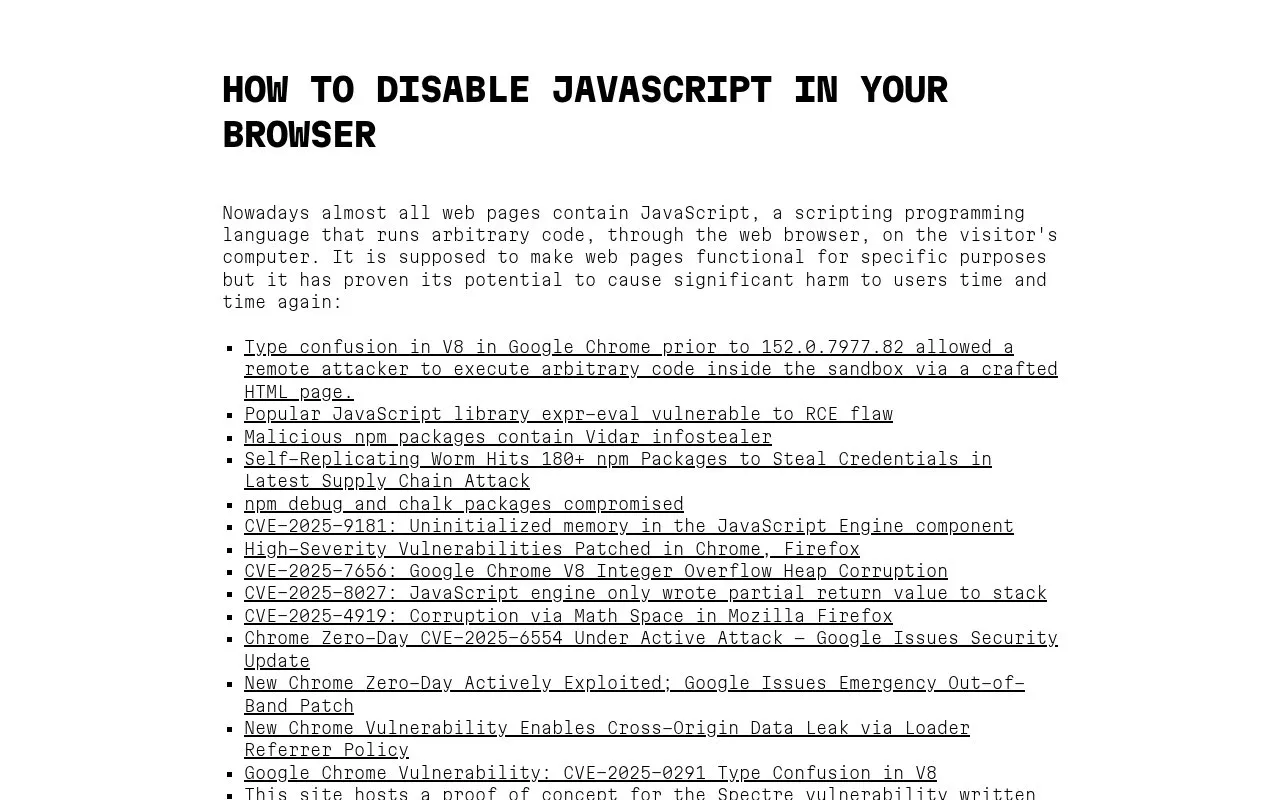
About Disable JavaScript
Disable JavaScript provides instructions for turning off JavaScript by default and enabling it only for sites users trust. It includes steps for Chrome and Chromium, Firefox, Safari, and Opera, as well as methods using uBlock Origin and NoScript, with examples of reported JavaScript-related security vulnerabilities as background.
The Firefox built-in preference disables JavaScript globally, so the site advises using uBlock Origin for selective control. The uBlock Origin method requires a browser that still supports Manifest v2, and the Internet Explorer section directs users to install ungoogled Chromium instead of giving in-browser steps.
Key features
- Disable JavaScript by default in Chrome and Chromium
- Disable JavaScript globally via Firefox about:config
- Disable JavaScript via Safari Security preferences
- Disable JavaScript via Opera Site settings
- Block JavaScript by default with uBlock Origin
- Allow JavaScript per trusted site after blocking
- Covers Chrome, Firefox, Safari, Opera, uBlock Origin, and NoScript in one place
- Includes steps to re-enable JavaScript for individual trusted sites
- Lists reported vulnerabilities to explain why users might disable JavaScript
- Firefox about:config method turns off JavaScript globally without selective control
- uBlock Origin method requires a browser that still supports Manifest v2
- No in-browser steps for Internet Explorer; directs users to install another browser
Disable JavaScript at a glance
- Website
- disable-javascript.org
- Category
- Search & Reference › How-To Guides
- Type
- Website
- Pricing
- Not confirmed. Check the site
- Platforms
- Web
- Open source
- Not stated
- Last checked
- Oct 5, 2026 · Online when checked
- Listed
- Oct 5, 2026
Popular in How-To Guides
Well-known listings from the same topic.


Disable JavaScript FAQ
Why might someone disable JavaScript?
How can I allow JavaScript only for sites I trust?
Why does the site recommend uBlock Origin over the Firefox setting?
Tell us and an editor will check it.
Claim the listing and suggest updates yourself. An editor checks every claim first.