
Documents
Documents combines a file manager with tools for reading, editing, and converting documents on iOS.
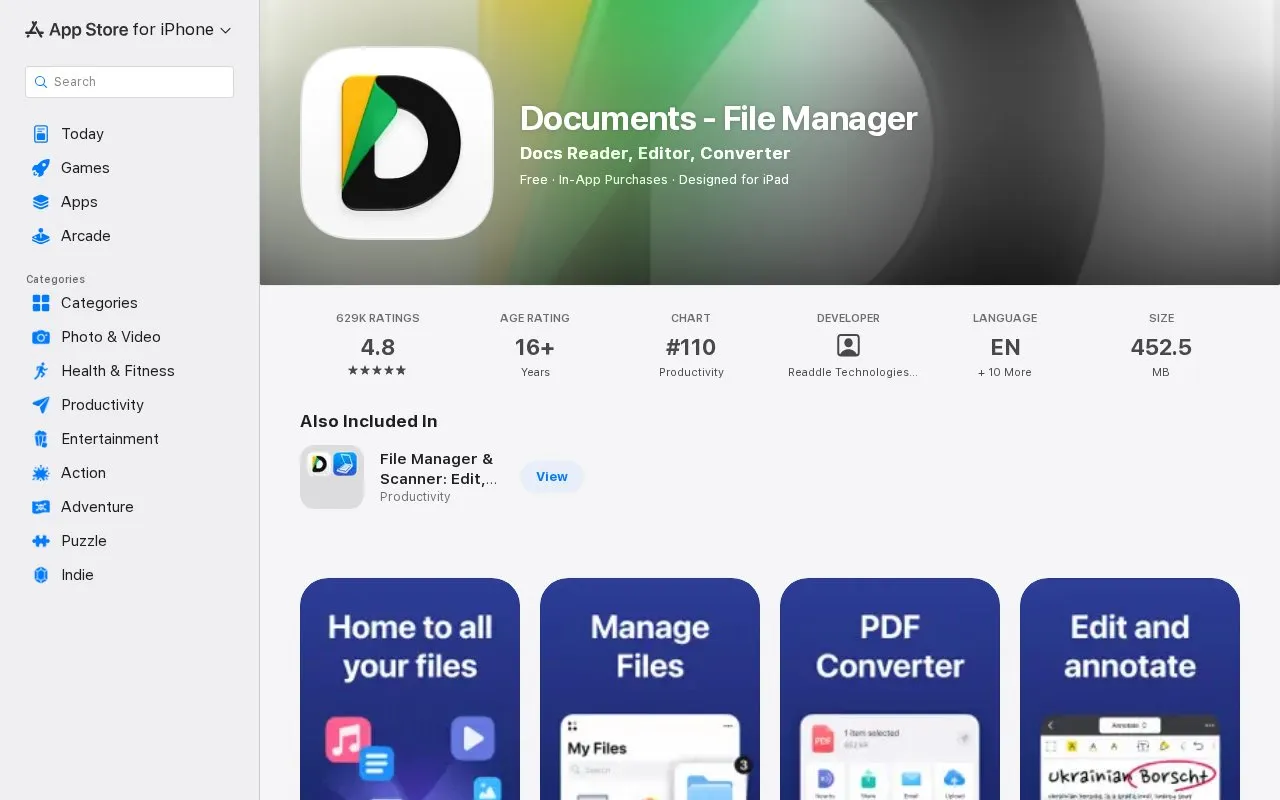
About Documents
Documents by Readdle Technologies Limited is a file manager for iPhone and iPad that opens, edits, and converts documents. It manages local files and folders and works with iCloud, Dropbox, Google Drive, and other cloud drives.
It extracts ZIP and RAR archives, edits and signs PDFs, converts files between document and image formats, and scans paper documents with OCR into searchable PDFs. It also transcribes audio and video to text and plays music and video. The App Store listing shows a 16+ age rating and a size of 452.5 MB.
Key features
- Browse, organize, rename and color-tag local files and folders
- Work with iCloud, Dropbox, Google Drive and other cloud drives
- Extract ZIP and RAR archives and create new ZIP archives
- Edit PDF text, merge, split, rotate and reorder pages
- Sign PDFs and fill forms with text, checkmarks and initials
- Convert files between PDF, DOCX, JPG, PNG, HEIC, WEBP and more
- Supports local files plus iCloud, Dropbox, and Google Drive
- Handles ZIP and RAR extraction alongside PDF editing and signing
- Creates searchable PDFs with a built-in OCR scanner
- Only lists support for iPhone and iPad
- Requires 452.5 MB of device storage
- Rated for ages 16 and older
Documents at a glance
- Category
- Mobile Apps › iPhone & iPad Apps
- Type
- Website
- Pricing
- Not confirmed. Check the site
- Platforms
- iOS, Web
- Open source
- Not stated
- Language
- English
- Last checked
- Oct 5, 2026 · Online when checked
- Listed
- Oct 5, 2026
Popular in iPhone & iPad Apps
Well-known listings from the same topic.


Documents FAQ
Can Documents open ZIP and RAR files?
Can it convert PDFs to other formats?
Does it work with cloud storage?
Tell us and an editor will check it.
Claim the listing and suggest updates yourself. An editor checks every claim first.