
DogBolt
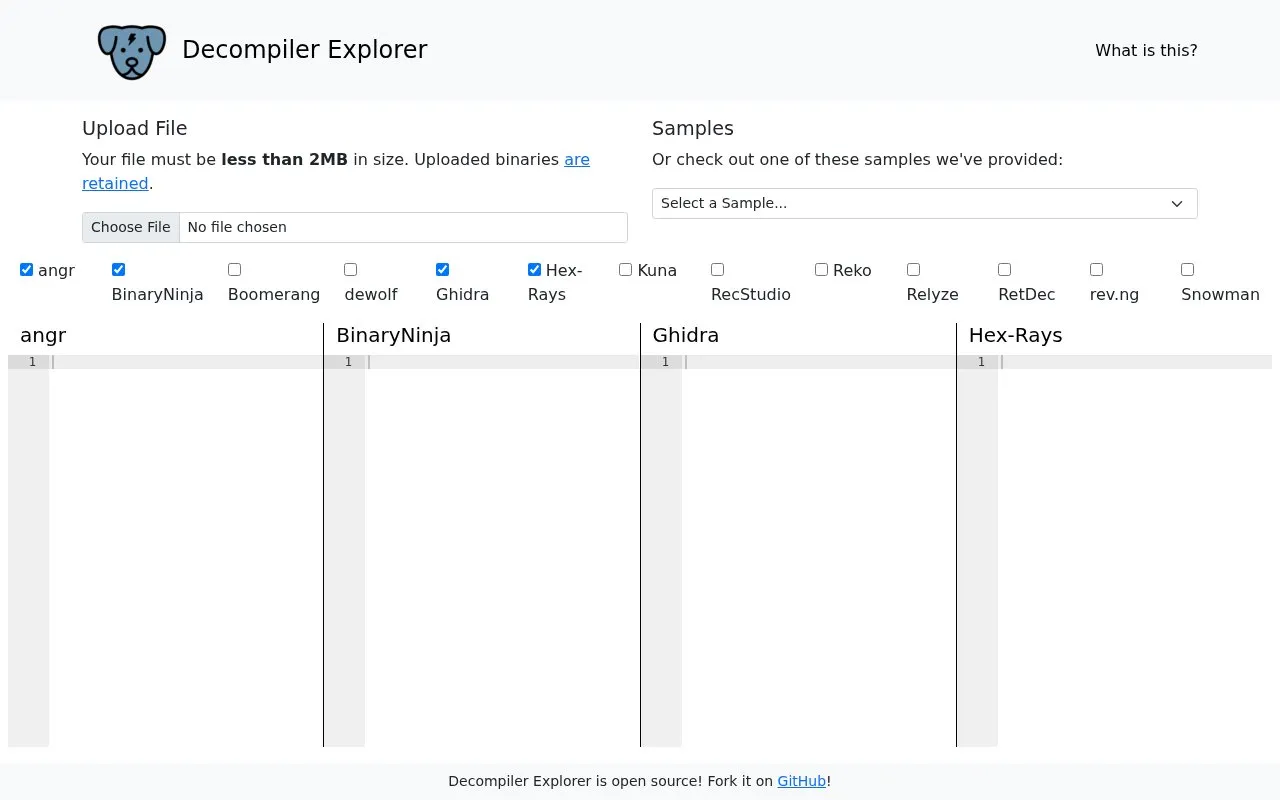
Compare output from interactive online decompilers in Decompiler Explorer by uploading a binary or selecting a sample.
About DogBolt
DogBolt is Decompiler Explorer, an interactive online tool that shows C-like output from decompiled programs. Users can upload a binary or use a provided sample to compare output from multiple decompilers.
Uploaded files must be less than 2MB in size, and uploaded binaries are retained.
Key features
- Upload a binary file under 2MB for decompilation
- Show C-like output from decompiled programs
- Compare output from multiple decompilers
- Provide samples to use without uploading a file
- Cover decompilers including Ghidra, Hex-Rays and RetDec
- Cover decompilers including angr, BinaryNinja and Snowman
Best for: People who want to compare how different decompilers handle the same binary.
Good for
- Compares output from many decompilers in one place
- Provides samples for use without uploading a file
- Shows C-like output from decompiled programs
Watch out for
- Files must be less than 2MB in size
- Uploaded binaries are retained after upload
DogBolt at a glance
- Website
- dogbolt.org
- Category
- Development › Code Editors & IDEs
- Type
- Website
- Pricing
- Not confirmed. Check the site
- Platforms
- Linux, macOS, Web, Windows
- Open source
- Not stated
- Language
- English
- Last checked
- Oct 5, 2026 · Online when checked
- Listed
- Oct 5, 2026
Popular in Code Editors & IDEs
Well-known listings from the same topic.
Notebooks.azurevisualstudio.microsoft.com/vs/features/noteboo…Replayreplay.ioVim Bootstrapvim-bootstrap.comCompiler Explorercompiler-explorer.commyCompilermycompiler.ioDevPoddevpod.sh


DogBolt FAQ
What is the maximum upload size?
Files must be less than 2MB in size.
Are uploaded files kept?
Yes, uploaded binaries are retained.
Which decompilers are included?
angr, BinaryNinja, Boomerang, dewolf, Ghidra, Hex-Rays, Kuna, RecStudio, Reko, Relyze, RetDec, rev.ng and Snowman.
Is something wrong or out of date?
Tell us and an editor will check it.
Own this website?
Claim this listing
Claim the listing and suggest updates yourself. An editor checks every claim first.