
openHPI offers free interactive online courses in computer science, IT and digital innovation.
Free
24 alternativesThe edX Downloader command-line tool downloads videos and transcripts from a user's edX courses.
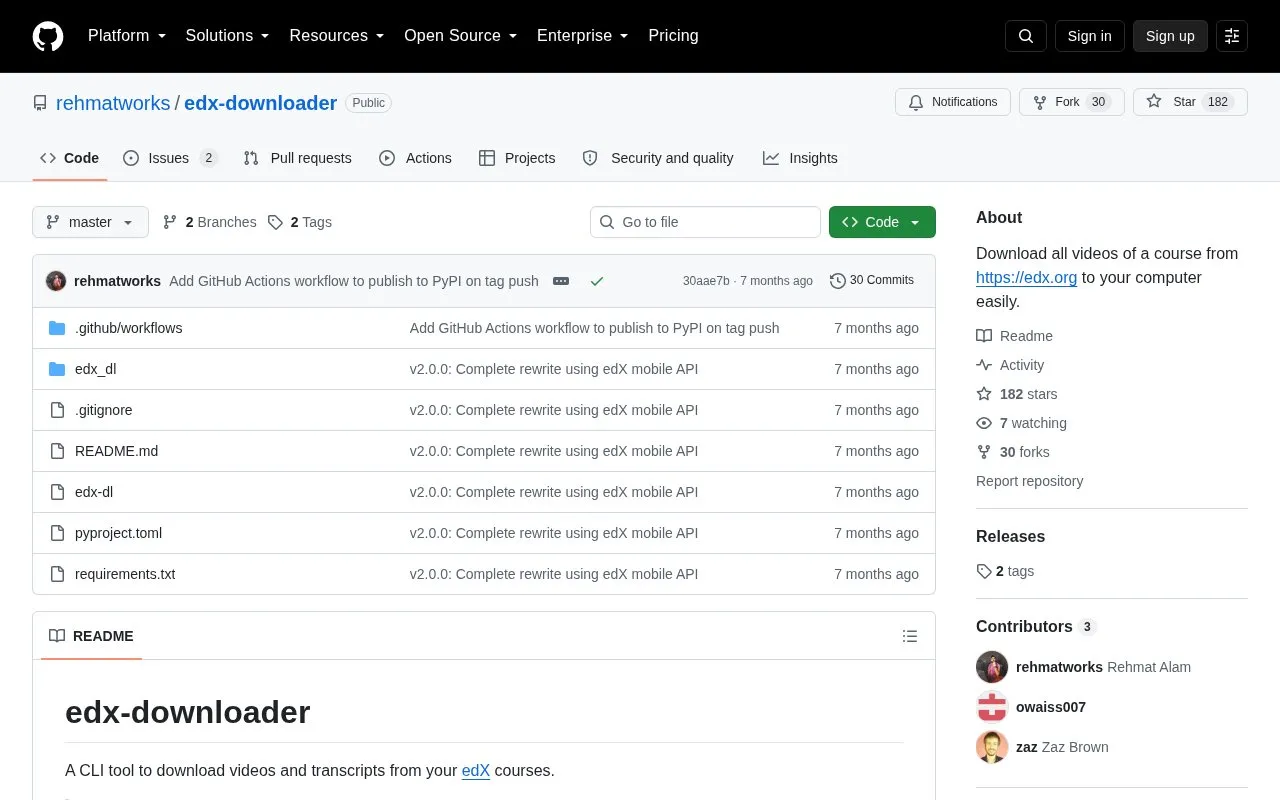
Downloader is a command-line tool that downloads videos and transcripts from edX courses the user is enrolled in. It uses the edX mobile API with JWT authentication and provides commands to log in, list enrolled courses, and download by course ID or URL.
It supports 720p or 360p MP4 quality, selection of transcript languages, custom output folders, and skipping existing files when a download is re-run. It requires Python 3.10+ and an enrolled edX account, needs an extra install for YouTube-hosted videos, and is intended for offline study under edX's terms of service.
Tools and sites you could use instead, ranked by how closely they match.
openHPI offers free interactive online courses in computer science, IT and digital innovation.
media.ccc.de streams and archives talks and podcasts from the Chaos Computer Club and related events.
DataCamp offers browser-based courses and coding challenges in data science, AI, R, Python, and statistics.
edX offers online courses, certificates and degree programs from universities and other institutions.
DeepLearning.AI offers online courses and learning programs for people studying or building AI.
Open Yale Courses provides recorded lectures, syllabi, readings, exams, downloadable video, audio and transcripts.
Well-known listings from the same topic.
Tell us and an editor will check it.
Claim the listing and suggest updates yourself. An editor checks every claim first.


