

The Nexusmods Allow archive downloads userscript adds a control for downloading archived mods through supported userscript extensions.
Downloadingdeletednexusmods
This userscript aims to restore downloads for Nexus Mods entries that are deleted, archived, or hidden.
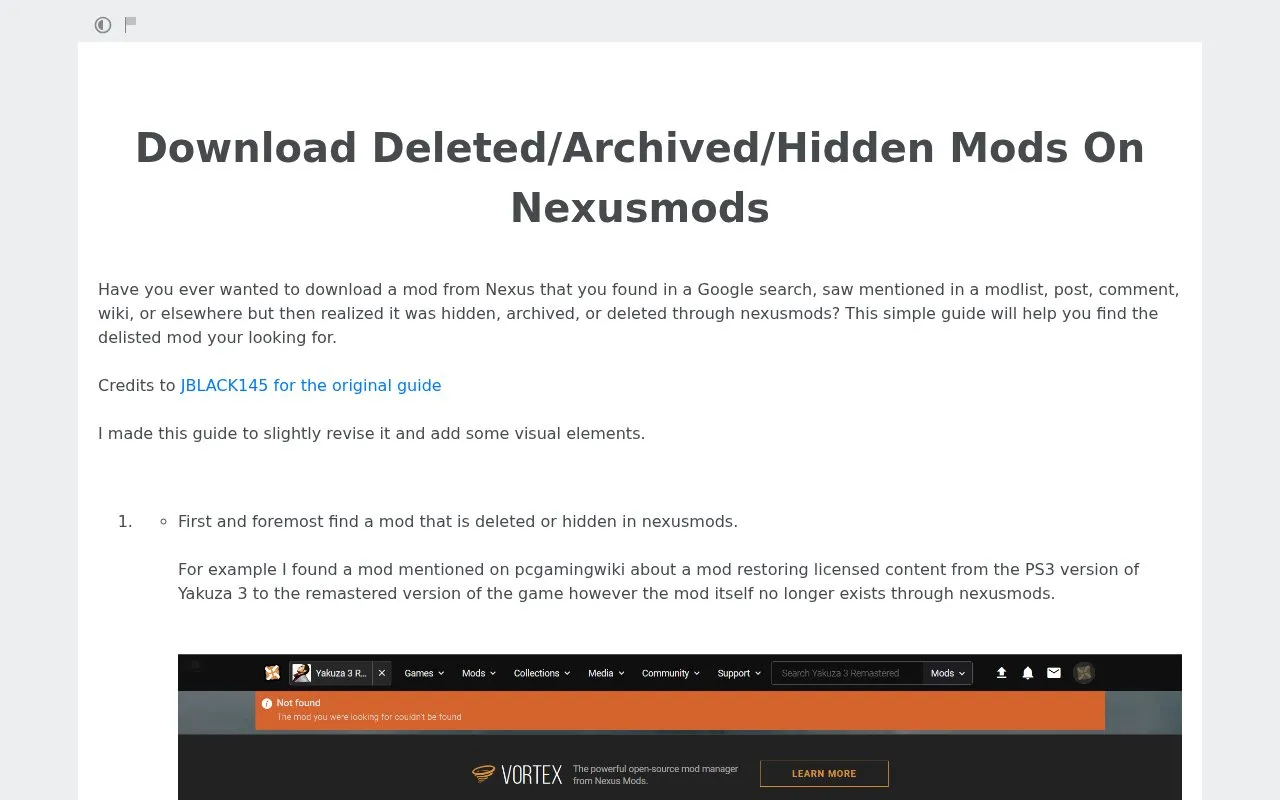
About Downloadingdeletednexusmods
This page is a guide for downloading Nexus Mods files that are deleted, archived, or hidden after being found in search results, modlists, posts, comments, or wikis. It explains how to open a Wayback Machine snapshot of the mod page, use the browser inspector to copy the file data id and game_id, and paste them into a Nexus Mods DownloadPopUp URL.
It also describes a fallback for cases where the Files tab was not cached, which uses a separate userscript with a userscript manager to obtain a file_id.
Key features
- Find Wayback Machine snapshot of delisted mod page
- Copy mod data id via inspect element and edit as HTML
- Find game_id by searching og:image in inspector
- Combine ids in DownloadPopUp URL to request file
- Fallback method when Files tab was not cached
- Instructions for Nexus No Wait userscript with manager
Best for: People trying to recover a specific Nexus Mods file they found referenced elsewhere after it was delisted.
Good for
- Includes fallback method when Files tab was not archived
- Shows concrete examples using specific delisted mods
- Revised version adds visual elements to original guide
Watch out for
- Requires a Wayback Machine snapshot where the mod still existed
- Requires manual inspector steps to locate data id and game_id
- Fallback method requires installing a userscript manager and separate userscript
Downloadingdeletednexusmods at a glance
- Category
- Gaming › Mods & Fan Projects
- Type
- Website
- Pricing
- Not confirmed. Check the site
- Platforms
- Web
- Open source
- Not stated
- Last checked
- Oct 5, 2026 · Online when checked
- Listed
- Oct 5, 2026
Downloadingdeletednexusmods alternatives
Tools and sites you could use instead, ranked by how closely they match.
Popular in Mods & Fan Projects
Well-known listings from the same topic.
Classicubeclassicube.netYAVSRG (Interlude)yavsrg.netLocomalitolocomalito.comUsefulModsgithub.com/TheUsefulLists/UsefulModsStep Modificationsstepmodifications.orgWiki / Forumchronocrash.com


Downloadingdeletednexusmods FAQ
What if the Files tab was not cached in the Wayback Machine?
The guide suggests installing the Nexus No Wait userscript with a manager such as Tampermonkey, copying the manual download link, removing the archive prefix, and copying the file_id for use in the DownloadPopUp URL.
How do I find the game_id?
Search for og:image in the inspector and copy the number next to "mods/"; if the URL is too long, use edit as HTML to see it.
Where do the two IDs go?
Paste the data id after id= and the game_id after game_id= in the DownloadPopUp URL.
Is something wrong or out of date?
Tell us and an editor will check it.
Own this website?
Claim this listing
Claim the listing and suggest updates yourself. An editor checks every claim first.