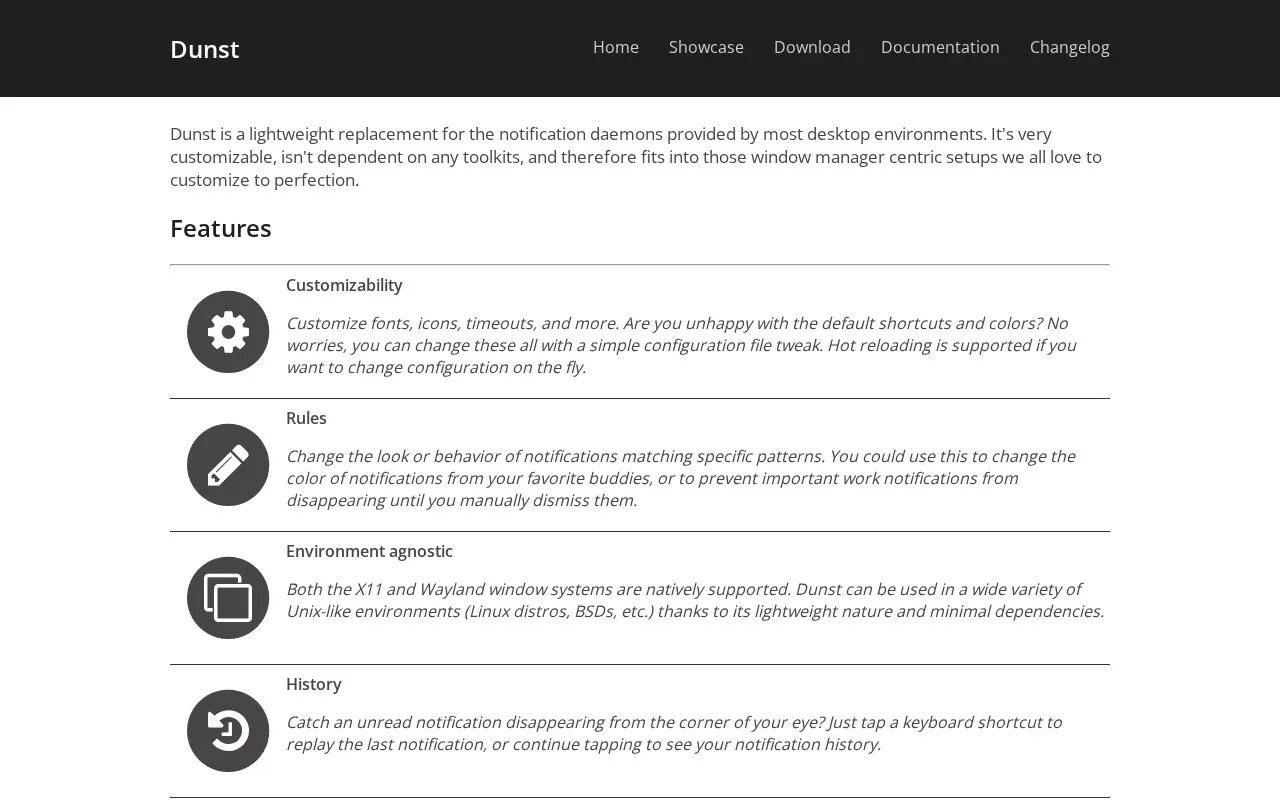
Dunst is a lightweight replacement for the default notification daemons included with most desktop environments, designed for Linux and other Unix-like systems. It supports both X11 and Wayland natively, has minimal dependencies, and is intended for window manager-centric setups. It offers extensive customization via a simple configuration file, including adjustable fonts, icons, timeouts, and appearance, plus support for hot reloading changes without restart. Additional features include notification history replay, multiple pause levels for custom Do Not Disturb modes, keyboard and mouse controls, multi-monitor support, context menus for accessing notification actions and URLs, and the ability to run custom scripts on matching notifications.
Key features
Customizable fonts, icons, timeouts, and appearance via config file
Hot reloading of configuration changes without restart
Rules to modify look or behavior of matching notifications
Replay past notifications via keyboard shortcut
Multiple pause levels for custom Do Not Disturb modes
Run custom scripts on matching notifications
Best for: Users of Linux and other Unix-like systems seeking a lightweight, highly customizable notification daemon for window manager-centric setups.
Good for
Lightweight with minimal dependencies, suited for window manager-centric setups
Natively supports both X11 and Wayland window systems
Highly customizable via simple configuration file tweaks