easyNostr-NIP05

easyNostr-NIP05 adds NIP-05 identity support to a WordPress installation through a plugin.

wordpress.org/plugins/easynostr-nip05
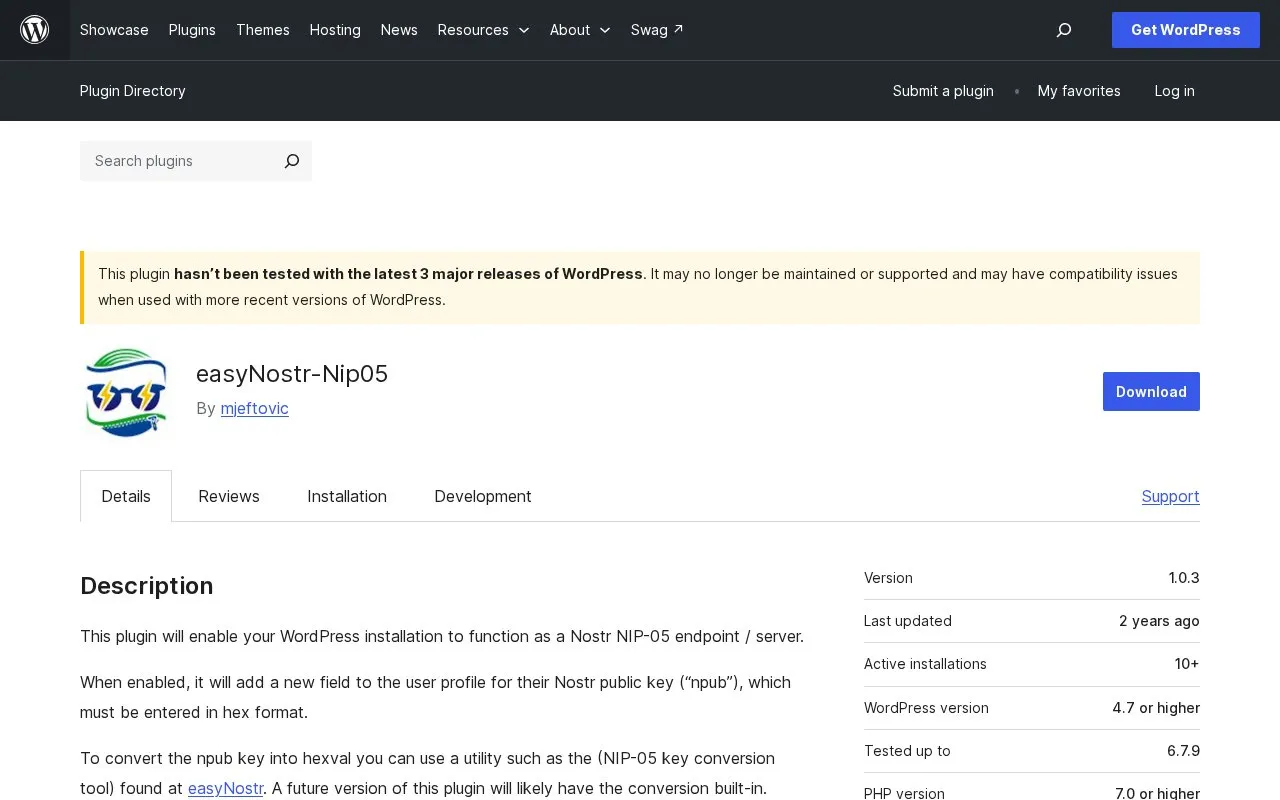
easyNostr-NIP05 homepage screenshot

About easyNostr-NIP05

easyNostr-NIP05 is a WordPress plugin that enables a WordPress installation to function as a Nostr NIP-05 endpoint / server.

After installation through the WordPress plugins screen or by uploading plugin files, activation adds a Nostr NIP-05 Identity field to user profile pages. Keys must be entered in hex format, with conversion done using an external tool such as the easyNostr key conversion tool. An optional key for the root identifier can be set on the plugin settings page. The plugin relies on a nostr.json file in the /.well-known/ directory and requires Cross-Origin Resource Sharing (CORS) to be enabled on the host.

It suits WordPress site owners who want to associate accounts on their own domain with Nostr public keys for NIP-05 use.

Key features

  • Makes WordPress work as NIP-05 endpoint/server
  • Adds Nostr public key field to user profiles
  • Allows root identifier key in settings page
  • Uses /.well-known/nostr.json file for identities
  • Installs via WordPress plugins screen or upload
Best for: WordPress site owners who want to host NIP-05 Nostr identities on their own domain.
Good for
  • Installs through standard WordPress plugin process
  • Supports per-user keys and root identifier
  • Includes guidance for enabling CORS
Watch out for
  • Public keys must be entered in hex format
  • Requires CORS enabled on web host
  • Requires write access to /.well-known/ directory

easyNostr-NIP05 at a glance

Type
Website
Pricing
Not confirmed. Check the site
Platforms
Web
Open source
Not stated
Language
English
Last checked
Oct 5, 2026 · Online when checked
Listed
Oct 5, 2026

easyNostr-NIP05 alternatives

Tools and sites you could use instead, ranked by how closely they match.

Popular in Nostr

Well-known listings from the same topic.

All 110

easyNostr-NIP05 FAQ

What does easyNostr-NIP05 do?
It enables a WordPress installation to function as a Nostr NIP-05 endpoint/server using Nostr public keys.
How do I add a Nostr key in WordPress?
Enter the public key in hex format under the Nostr NIP-05 Identity section on the user profile page.
What are the requirements to run it?
The host must enable CORS, allow writing to the /.well-known/ directory, and allow nostr.json to run as a PHP script.
Does it convert npub keys automatically?
No. You must use an external conversion tool. Built-in conversion is listed as future work.
Is something wrong or out of date?

Tell us and an editor will check it.

Own this website?

Claim the listing and suggest updates yourself. An editor checks every claim first.

Claim this listing