
EbSynth
EbSynth retouches, colorizes, and stylizes video by transferring edits from painted keyframes across frames.
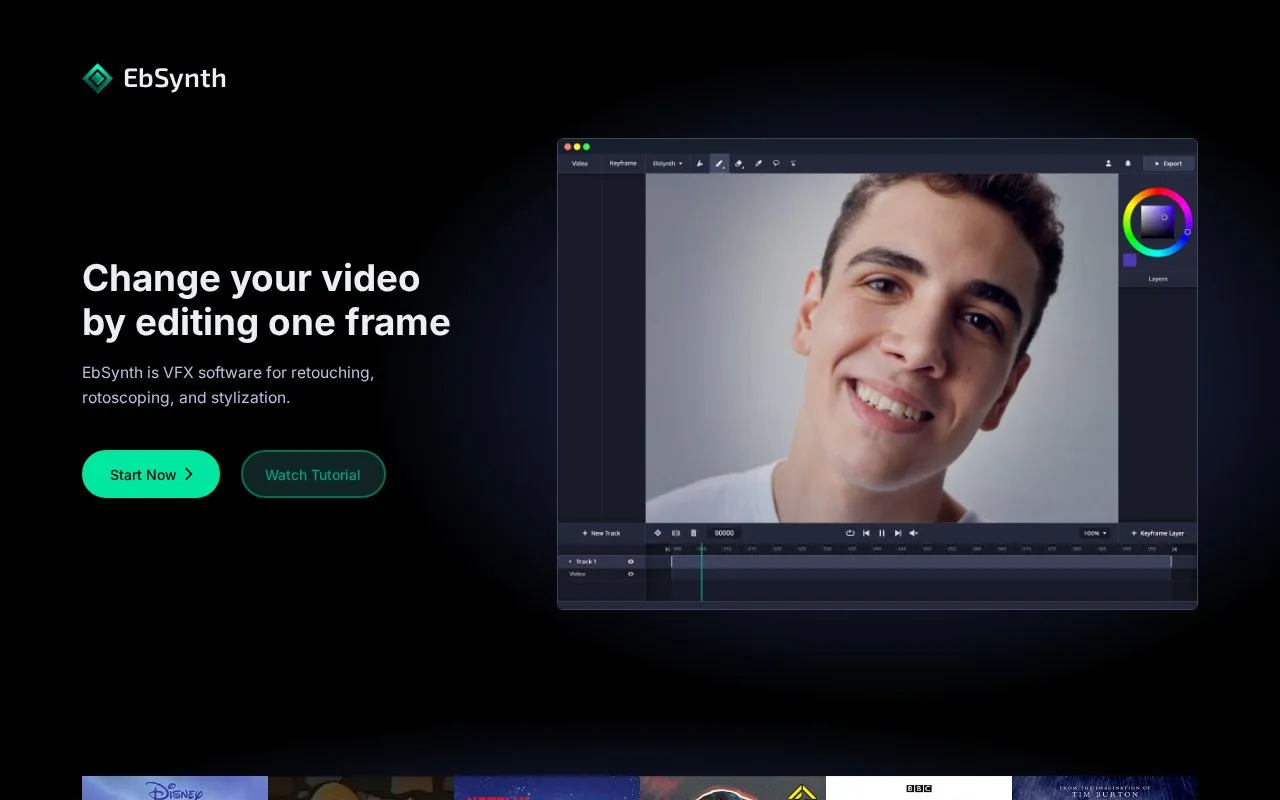
About EbSynth
EbSynth is VFX software for retouching, rotoscoping and stylization. Users paint or edit one or more keyframes, and the software propagates those edits across video frames using texture synthesis and optical flow from the guiding video. Described uses include hand-drawn animation looks, painterly texture on line art, touch-ups, digital makeup and colorizing.
The web version temporarily uploads video and keyframes to servers for rendering and deletes them after results are sent back; fully offline processing on Windows is described as a Studio plan option. The free plan is limited to 720p MP4 export, while 1080p and 4K exports and PNG with alpha output require paid plans.
Key features
- Propagate painted keyframe edits across video frames
- Retouch video and apply digital makeup without manual tracking
- Colorize video from painted keyframes
- Apply painterly texture to line-art animation
- Optional Generate Image feature to create keyframes
- Work on separate video tracks for different moving areas
- Free plan includes all core functions without time limits
- Keyframe propagation uses only the user's video and keyframes, not generative models trained on external datasets
- Rendered files are deleted from servers after results are sent back
- Free exports are limited to 720p MP4 output
- Web rendering requires temporary upload of video and keyframes to servers
- Output quality depends on keyframe alignment and guiding-video conditions such as lighting and motion blur
EbSynth at a glance
- Website
- ebsynth.com
- Category
- AI & Machine Learning › AI Video Generators
- Type
- Online tool
- Pricing
- Paid
- Platforms
- Web, Windows
- Open source
- Not stated
- Language
- English
- Last checked
- Oct 5, 2026 · Online when checked
- Listed
- Oct 5, 2026
Popular in AI Video Generators
Well-known listings from the same topic.


EbSynth FAQ
Is EbSynth AI?
Do you store my projects?
How do I cancel my subscription?
Tell us and an editor will check it.
Claim the listing and suggest updates yourself. An editor checks every claim first.