

Share one-time secrets through a browser-based platform that encrypts them with AES before sharing.
Open source
24 alternativesA free Mac and Windows application for encrypting individual files and folders for sharing.
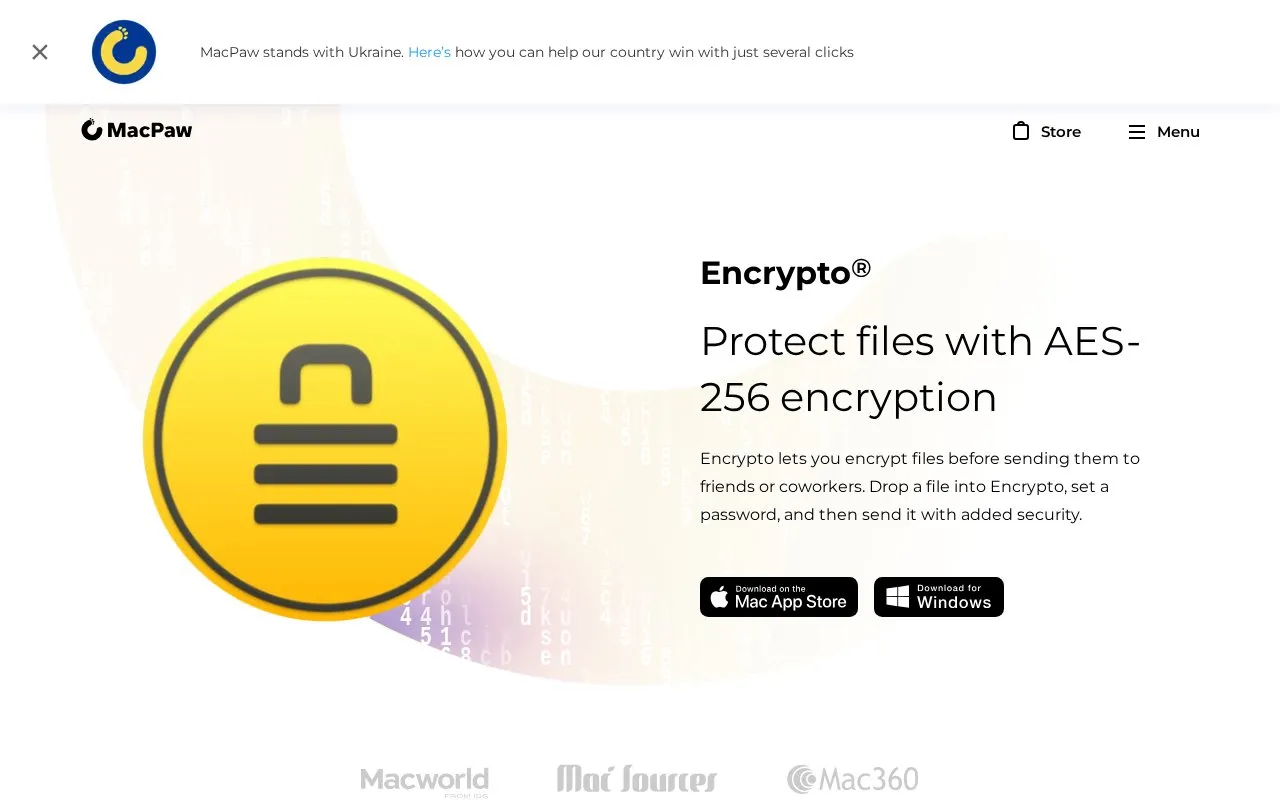
Encrypto is a free application for Mac and Windows that encrypts individual files and folders before they are shared. The user drops a file into the app, sets a password, and then sends the encrypted file by a method of their choice. The homepage lists email, Messages, AirDrop, and Dropbox as examples. Encrypto applies AES-256 encryption to the file or folder. Recipients need the password to open it, and the homepage says a password hint can be embedded in place of sending the password separately.
Encrypto can also save encrypted files to the user's own disk without sharing them. The homepage lists system requirements of Windows XP and higher (5 MB) and macOS 10.13 and higher (8 MB). The latest listed versions are 1.4.3 for macOS (14 August 2024) and 1.0.1 for Windows (24 May 2018). The homepage does not describe how the app handles data beyond local encryption, so any privacy assessment should consider the file-sharing service the user chooses.
Tools and sites you could use instead, ranked by how closely they match.
Share one-time secrets through a browser-based platform that encrypts them with AES before sharing.
SafeNote encrypts notes or files and shares them through links that expire after they are read, with selectable message lifetimes.
Well-known listings from the same topic.
Tell us and an editor will check it.
Claim the listing and suggest updates yourself. An editor checks every claim first.


