
a-Shell brings a command-line interface to iOS for running commands and managing files.
fGet combines file management, browsing, media playback, and archive extraction on iOS.
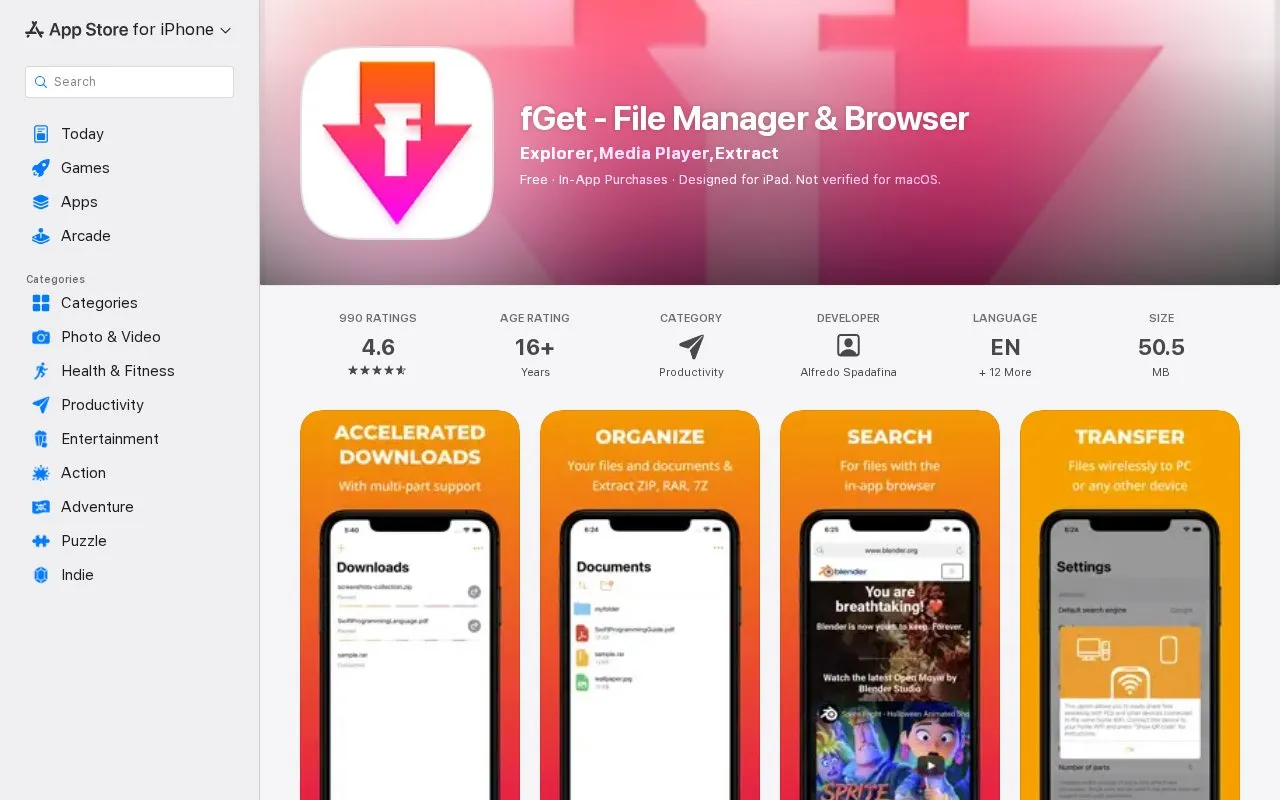
About fGet
fGet is an iOS file manager and browser app that combines file management, media playback, and archive extraction. It supports accelerated multi-threaded downloads via its in-app browser or URL input, background downloading, pause/resume for active downloads, and Wi-Fi file sharing between devices. The app can compress files into zip archives and extract Zip, 7zip, Rar and other archive formats, plus extract audio from video files. Its in-app web browser includes ad and pop-up blocking options, and the app is compatible with iTunes file sharing and the iOS 11+ built-in Files app. All core features are available for free with optional in-app purchases, and the app does not allow downloading video or music content from unauthorized sources per App Store guidelines.
Key features
- Accelerated multi-threaded web and URL downloads
- Background downloading with pause/resume support
- Wi-Fi file sharing between nearby devices
- Extract and compress Zip, 7zip, Rar archives
- Extract audio from video files
- In-app web browser with ad/pop-up blocking
Best for: iOS and iPadOS users seeking an all-in-one tool for file management, accelerated downloads, and archive extraction.
Good for
- Reduces risk of download crashes during large file transfers on iOS devices
- All core file management, download, and archive features are free with no functionality limits
- Integrates with iOS 11+ Files app and iTunes file sharing for seamless file access
Watch out for
- Prohibits downloading video or music from unauthorized sources per App Store guidelines
- Process for exporting files to other app areas is not immediately clear to users
- Slow motion video playback is only supported on iOS 16 and later, with no current support for older versions
fGet at a glance
- Category
- Mobile Apps › iPhone & iPad Apps
- Type
- Website
- Pricing
- Not confirmed. Check the site
- Platforms
- iOS, macOS, Web
- Open source
- Not stated
- Language
- English
- Last checked
- Oct 5, 2026 · Online when checked
- Listed
- Oct 5, 2026
fGet alternatives
Tools and sites you could use instead, ranked by how closely they match.
Popular in iPhone & iPad Apps
Well-known listings from the same topic.
(Not Boring) Habitsapps.apple.com/app/id1593891243RoutineHubroutinehub.coShiroxshiroxapp.github.ioUTMgetutm.appCAPlaygroundcaplayground.vercel.appShareableshareable.vercel.app


fGet FAQ
Can I download copyrighted video or music from any web source with fGet?
No, in compliance with App Store Guidelines this app does not allow downloading video or music content from unauthorized sources.
How can I access fGet files from other iOS apps?
You can add the app's file system in the iOS Files app to directly access its files from other apps.
Is slow motion video playback available for all iOS versions?
Slow playback support is available starting from iOS 16, with potential future support for older iOS versions.
Is something wrong or out of date?
Tell us and an editor will check it.
Own this website?
Claim this listing
Claim the listing and suggest updates yourself. An editor checks every claim first.