Design digital products with Penpot, an open-source platform for collaborative interface design.
Open source
24 alternativesFigma provides collaborative interface design and prototyping in a web browser, with desktop apps and mobile companion apps. Its Starter plan is free, with paid plans for more team features.
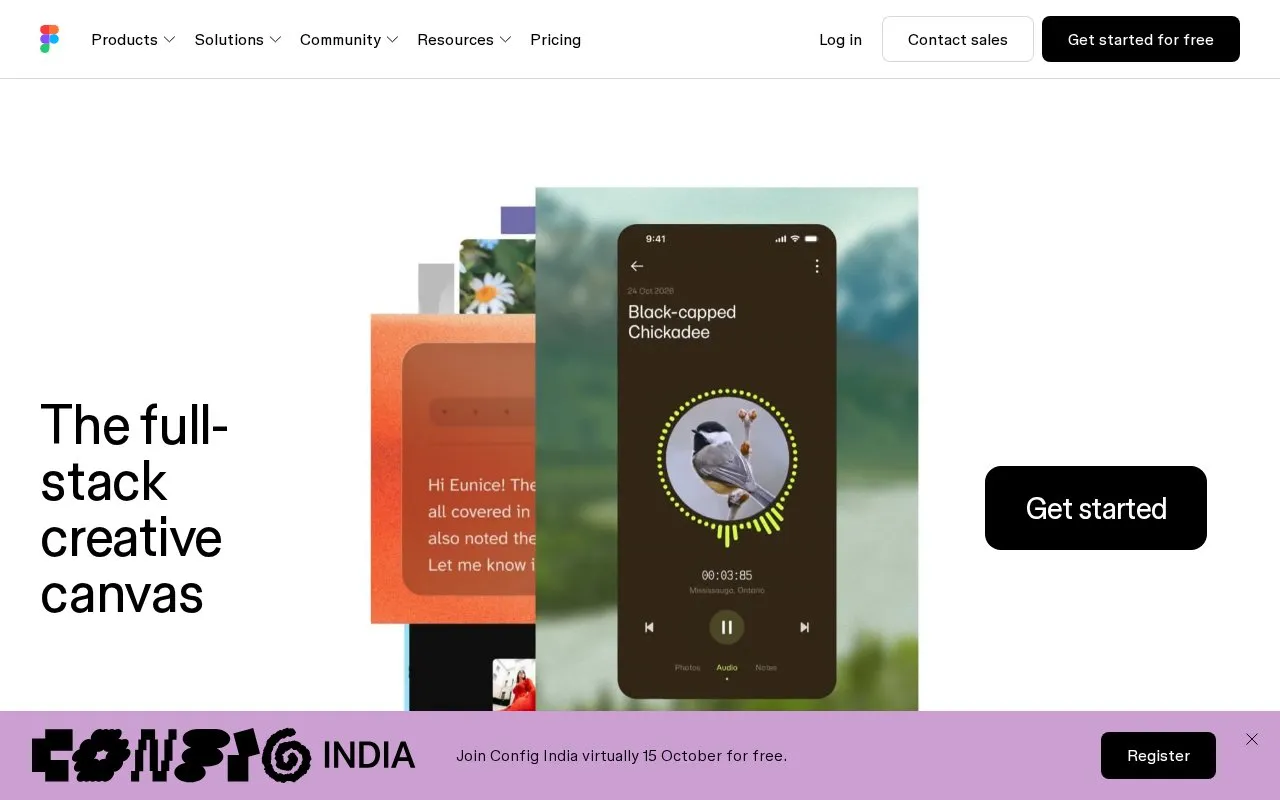
Figma provides a shared workspace for designing interfaces and testing how screens connect. In Figma Design, you can draw layouts, turn repeated elements into components, and use variables for values such as colors and spacing. Auto layout resizes and rearranges frames as their content changes. Interactive prototypes let a reviewer follow a flow before a developer builds the finished interface.
You can work in a browser or use the Windows and macOS desktop apps. Mobile companion apps are useful for viewing files, leaving comments and trying a prototype on a phone. They also mirror a frame selected on your computer. Plan your main Figma Design editing around the browser or desktop application.
The free Starter plan supports drafts and a limited team workspace. Paid plans expand team files, shared libraries and developer handoff. Billing also depends on seat type: designers, developers and other collaborators do not necessarily need the same access. Choose roles alongside the plan, especially if some people only need to review and comment.
Tools and sites you could use instead, ranked by how closely they match.
Design digital products with Penpot, an open-source platform for collaborative interface design.
Download free and paid Sketch resources, including icons, UI kits, wireframes and mobile templates.
Mobbin collects searchable screenshots from mobile and web apps as references for interface design.
PSD Repo shares Photoshop and Adobe XD templates, including mobile app interface designs.
Browse more than 20,000 free design resources for web, mobile and graphic projects.
Mock Magic turns app screenshots or screen recordings into device mockups, with more than 54 device variants and a free static mockup plan.
 8 sites
The best free SVG editors let you change real vector shapes instead of painting over a flattened image. I'd pick…
Well-known listings from the same topic.
Tell us and an editor will check it.
Claim the listing and suggest updates yourself. An editor checks every claim first.