

SupaRes enhances uploaded images with automated upscaling, restoration, denoising and face or tone adjustments.
HeyPhoto
HeyPhoto edits faces in uploaded photos, including gaze, facial features, skin tone, age, and hairstyle.
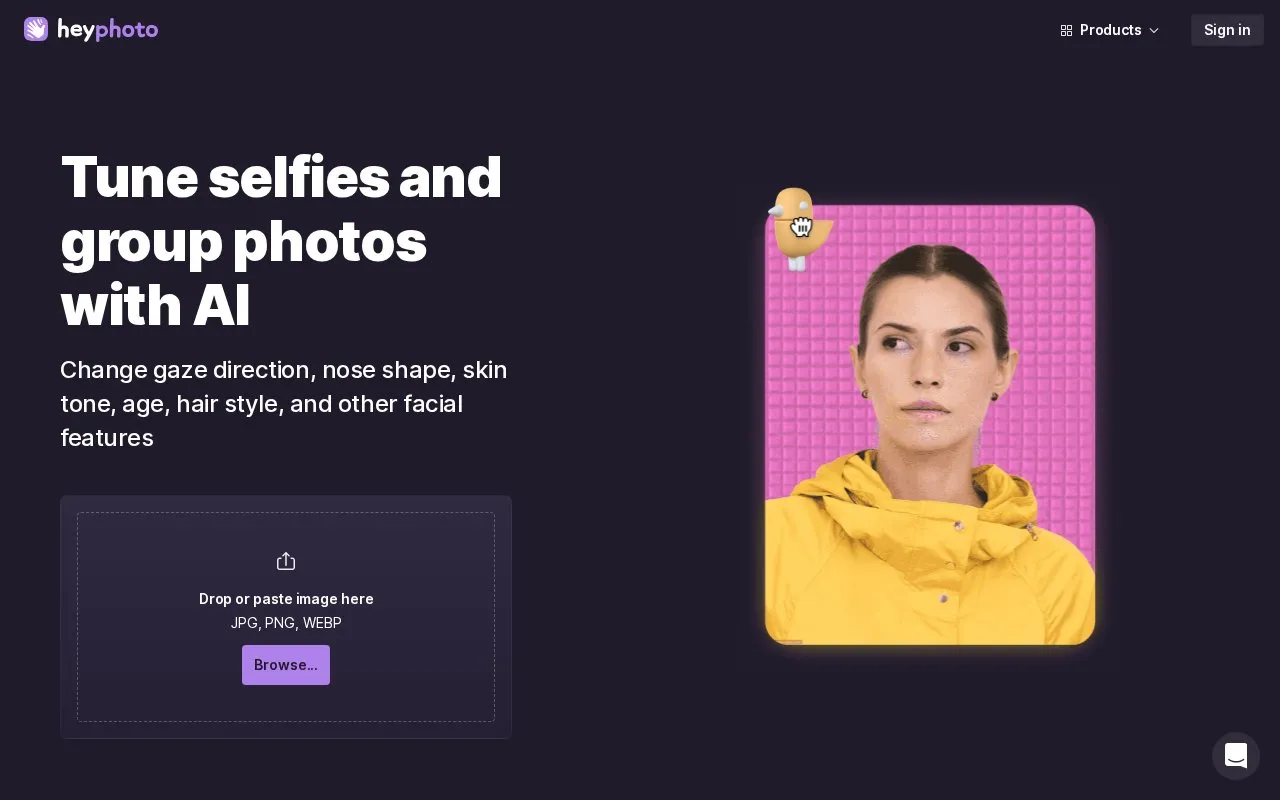
About HeyPhoto
HeyPhoto is a web-based AI photo editor that detects faces in uploaded JPG, PNG, or WEBP images and changes facial features. Listed tools include adjusting gaze direction, skin tone, age, and facial expression, changing apparent gender presentation, and an anonymize option. The homepage describes the service as requiring no special skills.
Limits are stated on the homepage. Photos must be up to 5 MB, with faces up to 1024 x 1024 px. Results use a watermark for free use. Several listed tools, including nose reshaping, face reshaping, makeup, and new hairstyles, are marked "Soon" and are not confirmed as available. Uploaded images are stored on the service's servers so they can be accessed later, and users can delete them at any time.
Key features
- Change gaze direction by dragging a bird or adjusting eyes
- Adjust skin tone and apparent age
- Set the level of happiness in a smile
- Change facial expression to match a chosen mood
- Change apparent masculine or feminine presentation of a face
- Anonymize option, which the homepage says makes faces harder for recognition systems
Best for: People who want to quickly change the expression, age, or appearance of a face in a single photo without design skills.
Good for
- Free to use, according to the homepage
- Requires no special skills, according to the homepage
- Returns images at the same size and quality as the source image
Watch out for
- Free results carry a watermark
- Several listed tools, such as makeup and hairstyle changes, are marked "Soon"
- Uploaded images are stored on the service's servers, though users can delete them
HeyPhoto at a glance
- Website
- hey-photo.com
- Category
- AI & Machine Learning › AI Image Editing
- Type
- Online tool
- Pricing
- Not confirmed. Check the site
- Platforms
- Web
- Open source
- Not stated
- Language
- English
- Last checked
- Oct 6, 2026 · Online when checked
- Listed
- Oct 5, 2026
HeyPhoto alternatives
Tools and sites you could use instead, ranked by how closely they match.
Popular in AI Image Editing
Well-known listings from the same topic.
Kontext AIkontext-ai.comAI Photo Editoraiphotoeditor.aiDeep Imagedeep-image.aiphotoeditor.aiphotoeditor.aiFacewowfacewow.aiRightHairrighthair.ai


HeyPhoto FAQ
Does HeyPhoto store uploaded images?
The homepage says uploaded images are stored securely so users can access them when needed. Users are free to delete them at any time.
What photos work best with HeyPhoto?
Quality photos with people facing the camera work best, and slight rotation is acceptable. Photos can be up to 5 MB, with faces up to 1024 x 1024 px.
Is HeyPhoto free to use?
The homepage says HeyPhoto is free to use, but a watermark is placed on the resulting photos.
Is something wrong or out of date?
Tell us and an editor will check it.
Own this website?
Claim this listing
Claim the listing and suggest updates yourself. An editor checks every claim first.