

Hoop captures commitments from email, Slack, and meetings, keeps task context, and helps teams follow up.
Highlight AI
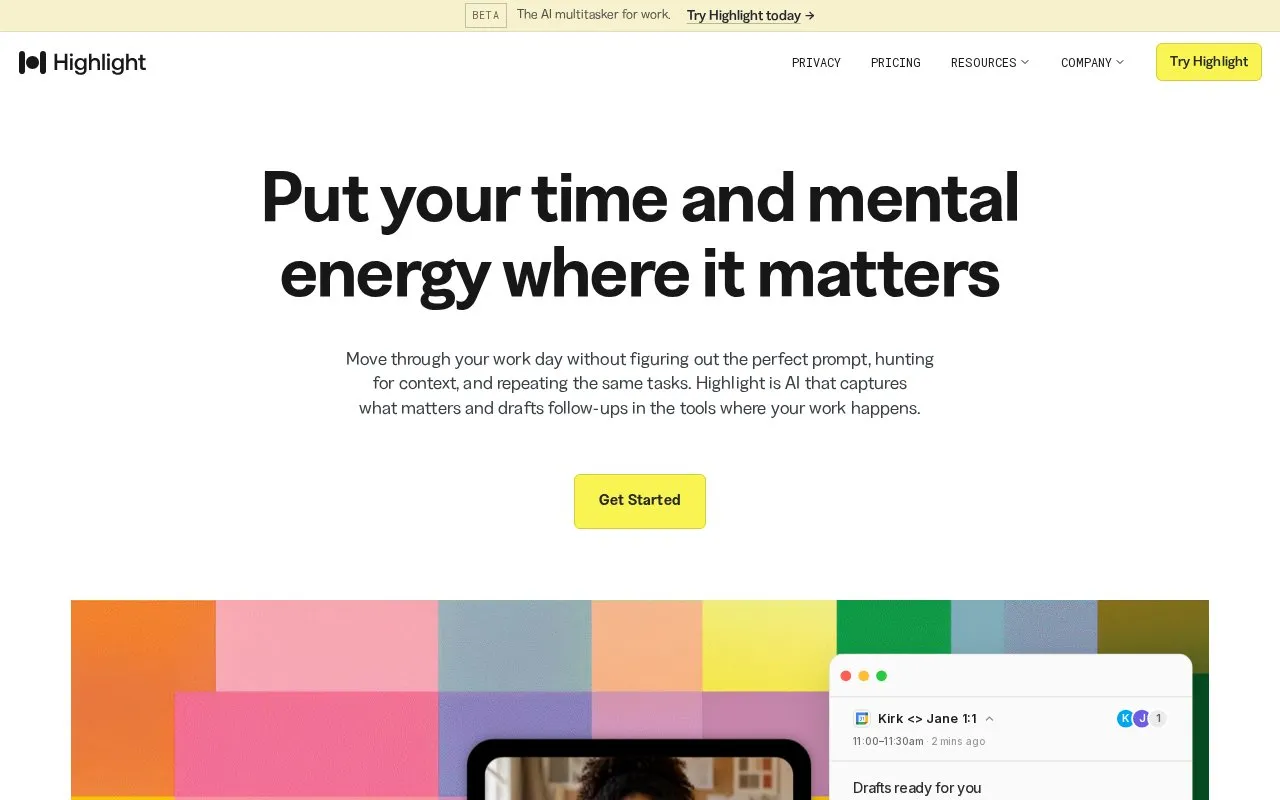
Highlight captures information from meetings, screens, and work tools and drafts follow-ups in connected applications.
About Highlight AI
Highlight AI is a web-based AI assistant that captures information from meetings, screen activity, and connected work tools, then drafts follow-ups in linked applications. It provides pre-meeting briefs with relevant context, live meeting summaries that extract decisions and action items, and post-meeting drafted follow-ups, and allows users to ask questions grounded in existing meeting, message, and document content without manual cross-referencing.
Key features
- Captures meeting, screen, and connected work tool data
- Drafts follow-ups in linked work applications
- Generates pre-meeting briefs with relevant context
- Extracts meeting decisions and action items
- Answers questions grounded in work content
- Automates follow-up creation from meeting summaries
Best for: Individual workers and teams that want to reduce time spent on meeting coordination, context retrieval, and follow-up tasks.
Good for
- Reduces time spent on administrative meeting follow-up tasks
- Surfaces forgotten action items and decisions to avoid missed work
- Eliminates manual cross-referencing of notes and tools for context
Highlight AI at a glance
- Website
- highlightai.com
- Type
- Website
- Pricing
- Not confirmed. Check the site
- Platforms
- Web
- Open source
- Not stated
- Language
- English
- Last checked
- Oct 6, 2026 · Online when checked
- Listed
- Oct 5, 2026
Highlight AI alternatives
Tools and sites you could use instead, ranked by how closely they match.

The AI assistant that actually does the work, not just writes drafts. See how one entrepreneur manages 5 businesses with 15 hours per week.
Popular in AI Chatbots & Assistants
Well-known listings from the same topic.
Lumolumo.proton.meMicrosoft Copilotcopilot.microsoft.comLearn Aboutlearning.google.com/experiments/learn-aboutEidoloneidolonai.comFlowHuntflowhunt.ioPine AI19pine.ai


Highlight AI FAQ
What types of content does Highlight AI capture?
It captures information from meetings, screen activity, and connected work tools.
What does Highlight do with captured work information?
It drafts follow-ups in connected applications and generates meeting summaries with decisions and action items.
Can users ask questions about their work content in Highlight?
Yes, users can ask questions grounded in meetings, messages, and documents without manual cross-referencing.
Is something wrong or out of date?
Tell us and an editor will check it.
Own this website?
Claim this listing
Claim the listing and suggest updates yourself. An editor checks every claim first.