
HypeTrigger
HypeTrigger detects gaming highlights with GPU-accelerated processing and offers browser-based editing without a download.
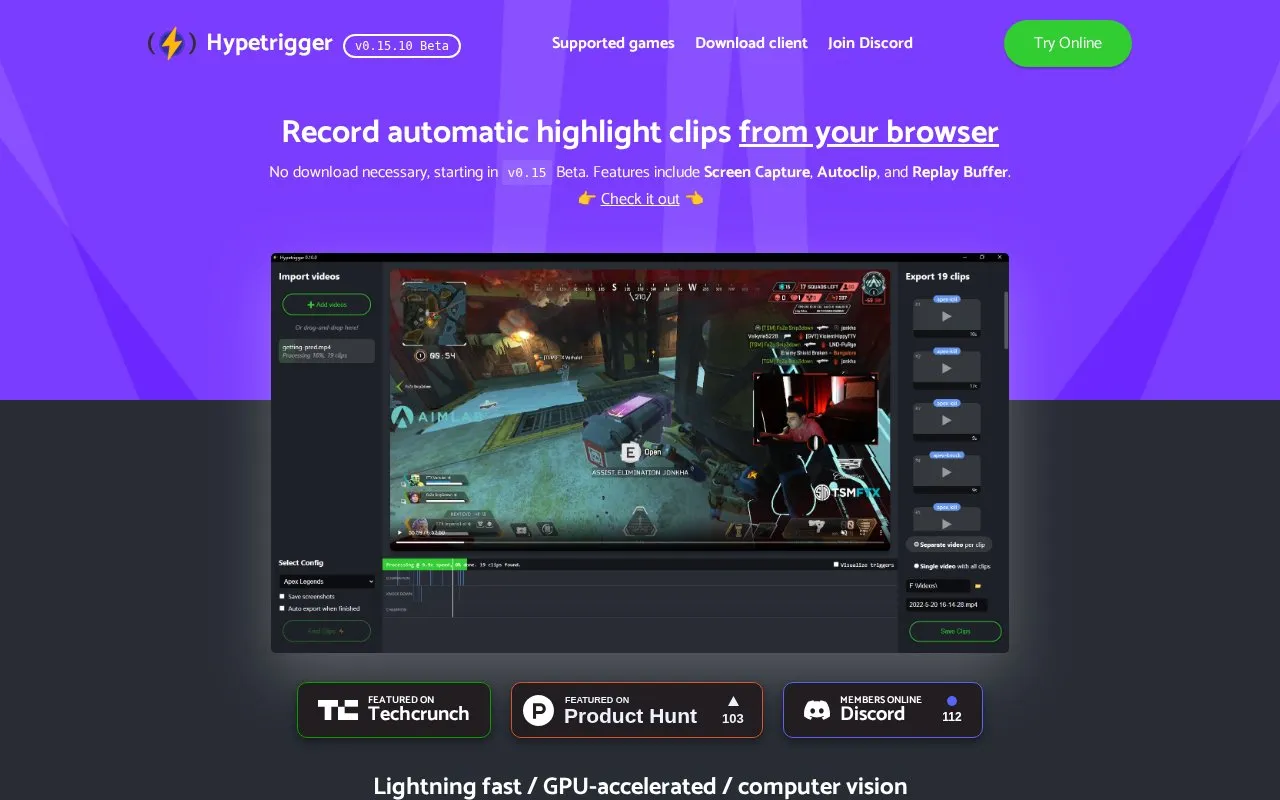
About HypeTrigger
HypeTrigger automatically records highlight clips of gaming sessions. It uses GPU-accelerated computer vision to detect highlight moments, and the site lists Screen Capture, Autoclip and Replay Buffer as its main features. Standalone downloads are offered for Windows and Linux, and from v0.15 Beta it can also record clips from the browser with no download required. The homepage states support for most popular games and links to a game list, plus a getting-started tutorial.
Key features
- Automatic highlight detection using computer vision
- GPU-accelerated processing for fast clipping
- Screen Capture, Autoclip and Replay Buffer features
- Browser-based recording with no download starting in v0.15 Beta
- Downloadable builds for Windows and Linux
- Stated support for most popular games, with a game list
- Automatic highlight detection removes manual clipping work
- GPU acceleration is used for processing
- Browser recording is available without installing a download, from v0.15 Beta
- Browser-based recording is labelled a beta feature
- Downloads are provided only for Windows and Linux
- No pricing information is given on the homepage
HypeTrigger at a glance
- Website
- hypetrigger.io
- Category
- Social & Communities › Twitch Tools
- Type
- Website
- Pricing
- Not confirmed. Check the site
- Platforms
- Linux, Web, Windows
- Open source
- Not stated
- Last checked
- Oct 6, 2026 · Online when checked
- Listed
- Oct 5, 2026
Popular in Twitch Tools
Well-known listings from the same topic.


HypeTrigger FAQ
Do I need to download anything to record clips?
Which platforms have downloadable versions?
Which games are supported?
Tell us and an editor will check it.
Claim the listing and suggest updates yourself. An editor checks every claim first.