
This online class covers machine-learning art and generative image tools such as DALL·E and Stable Diffusion.
Introduction — PyTTI-Tools
PyTTI-Tools documentation describes machine learning tools for creative image generation.
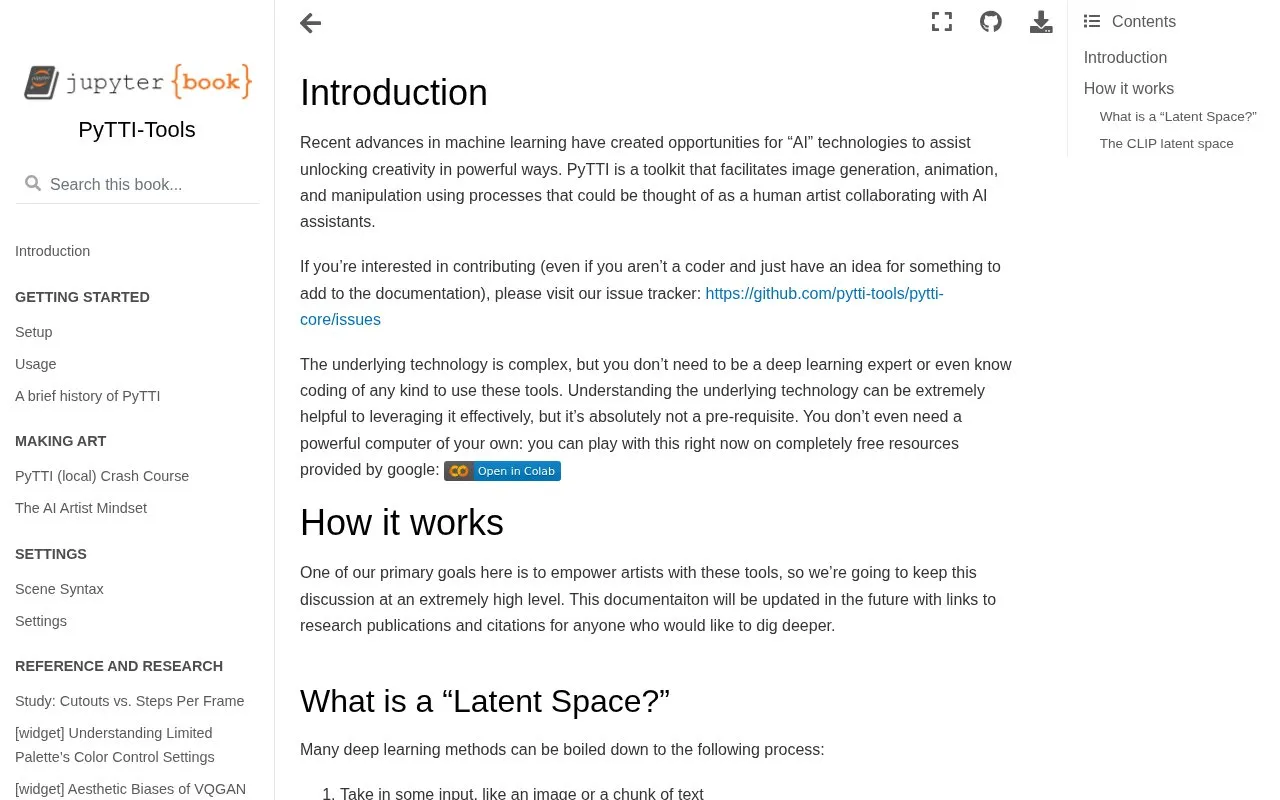
About Introduction — PyTTI-Tools
PyTTI is a toolkit for image generation, animation, and manipulation that uses text prompts to guide changes to images. It compares the representation of an image and text prompts in a shared CLIP latent space and adjusts the image to move closer to the prompt representation.
The documentation explains concepts such as latent space at a high level. Use does not require coding or deep learning knowledge, and does not require owning a powerful computer, as it can be used with free resources provided by Google.
Key features
- Generate images guided by text prompts
- Animate images
- Manipulate images
- Use without coding or deep learning expertise
- Run using free resources provided by Google
Best for: Artists who want to create or edit images with text-guided methods without coding or specialized hardware.
Good for
- No coding or deep learning expertise required to use the tools
- Can be used without owning a powerful computer via free Google-provided resources
- Documentation explains latent space and CLIP concepts at a high level
Introduction — PyTTI-Tools at a glance
- Category
- AI & Machine Learning › AI for Education
- Type
- Website
- Pricing
- Free
- Platforms
- Web
- Open source
- Not stated
- Last checked
- Oct 5, 2026 · Online when checked
- Listed
- Oct 5, 2026
Introduction — PyTTI-Tools alternatives
Tools and sites you could use instead, ranked by how closely they match.
This illustrated guide explains Stable Diffusion and its image-generation process.
This guide covers machine learning operations, including tools and practices for deploying models.

Curated list of automated machine learning papers, articles, tutorials, slides and projects.
Open source
24 alternativesLearn about large language models with Hands-On Large Language Models, an illustrated guide featuring more than 275 figures.

Teachable Machine lets users train models to recognize their own images, sounds, and poses without coding.
Popular in AI for Education
Well-known listings from the same topic.
Teacherbotteacherbot.ioSchoolAIschoolai.coQuizbotquizbot.aito teach_to-teach.aiLinguaPal.ailinguapal.aiInterviewAIinterviewai.io


Introduction — PyTTI-Tools FAQ
Do I need to know how to code to use PyTTI?
No. You do not need to be a deep learning expert or know coding to use the tools, though understanding the technology can help use it effectively.
Do I need a powerful computer to use PyTTI?
No. You can use it with free resources provided by Google without owning a powerful computer.
How does PyTTI use text prompts to guide images?
It measures how near or far an image is from the prompt representation in CLIP latent space and adjusts the image to move closer to that representation.
Is something wrong or out of date?
Tell us and an editor will check it.
Own this website?
Claim this listing
Claim the listing and suggest updates yourself. An editor checks every claim first.