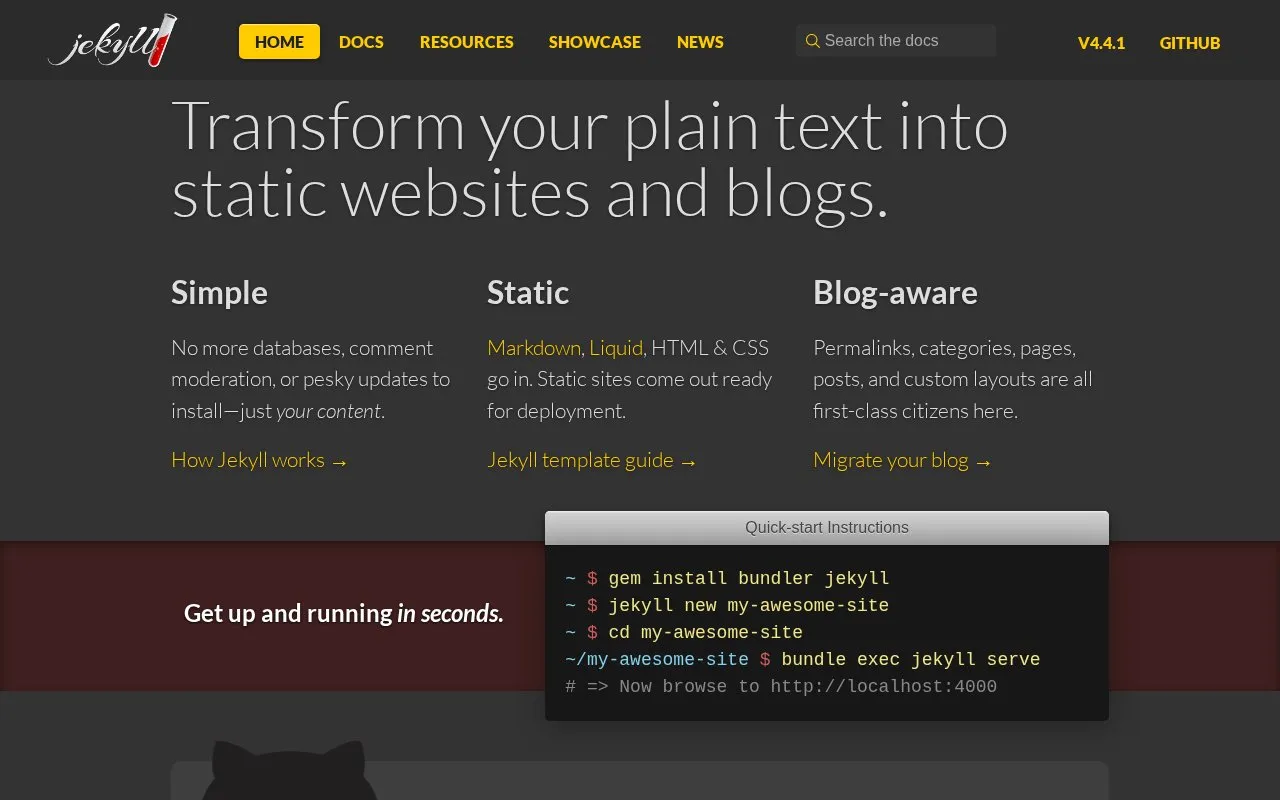
Jekyll transforms plain text into static websites and blogs. It takes Markdown, Liquid, HTML and CSS as input and produces static sites ready for deployment, with support for permalinks, categories, pages, posts and custom layouts without requiring databases.
New sites are created and previewed with command-line commands, including local preview at http://localhost:4000. Sites can be deployed through GitHub Pages, which supports custom domain names.
Key features
Converts Markdown, Liquid, HTML and CSS into static sites
Supports permalinks, categories, pages and posts
Supports custom layouts for pages and posts
Builds sites without requiring databases
Previews sites locally via command-line serve command
Deploys to GitHub Pages with custom domain support
Best for: People publishing static blogs and websites from plain-text files benefit most.
Good for
No databases to manage
Outputs static sites ready for deployment
Built-in support for posts, permalinks and categories
Markdown, Liquid, HTML and CSS go in, and static sites come out ready for deployment.
How do I create and preview a new site?
Run gem install bundler jekyll, then jekyll new my-awesome-site, then cd my-awesome-site and bundle exec jekyll serve, then browse to http://localhost:4000.
Can I host a Jekyll site with a custom domain?
GitHub Pages is powered by Jekyll and allows deployment using GitHub with a custom domain name.
Is something wrong or out of date?
Tell us and an editor will check it.
Own this website?
Claim the listing and suggest updates yourself. An editor checks every claim first.

 8 sites