

A customizable resume builder, Reactive Resume describes itself as privacy-conscious, portable, open source, and free to use.
FreeOpen source
24 alternativesJobSync tracks applications and supports job searches with AI resume review, job matching, task logging, and application analytics.
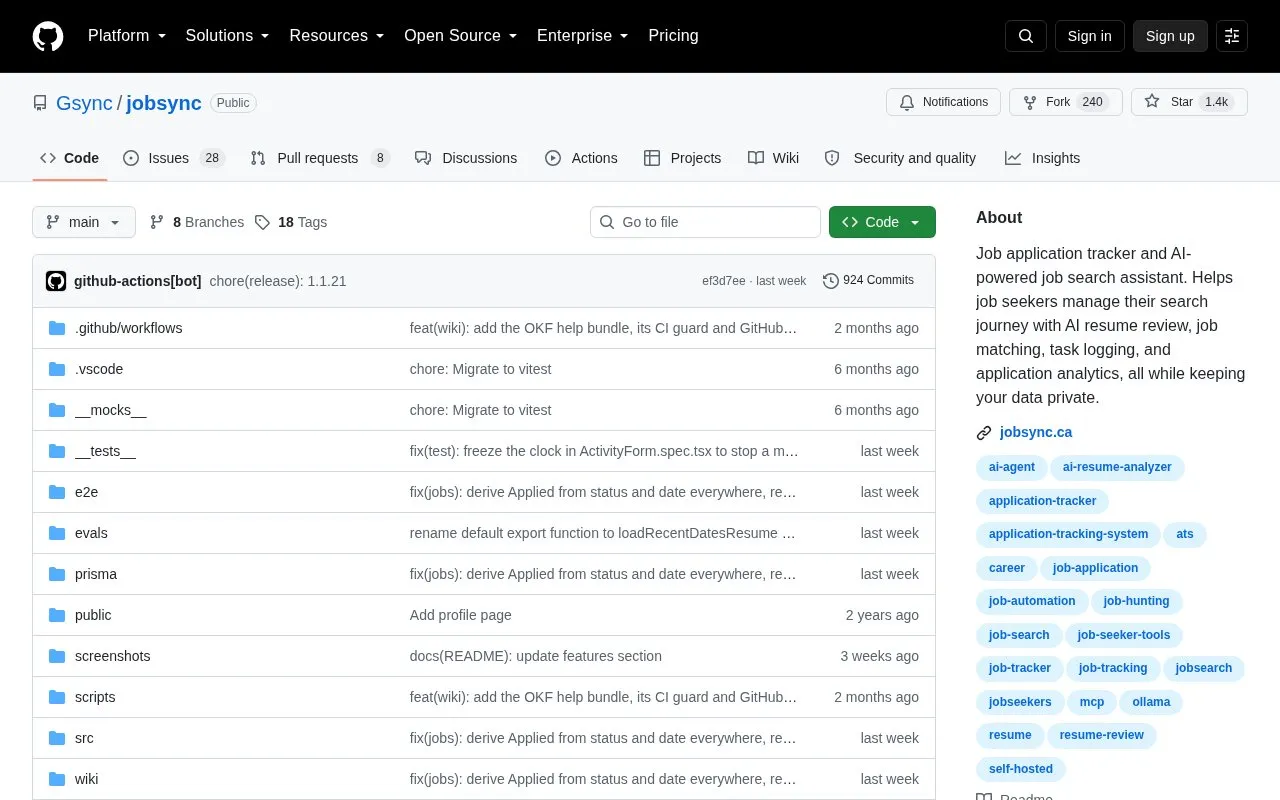
JobSync is an open-source, self-hosted job application tracker and job search assistant distributed as a GitHub repository. It records applications with company, title, dates and status, and adds a monitoring dashboard for progress and daily goals, contacts, company pages with a watchlist, resume storage, and a skill-tagged interview question bank.
AI features run through a docked chat and an MCP server that works with Claude Desktop and similar agents: reviewing resumes, scoring job matches, drafting cover letters, adding pasted job listings, and scheduling searches over company job boards. AI can run locally through Ollama or with a cloud provider key, and API keys are configured in Settings after signing in. The self-hosted design keeps resumes and applications on your own server, though choosing a cloud AI provider means that data is handled by that external service. Deployment requires Docker.
Tools and sites you could use instead, ranked by how closely they match.
A customizable resume builder, Reactive Resume describes itself as privacy-conscious, portable, open source, and free to use.
Huntr’s AI resume builder helps users create, tailor, and download ATS-friendly resumes, alongside job search and application tools.
Rezi uses AI to help build resumes, with tools for creating and refining job application documents.
Yamlresume represents resumes as YAML, allowing resume content to be managed as code and rendered into formatted documents.
Create typeset resumes as PDFs from structured content with this open-source builder, which also supports existing CVs and multiple templates.
Autofill job applications with a browser extension and track submitted roles; the service offers a free option and a three-day trial.
Well-known listings from the same topic.
Tell us and an editor will check it.
Claim the listing and suggest updates yourself. An editor checks every claim first.


