
JSONLint
A browser JSON validator and formatter for checking syntax and reading validation errors.
About JSONLint
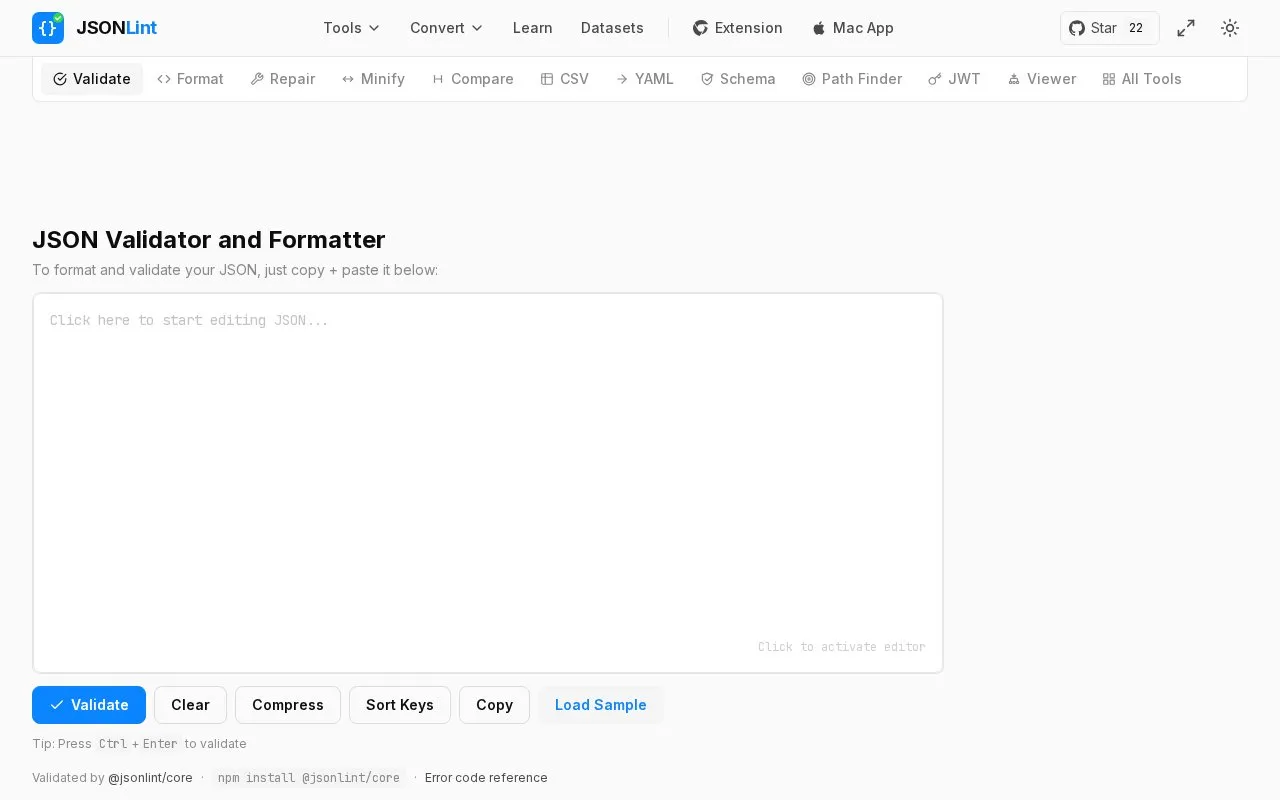
JSONLint is a browser-based validator and formatter for JSON, a lightweight data-interchange format. Users can paste JSON into the editor, type it directly, or enter a URL. The tool checks the JSON and reports errors with line numbers, and it can reformat (tidy) the code. It can also compress JSON using a Compress button.
The site also explains JSON's basic syntax rules, such as name/value pairs, double-quoted strings, and the use of commas between members. It lists common errors, including extra commas at the end of an object or array. The homepage states that validation follows JavaScript standards.
Key features
- Validates JSON syntax and reports line numbers where errors occur
- Formats and reformats pasted or typed JSON in the editor
- Accepts JSON by copy and paste, direct typing, or a URL
- Loads and parses JSON from a URL given in the link
- Compresses JSON using a Compress button
- Accepts JSON passed in a link using the json parameter
Best for: Developers and others who need to check JSON syntax and locate errors quickly in a web browser.
Good for
- Reports line numbers for errors, which can save time finding issues such as a missing comma
- Combines validation, formatting, and compression in one browser tool
- The homepage describes the tool as free
JSONLint at a glance
- Website
- jsonlint.com
- Category
- Development › Developer Tools
- Type
- Online tool
- Pricing
- Freemium
- Open source
- Not stated
- Last checked
- Oct 9, 2026 · Online when checked
- Listed
- Oct 9, 2026
Guides for Developer Tools


JSONLint alternatives
Tools and sites you could use instead, ranked by how closely they match.

JSON Hero provides a web interface for reading and exploring JSON files.
Popular in Developer Tools
Well-known listings from the same topic.
AppDevToolsappdevtools.comCommand Not Foundcommand-not-found.comTestFlighttestflight.apple.com/join/A8GwCnq8Sourcegraphabout.sourcegraph.comProject Wallaceprojectwallace.comCarbon Calculatorwebsitecarbon.com


JSONLint FAQ
Can JSONLint load JSON from a web address?
Yes. The homepage says you can structure a link with a url parameter, and JSONLint will scrape the page for JSON and parse it.
Can JSONLint make JSON smaller?
The homepage says JSONLint can be used as a JSON compressor or minifier by clicking the Compress button above the editor.
What is a common cause of JSON validation errors?
The homepage lists an extra comma at the end of an object or array as a common cause, such as a trailing comma after the last member of a collection.
Is something wrong or out of date?
Tell us and an editor will check it.
Own this website?
Claim this listing
Claim the listing and suggest updates yourself. An editor checks every claim first.