

Trinka is a web-based AI writing assistant for academic and technical writing with grammar checking, proofreading, rewriting, citation, translation, and plagiarism and AI detection tools.
Freemium
24 alternativesKerlig helps Mac users write emails, Slack replies, and Jira tickets, proofread text, chat with documents, and use apps through Agentic Mode.
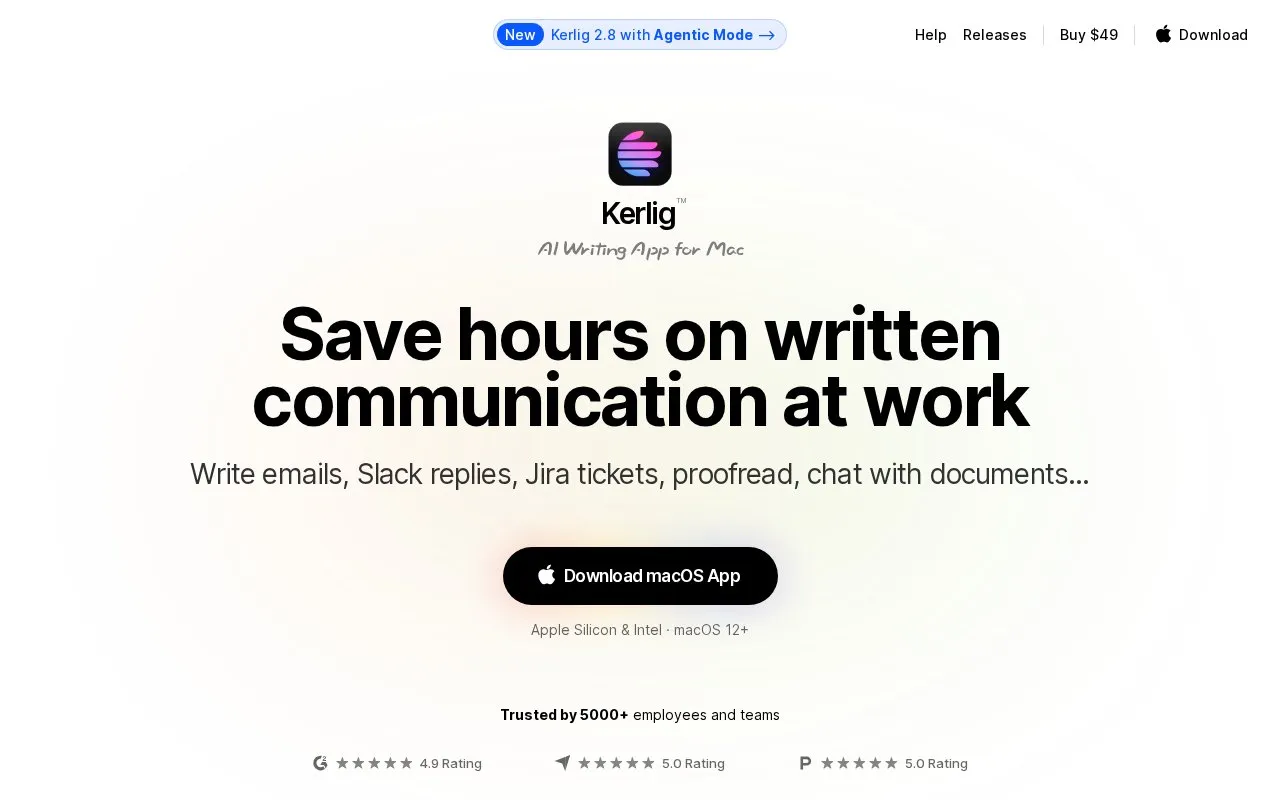
Kerlig is an AI writing tool for macOS and web designed to streamline work-related written communication. It supports creating emails, Slack replies, and Jira tickets, proofreading text, chatting with documents and web content, and an Agentic Mode that can read screen content and interact with apps. The tool provides access to over 350 AI models, custom and built-in actions, MCP server integrations with services like Notion and Slack, local model support, and remote team deployment via CLI. User messages are sent directly to the selected AI provider and stored encrypted on the user's Mac.
Tools and sites you could use instead, ranked by how closely they match.
Trinka is a web-based AI writing assistant for academic and technical writing with grammar checking, proofreading, rewriting, citation, translation, and plagiarism and AI detection tools.
Linguix checks grammar and supports AI-assisted writing across web apps.
Textbuddy combines AI writing tools for drafting, rewriting, proofreading, social posts, and email replies.
CopyHat uses AI to suggest questions, compose emails, address philosophical dilemmas, and write opening lines.
Mailr drafts emails and replies from short user instructions through a browser extension.
Jetwriter AI helps write emails, correct grammar, translate, and research across websites and devices.
Well-known listings from the same topic.
Tell us and an editor will check it.
Claim the listing and suggest updates yourself. An editor checks every claim first.


