

Thumb-Key supports thumb-based text input through an Android keyboard designed with privacy-conscious handling.
Open source
24 alternativesThis guide explains how to add, edit, and customize layouts for a customizable, privacy-conscious open source keyboard.
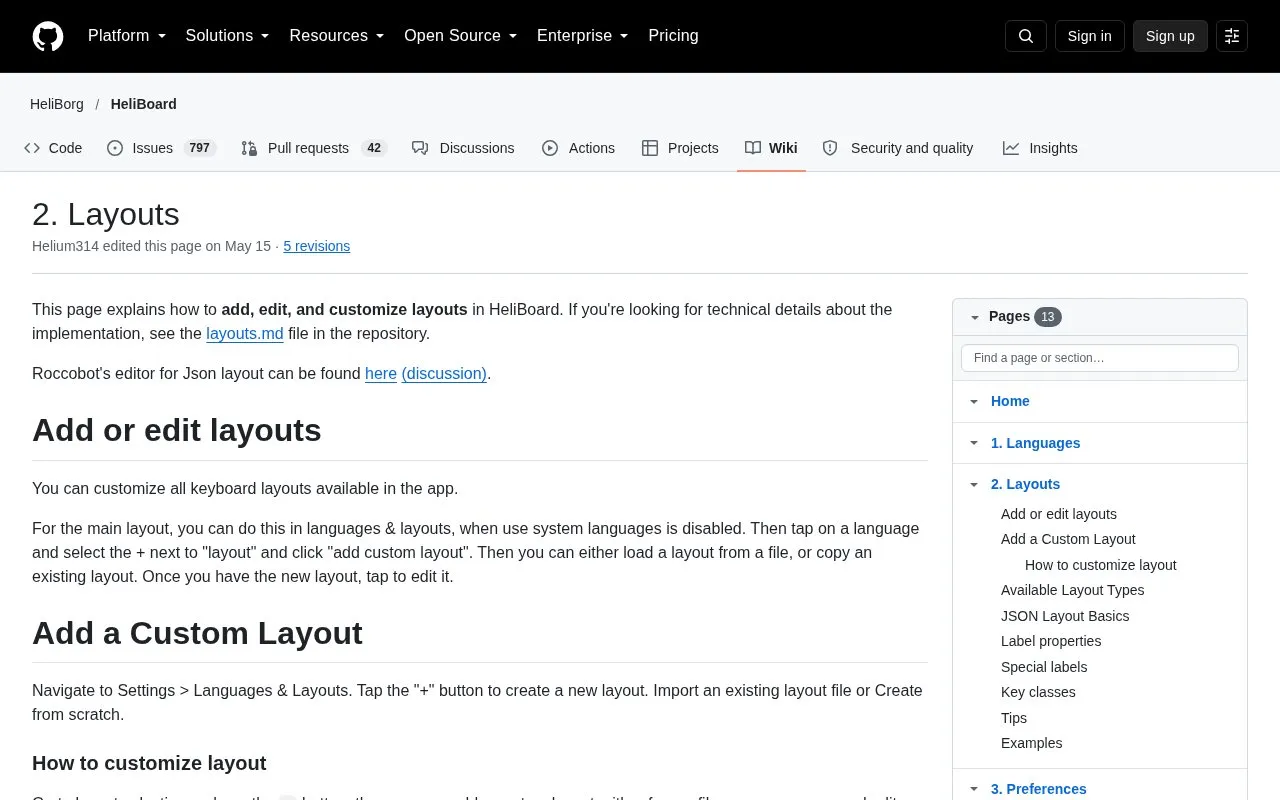
This is a wiki page from the HeliBoard project on GitHub. It explains how to add, edit, and customize keyboard layouts in HeliBoard, an open source keyboard that its description calls customizable and privacy-conscious. The main layout can be changed under Languages & Layouts when the system languages option is disabled. Other keyboard parts, such as symbols, number, phone, and emoji or clipboard rows, are changed through the Secondary Layouts settings.
Layouts are written in a JSON format, which is the most flexible option but can be hard to edit in the app's text box. Simple layouts are easier to change. The page also notes that some functional-key and symbol layouts are outdated and may be removed in future versions. Technical implementation details are in a layouts.md file in the project repository. Pricing is unknown.
Tools and sites you could use instead, ranked by how closely they match.
Thumb-Key supports thumb-based text input through an Android keyboard designed with privacy-conscious handling.
HeliBoard provides a customizable keyboard for Android with a focus on privacy and open-source development.
Outspoke offers privacy-focused speech-to-text input as an Android keyboard, converting spoken words into text.
FlorisBoard provides a free, open-source keyboard for Android and includes a privacy-focused design.
TranslateYou offers translation across more than 150 languages and several translation services in a privacy-focused Android app.
WallYou offers wallpaper browsing, downloads, and automatic changes in a privacy-focused Android app.
Well-known listings from the same topic.
Tell us and an editor will check it.
Claim the listing and suggest updates yourself. An editor checks every claim first.


