

Google Scholar searches scholarly literature across articles, theses, books, abstracts and court opinions from multiple disciplines.
Pick
24 alternativesThe Lens offers search and analysis tools covering patents and scholarly research publications.
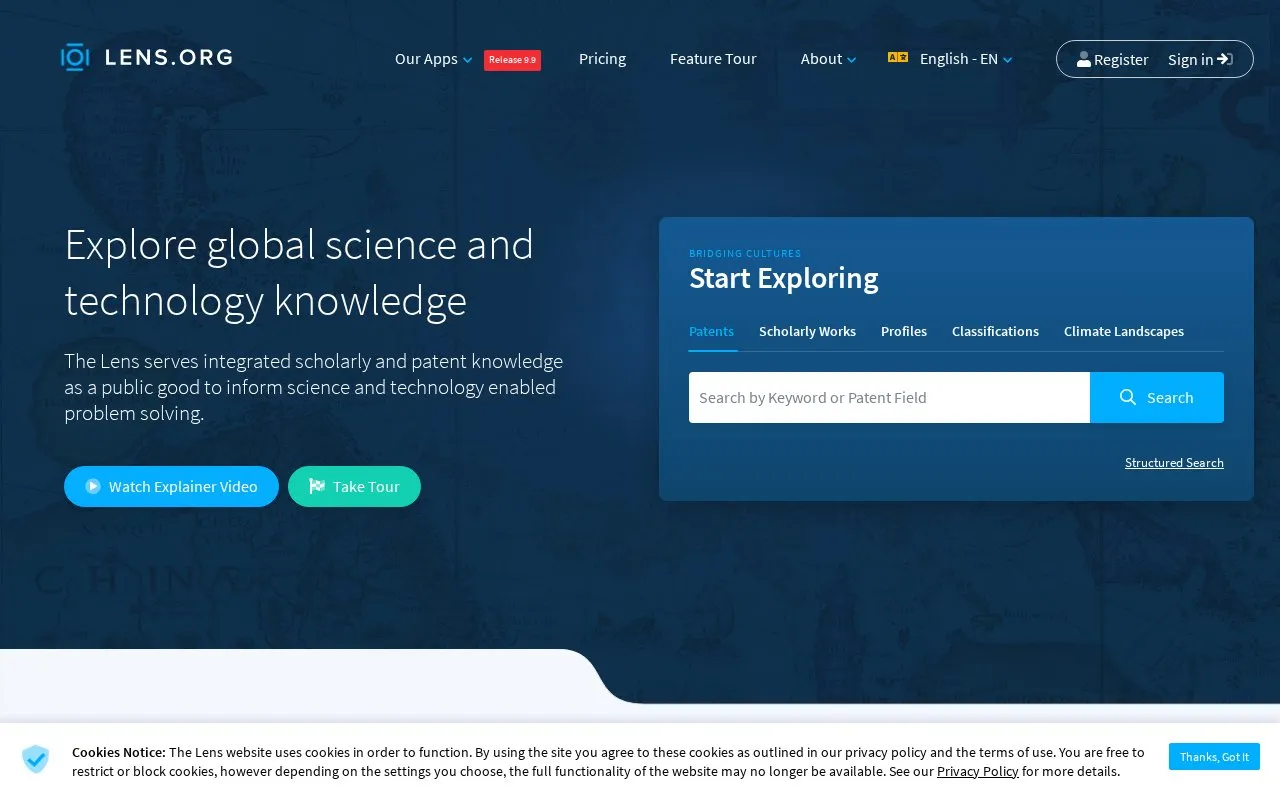
The Lens is a web-based search and analysis service for patents and scholarly research publications. It offers sign-in with LinkedIn or ORCID and describes itself as an open and secure digital public good with user privacy as a stated focus. The interface is available in multiple languages, though the site notes that much translation is machine-assisted and not all UI elements have been checked for each language.
Tools and sites you could use instead, ranked by how closely they match.
Google Scholar searches scholarly literature across articles, theses, books, abstracts and court opinions from multiple disciplines.
OpenAIRE helps users find and share linked research, including scholarly records, software and research data.
arXiv.org provides an online archive of e-prints and scholarly research papers.
Open Knowledge Maps creates visual overviews of research topics to help users find publications and key concepts.
JMIR publishes open-access digital health research through its journals and publication platform.
PubPeer lets scientists search publications and provide feedback or start discussions anonymously.
Well-known listings from the same topic.
Tell us and an editor will check it.
Claim the listing and suggest updates yourself. An editor checks every claim first.


