

Luma offers image creation and video generation tools through its creative AI platform.
Magicroll AI
Magicroll AI produces videos for news, ecommerce, and creator workflows, including automated creation and editing.
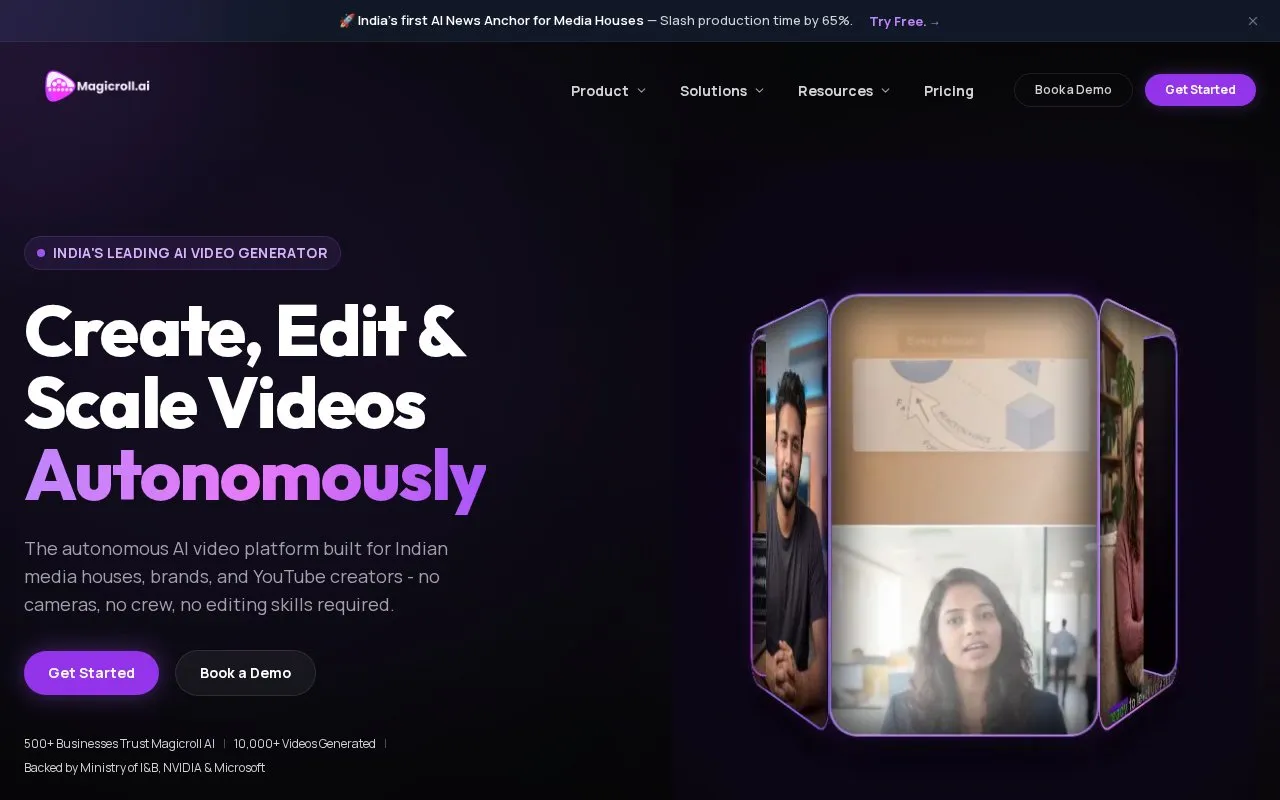
About Magicroll AI
Magicroll AI turns a prompt, script, link, or uploaded footage into a video. Its agent writes a scene-by-scene script, generates voiceover, sources B-roll, and adds captions, music, and cuts timed to audio.
Users can select a template, avatar, voice, and 9:16 or 16:9 framing, preview the voiceover before rendering, and edit in a timeline with brand fonts, colours, and logo. New creators receive 50 credits, projects can be started without an account but sign-up is required to view the edited video, and exports are listed as 1080p MP4.
Key features
- Create video from prompt, script, link, or uploaded footage
- Style videos with selectable templates based on real renders
- Generate scene-by-scene scripts sized to chosen length
- Preview and approve AI voiceover before rendering
- Source B-roll and cut scenes to music and voiceover
- Add word-level captions and apply brand fonts, colours, logo
Best for: Creators and brands making short videos from prompts, scripts, or raw footage.
Good for
- 50 free credits for new creators with no credit card required
- Voiceover can be previewed and approved before rendering
- Exports in 9:16 or 16:9 as 1080p MP4
Watch out for
- Account sign-up required to view the edited video
- Some templates are marked Pro
Magicroll AI at a glance
- Website
- magicroll.ai
- Category
- AI & Machine Learning › AI Video Generators
- Type
- Website
- Pricing
- Not confirmed. Check the site
- Platforms
- Web
- Open source
- Not stated
- Language
- English
- Last checked
- Oct 5, 2026 · Online when checked
- Listed
- Oct 5, 2026
Magicroll AI alternatives
Tools and sites you could use instead, ranked by how closely they match.

AIVideo combines generative media models, a native editor, workflows, and automations for creating production content.

Genmo develops video generation models and offers video creation with Mochi.
Open source
24 alternatives
ASMR.so generates AI ASMR videos from ideas, with video creation tools described on its site.

Rendora generates videos with 3D avatars from scripts using an AI video creation platform.

Wan AI offers text-to-image, image-to-image, text-to-video, image-to-video, and image editing tools.
Popular in AI Video Generators
Well-known listings from the same topic.
AIFreeVideoaifreevideo.comGstory.aigstory.aiDubprodubpro.aiVibesvibes.aiPlask Motionplask.aiPika AIpikaai.org


Magicroll AI FAQ
Can I start a video without an account?
Yes, you can describe the video to generate the script and voiceover, but sign-up is required to see the edited video.
What can I use as input?
A written prompt, a script, a link, or uploaded footage, with optional avatar, voice, and template selection.
What export options are listed?
9:16 or 16:9 aspect ratio, MP4 download, and 1080p exports.
Is something wrong or out of date?
Tell us and an editor will check it.
Own this website?
Claim this listing
Claim the listing and suggest updates yourself. An editor checks every claim first.