
Manga Reader
Manga Reader opens local manga files on Linux, according to its Flathub listing.
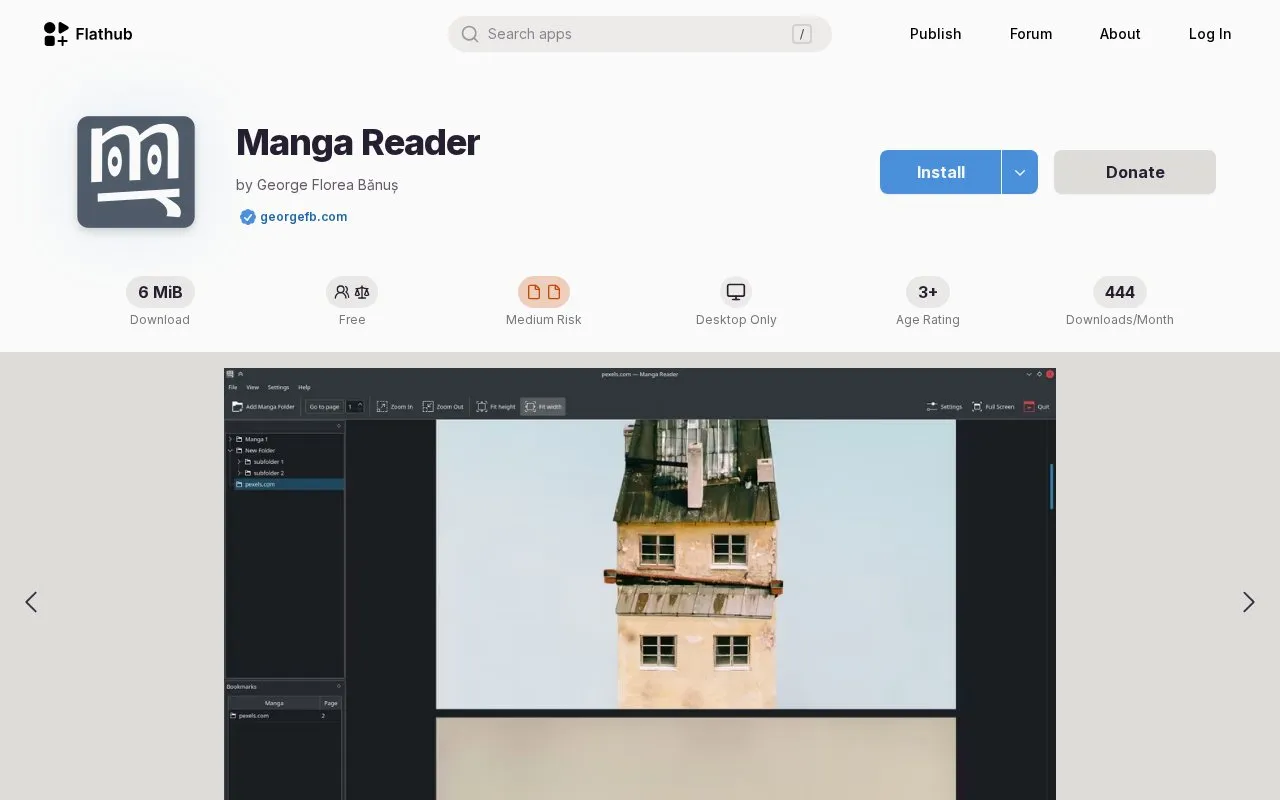
About Manga Reader
Manga Reader opens local manga files on Linux. It supports zip, rar, tar, 7z, cbz, cbr, cbt, cb7 files and folders, displaying images in a vertical list with size options including fit width, fit height, user-defined max width, and original size.
It can manage multiple manga folders in a tree view, bookmark titles, and use configurable keyboard shortcuts. It is desktop-only and works with local files.
Key features
- Opens zip, rar, tar, 7z, cbz, cbr, cbt, cb7 archives and folders.
- Displays images in a vertical list with configurable size.
- Offers fit width, fit height, max width, and original size.
- Manages multiple manga folders in a tree view.
- Bookmarks mangas for later opening.
- Supports configurable keyboard shortcuts.
Best for: Linux users who read downloaded manga archives and folders locally.
Good for
- Supports multiple archive formats plus folders
- Image display size can be configured
- Multiple manga folders can be organized in a tree view
Watch out for
- Desktop-only Linux use
- Limited to local files and folders
- RAR handling can require unrar to be installed
Manga Reader at a glance
- Category
- Software & Utilities › Linux Apps
- Type
- Website
- Pricing
- Not confirmed. Check the site
- Platforms
- Linux, Web
- Open source
- Not stated
- Language
- English
- Last checked
- Oct 5, 2026 · Online when checked
- Listed
- Oct 5, 2026
Popular in Linux Apps
Well-known listings from the same topic.
AltBoxaltbox.devThe Levelatorarchive.org/details/conversationsnetwork_org-l…Alacrittyalacritty.orgShellScriptshellscript.shghostwriterghostwriter.kde.orgLibrebootlibreboot.org


Is something wrong or out of date?
Tell us and an editor will check it.
Own this website?
Claim this listing
Claim the listing and suggest updates yourself. An editor checks every claim first.