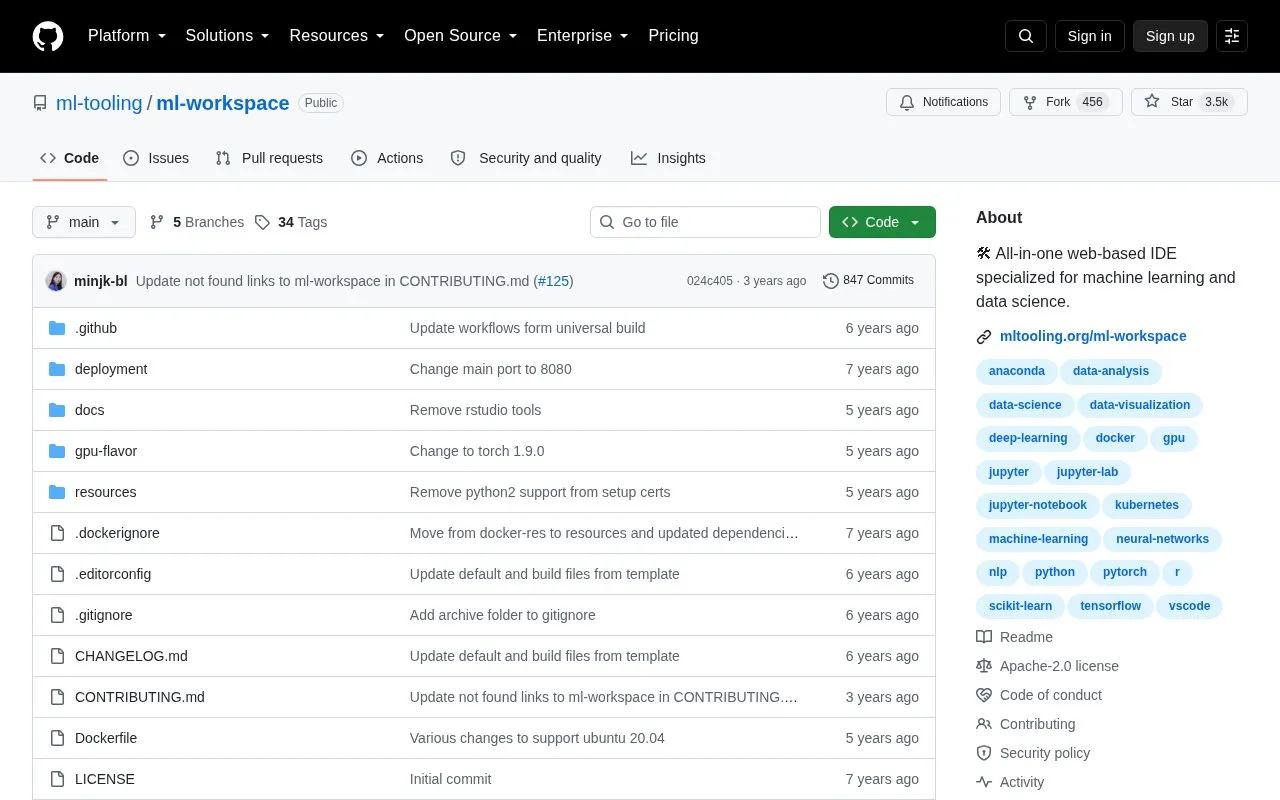
ML Workspace is a web-based development environment for machine learning and data science that runs in Docker on the user's own machine. It includes Jupyter, JupyterLab and Visual Studio Code, with pre-installed libraries such as TensorFlow, PyTorch, Keras and Scikit-learn and tools such as TensorBoard.
It requires Docker to be installed and is started with a docker run command, then accessed through localhost port 8080 or a machine IP and exposed port. The first image download can take a few minutes depending on internet speed. It also provides a Linux desktop GUI, Git integration for notebooks, and hardware and training monitoring through TensorBoard and Netdata.
Key features
Includes Jupyter, JupyterLab and Visual Studio Code web IDEs
Pre-installed TensorFlow, PyTorch, Keras and Scikit-learn libraries
Full Linux desktop GUI accessible through web browser
Git integration optimized for notebooks
Hardware and training monitoring with TensorBoard and Netdata
Access via Web, SSH, or VNC under a single port
Best for: Developers who want to build machine learning solutions on their own machines using Docker.
Good for
Deploys on Mac, Linux and Windows via Docker
Combines multiple IDEs, libraries and monitoring tools in one container
Configurable with environment variables and workspace folder mounting
Watch out for
Requires Docker to be installed before use
First image download can take a few minutes depending on internet speed
Needs 512MB shared memory setting to prevent unexpected crashes