

Techmino combines modern block-stacking rules and game modes in a cross-platform puzzle game.
Open source
21 alternativesOpen Pokerogue.net in a desktop app window with the PokeRogue App wrapper.
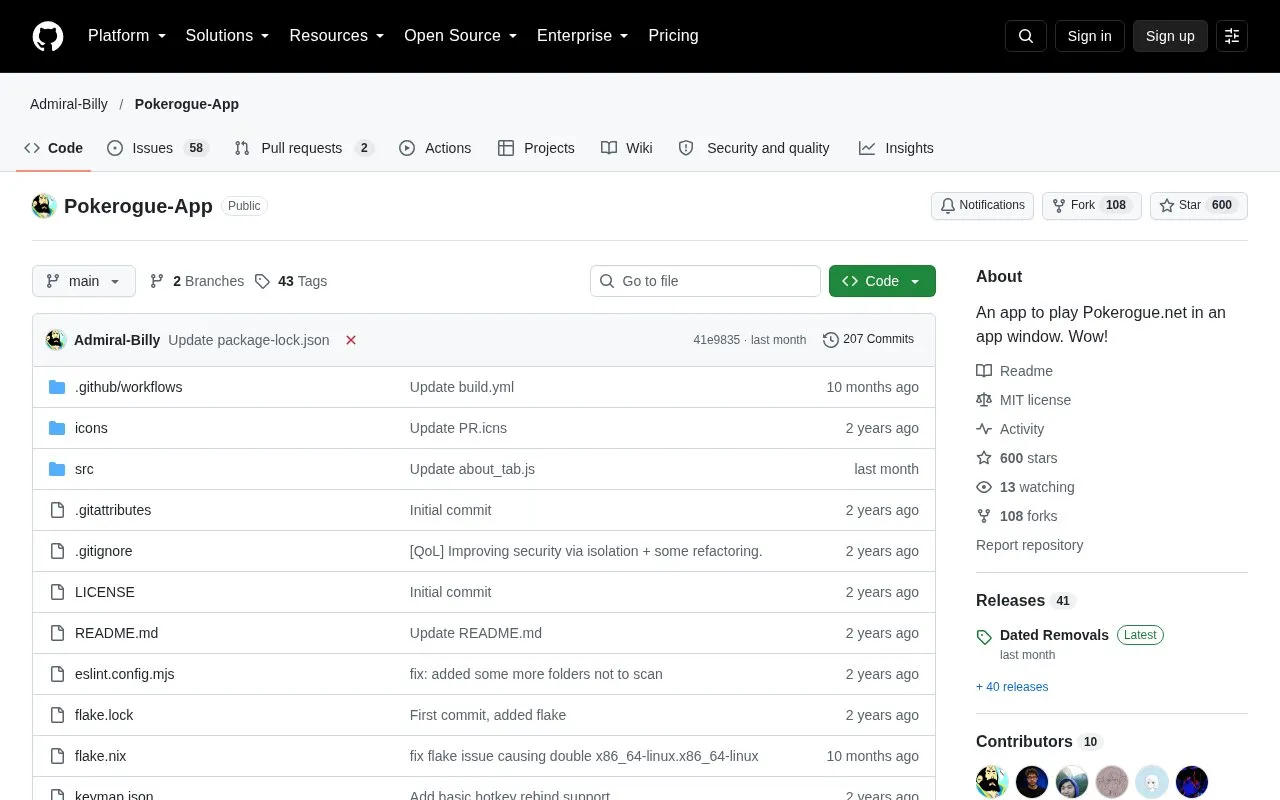
PokeRogue App is an open source wrapper that runs Pokerogue.net in a desktop app window. The app can be played online, which is the default, or offline after the user downloads the newest game files through the File menu and switches to offline mode in Settings. The repository includes build instructions for Windows, Mac, and Linux, and the README describes installation through an AUR package for Arch Linux and a flake for NixOS.
The app adds a set of utility shortcuts, including a type chart, a horizontal type chart for smaller screens, a team builder for checking resistances, and links to a PokeRogue wiki, a community PokeDex, and Smogon. Hotkeys can be changed by editing a keymap.json file, though the README notes that this is not a complete remapping because hold behavior is off. The Android version is documented in a separate repository. Account, settings, and offline save data are stored in the user's AppData folder, and deleting that folder resets them.
Tools and sites you could use instead, ranked by how closely they match.
Techmino combines modern block-stacking rules and game modes in a cross-platform puzzle game.
Breaklock combines Mastermind with the Android pattern lock puzzle in a game designed for mobile web play.
WordleWeb collects Wordle-style games and other puzzle variants in a personal game list.
Billiards simulates billiards physics in a browser, with its source available in a project repository.
Play Jeopardy online with friends, using custom games and AI judging through this project.
Wordle Analyzer provides a development tool for running an automated Wordle solver and inspecting its behavior.
Well-known listings from the same topic.
Tell us and an editor will check it.
Claim the listing and suggest updates yourself. An editor checks every claim first.


