

Blockbench offers a low-poly 3D model editor through a web app and downloads, with a Sketchfab-powered model viewer.
ModelViewer
model-viewer helps display interactive 3D models on websites and in augmented reality, with documentation, examples, and an editor.
About ModelViewer
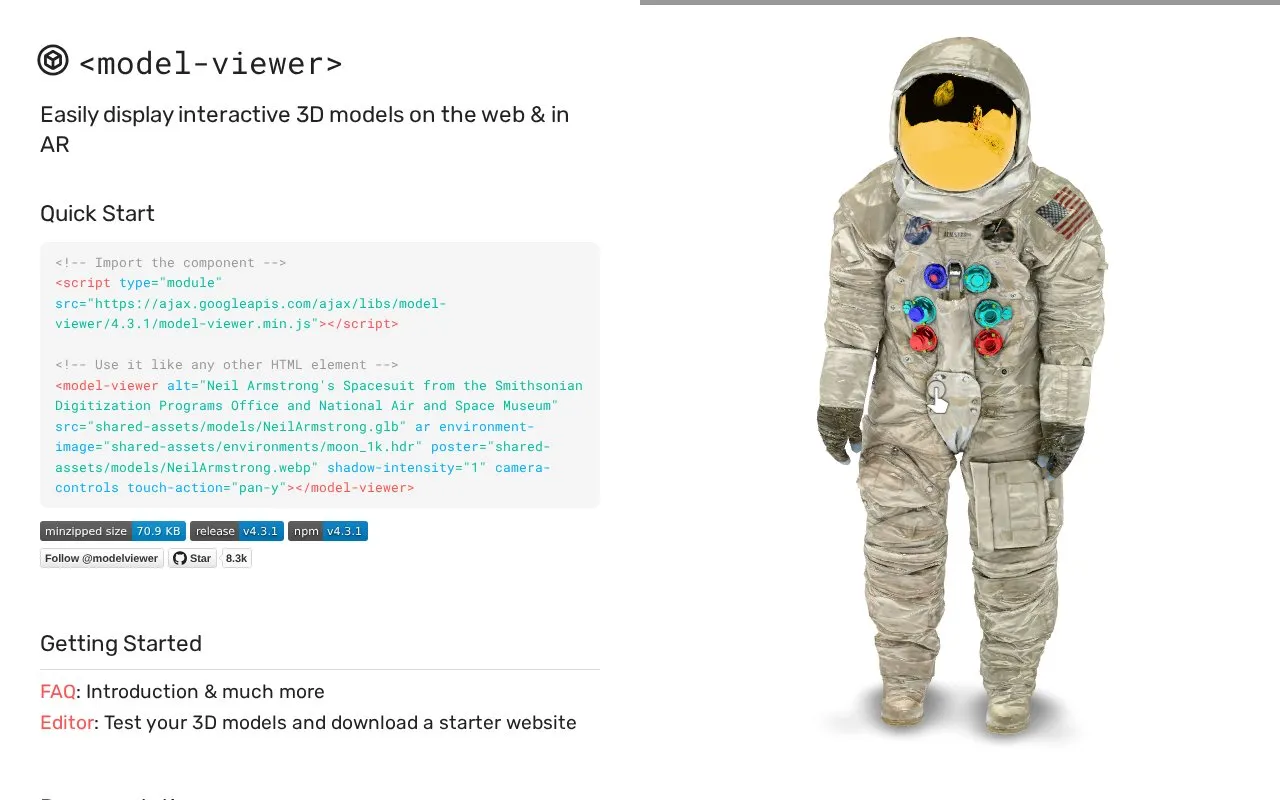
ModelViewer is a web component, model-viewer, for displaying interactive 3D models on websites and in augmented reality (AR). It is listed for the web, iOS, and macOS platforms. The project provides documentation, examples, and an API reference, along with an editor for testing 3D models before use.
AR display depends on WebXR browser features. The homepage lists these as needed only for AR modes, and their support differs across browsers: some are natively supported, some need a polyfill, some sit behind a flag, and some are not available. Browser support covers the last two major versions of evergreen desktop and mobile browsers, plus the last two versions of Safari on macOS and iOS.
Key features
- Displays interactive 3D models on web pages
- Displays 3D models in augmented reality modes using WebXR
- Editor for testing 3D models and downloading a starter website
- Documentation, examples, and API reference for the core component
- Separate addon, model-viewer-effects, with its own examples and API reference
Best for: Web developers who want to embed interactive 3D models on websites, with optional augmented reality display.
Good for
- Includes an editor for testing 3D models before embedding them
- Provides documentation, examples, and an API reference
Watch out for
- AR modes depend on WebXR features whose support varies by browser
- Browser support is limited to the last two major versions of listed browsers
ModelViewer at a glance
- Website
- modelviewer.dev
- Category
- Design & Creative › 3D, CAD & Motion
- Type
- Online tool
- Pricing
- Not confirmed. Check the site
- Platforms
- iOS, macOS, Web
- Open source
- Not stated
- Language
- English
- Last checked
- Oct 6, 2026 · Online when checked
- Listed
- Oct 5, 2026
ModelViewer alternatives
Tools and sites you could use instead, ranked by how closely they match.

Wings 3D provides subdivision polygon modeling, with documentation, downloads, a gallery, and development resources.
Free

F3D provides a cross-platform desktop viewer for 3D and CAD models, with realistic rendering, animation playback, and model inspection.

MagicaVoxel provides voxel-modeling tools, with links to MagicaCSG, Aerialod, a viewer, shortcuts, and other resources.
Popular in 3D, CAD & Motion
Well-known listings from the same topic.
NASA 3D Resourcesscience.nasa.gov/3d-resourcesDesignConnecteddesignconnected.comAwesome Blenderawesome-blender.netlify.appWavelrywavelry.vercel.appJerrari Designjerrari3d.comAssemblrassemblrworld.com


ModelViewer FAQ
Which browser features are needed for AR display?
The WebXR Device API, WebXR HitTest API, and WebXR DOM Overlay API are needed only if you use WebXR in AR modes. The homepage lists their support as natively supported, available with a polyfill, behind a flag and unstable, or not available.
Can I test a 3D model before adding it to a website?
Yes. The editor lets you test your 3D models and download a starter website.
Is something wrong or out of date?
Tell us and an editor will check it.
Own this website?
Claim this listing
Claim the listing and suggest updates yourself. An editor checks every claim first.