
MultiPar
MultiPar provides Parchive functionality, with its repository page documenting published versions and updates.
About MultiPar
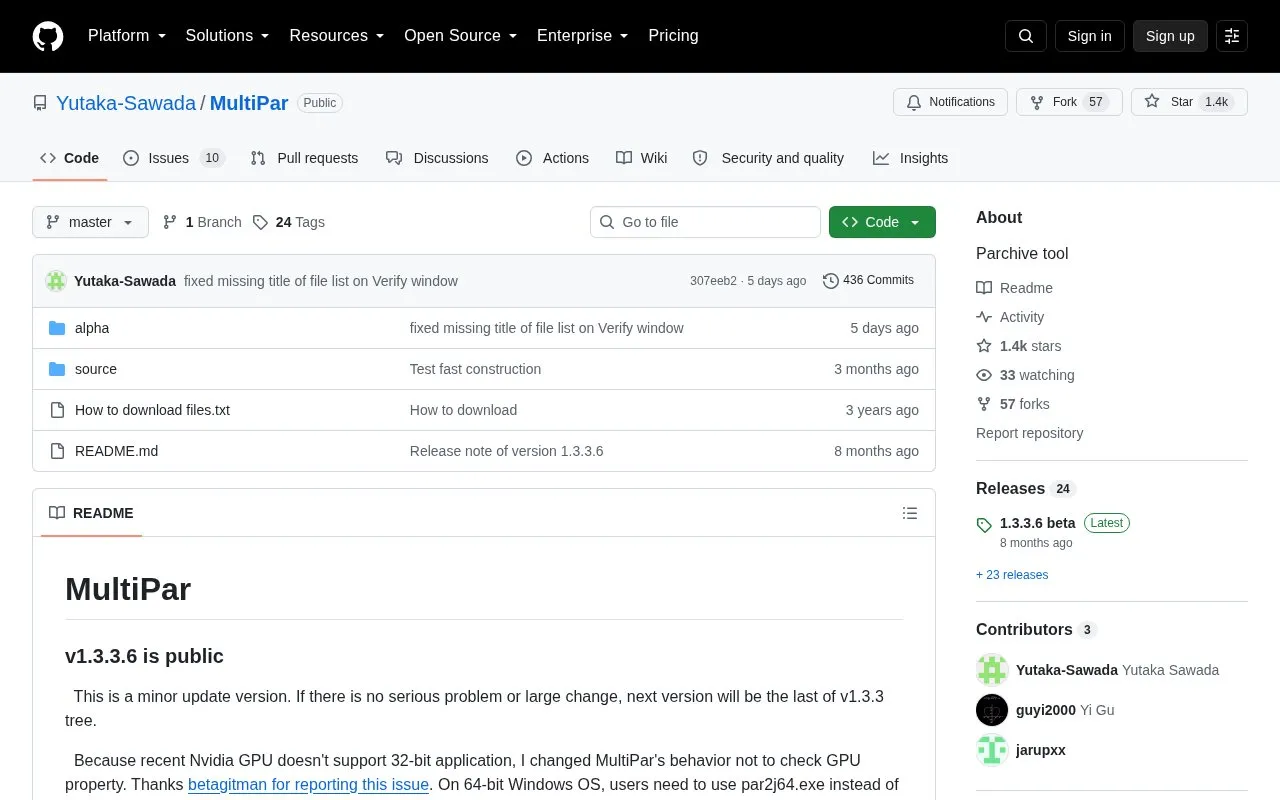
MultiPar is a Parchive tool for Windows. Its GitHub repository page is used for announcements, version notes, and downloads. The current documented release is v1.3.3.6, described as a minor update, with older versions and source code packages linked from GitHub and OneDrive.
You can use it for verification and repair tasks. It checks files with .SFV and .MD5 checksums and can list misnamed or moved files when the Verification level is set to Additional verification. It also supports FLAC fingerprint files if flac.exe and libFLAC.dll are placed in the MultiPar folder or a PATH location. Notes explain GPU option behavior and the use of par2j64.exe for GPU acceleration on 64-bit Windows.
It suits Windows users who manage file sets with PAR, SFV, MD5, or FLAC fingerprint data and can follow detailed option and installation steps, such as selecting Install for all users for Program Files folders.
Key features
- Windows Parchive tool for verification and repair
- Verifies files using .SFV and .MD5 checksums
- Finds misnamed files with Additional verification setting
- Supports FLAC fingerprint files with external FLAC files
- GPU option for use with par2j64.exe on 64-bit Windows
- Provides installer, ZIP archive, and MD5/SHA1 hashes
Best for: Windows users who need to verify file sets with PAR, SFV, MD5, or FLAC fingerprint checks.
Good for
- Publishes version notes and file hashes
- Supports SFV, MD5, and FLAC fingerprint checks
- Offers installer and ZIP download options
Watch out for
- Windows only
- FLAC support needs separate flac.exe and libFLAC.dll
- Program Files install needs Install for all users option
MultiPar at a glance
- Category
- Software & Utilities › Backup & Recovery
- Type
- Open-source project
- Pricing
- Not confirmed. Check the site
- Platforms
- Windows
- Open source
- Not stated
- Language
- English
- Last checked
- Oct 5, 2026 · Online when checked
- Listed
- Oct 5, 2026
Guides for Backup & Recovery
Popular in Backup & Recovery
Well-known listings from the same topic.
UrBackupurbackup.orgAOMEI Backupperubackup.comWindows File Recoveryapps.microsoft.com/detail/9n26s50ln705Duplicatiduplicati.comBorgborgbackup.orgKopiakopia.io


MultiPar FAQ
What is MultiPar?
It is a Parchive tool for Windows. Its GitHub page provides version notes, downloads, and setup instructions.
How do I use FLAC fingerprint with MultiPar?
Place flac.exe and libFLAC.dll in the MultiPar folder or a PATH location such as Windows/System32.
How do I find misnamed files with SFV or MD5?
Set Verification level to Additional verification in Verification and Repair options. You can check Don't search subfolders if recursive search is slow.
How do I install MultiPar in Program Files?
Select Install for all users at the first dialog when installing under Program Files or Program Files (x86).
Is something wrong or out of date?
Tell us and an editor will check it.
Own this website?
Claim this listing
Claim the listing and suggest updates yourself. An editor checks every claim first.