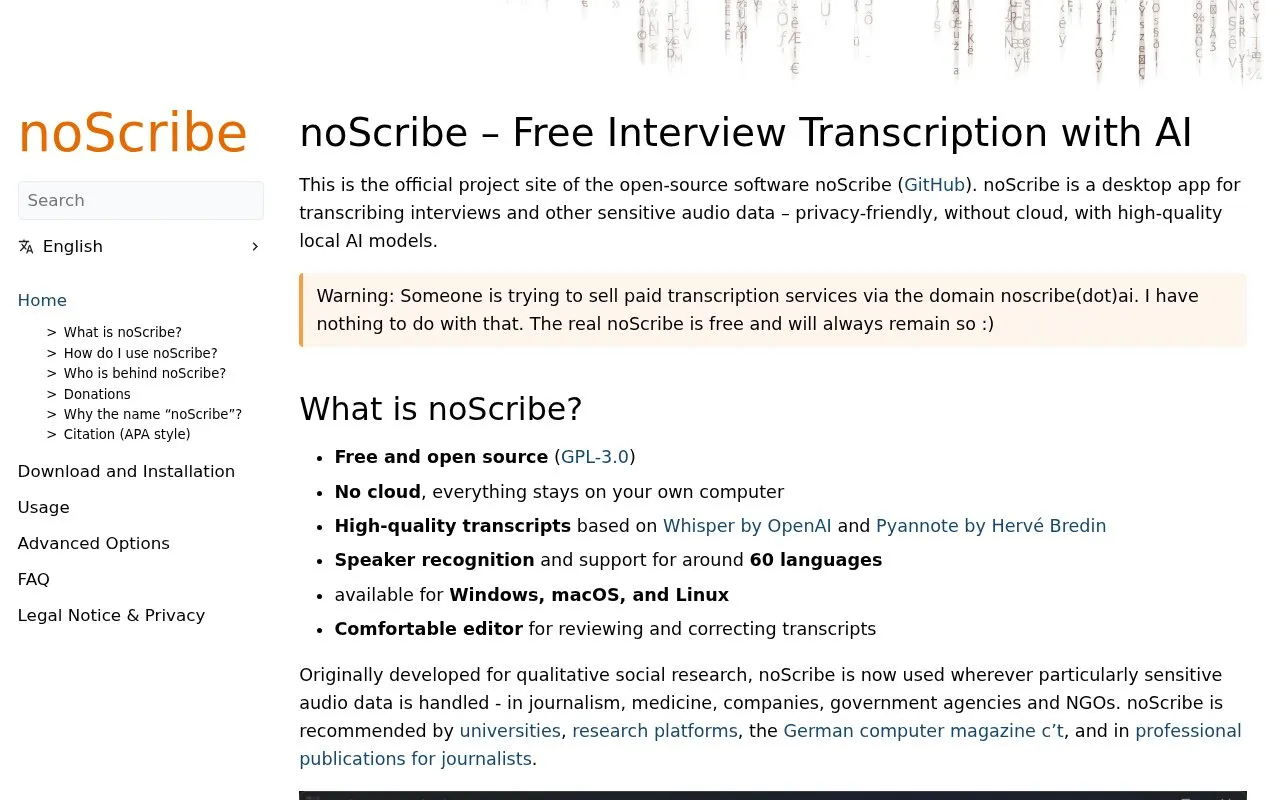
noScribe is a free, open-source desktop transcription tool for interviews and other sensitive audio data, and is unrelated to the paid transcription service sold at the noscribe.ai domain. It runs entirely locally on the user’s computer with no cloud processing, using OpenAI’s Whisper and Hervé Bredin’s Pyannote models for transcription and speaker recognition, with support for roughly 60 languages. It includes an audio-linked editor for transcript correction, and outputs HTML (compatible with MS Word), plain text, or WebVTT files. Specialized features include pause and overlapping speech notation, optional filler word transcription, and timestamp insertion. Local processing means one hour of audio takes 1–3 hours to transcribe (longer on older machines). The ~3GB installer includes the required AI models, and an NVIDIA CUDA-enabled GPU can speed up processing. Post-transcription review and correction are always required.
Key features
Local, no-cloud processing of audio and video files
Speaker recognition and labeling for transcripts
Pause and overlapping speech notation support
Audio-linked editor for transcript review and correction
Output to HTML, plain text, or WebVTT format
Supports approximately 60 languages and dialects, available for Windows, macOS, and Linux
Best for: It is best suited for users handling sensitive audio data, including qualitative social researchers, journalists, medical professionals, and NGOs, who require private, local transcription without cloud uploads.
Good for
Free, open-source (GPL-3.0) with no cloud processing for user privacy
High-quality transcription powered by Whisper and Pyannote AI models
Includes specialized qualitative research features like pause notation and optional filler word transcription
Watch out for
Local processing means 1 hour of audio takes 1–3 hours to transcribe, longer on older machines
Installer size is approximately 3GB as it includes required AI models
Post-transcription review and correction are always necessary