
Notepad
This offline-capable notepad saves text in the browser and includes a dark mode and mobile support.
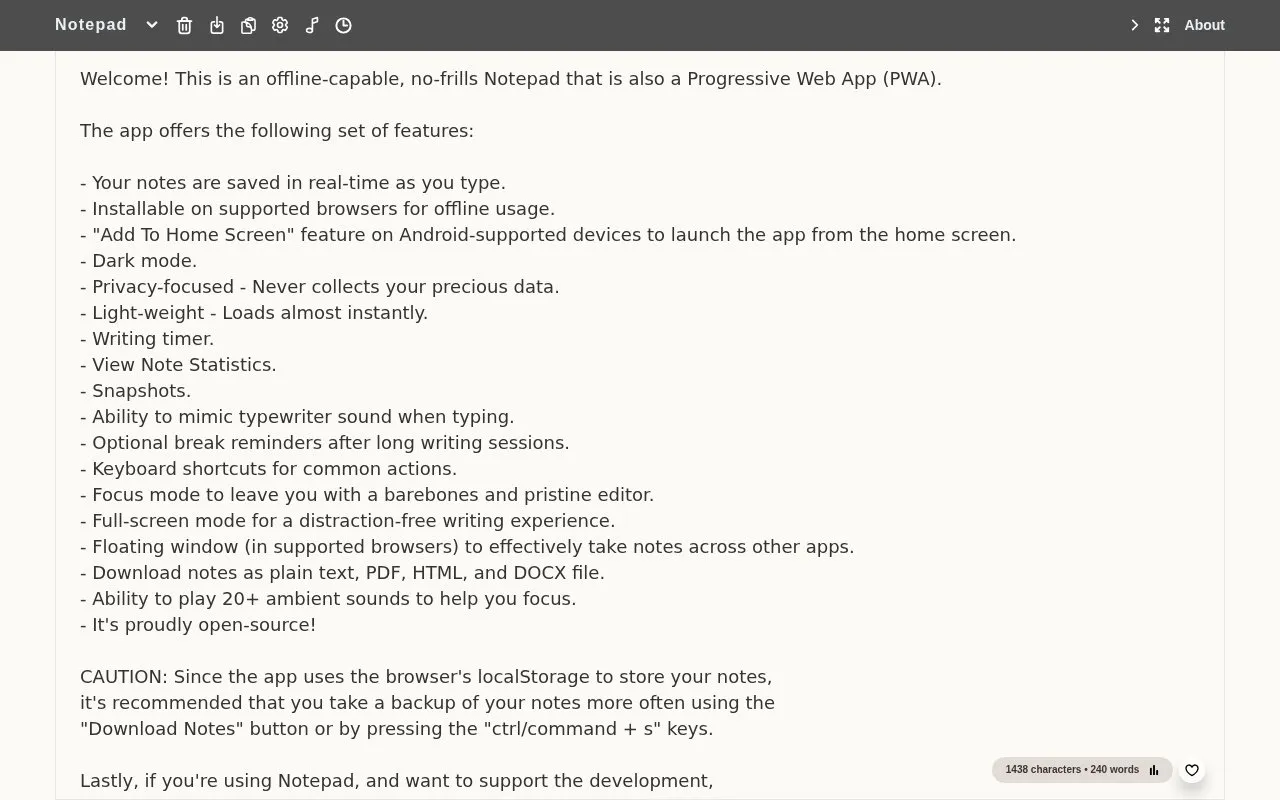
About Notepad
Notepad is a browser-based plain-text editor that autosaves notes locally in the browser and can be installed as a Progressive Web App for offline use on supported browsers. It keeps a deliberately barebones writing surface, with extras such as dark mode, focus and full-screen modes, a writing timer, note statistics and snapshots, break reminders, monospaced and dyslexic font options, and a floating window in supported browsers. Notes can be downloaded as plain text, PDF, HTML or DOCX, and 20+ ambient background sounds plus typewriter-style typing audio are available while writing.
The site says it does not collect user data, and the experience is kept ad-free with donations. Because notes are stored in the browser, the site itself warns users to take backups regularly; syncing across devices is not described.
Key features
- Plain-text notes autosaved locally in the browser
- Installable as a Progressive Web App for offline use
- Dark mode, focus mode and full-screen writing
- Writing timer, note statistics and snapshots
- Download notes as TXT, PDF, HTML or DOCX
- 20+ ambient background sounds and typewriter typing audio
- Free to use and kept ad-free through donations
- Loads almost instantly and is described as light-weight
- Says it never collects user data; notes are stored locally
- Notes live in the browser, so the site warns users to back them up often
- Installation and the floating window depend on browser support
Notepad at a glance
- Website
- notepad.js.org
- Category
- Online Tools › Text Tools
- Type
- Online tool
- Pricing
- Free
- Platforms
- Android, iOS, Web
- Open source
- Not stated
- Language
- English
- Last checked
- Oct 6, 2026 · Online when checked
- Listed
- Oct 5, 2026
Popular in Text Tools
Well-known listings from the same topic.


Notepad FAQ
Where are my notes stored?
Can I use it without an internet connection?
What export formats are available?
Tell us and an editor will check it.
Claim the listing and suggest updates yourself. An editor checks every claim first.