
git-commands lists common Git commands with English and Portuguese language options.
Oh Shit, Git!?!
This guide explains how to recover from common Git mistakes, with a cleaner-language version available at dangitgit.com.
About Oh Shit, Git!?!
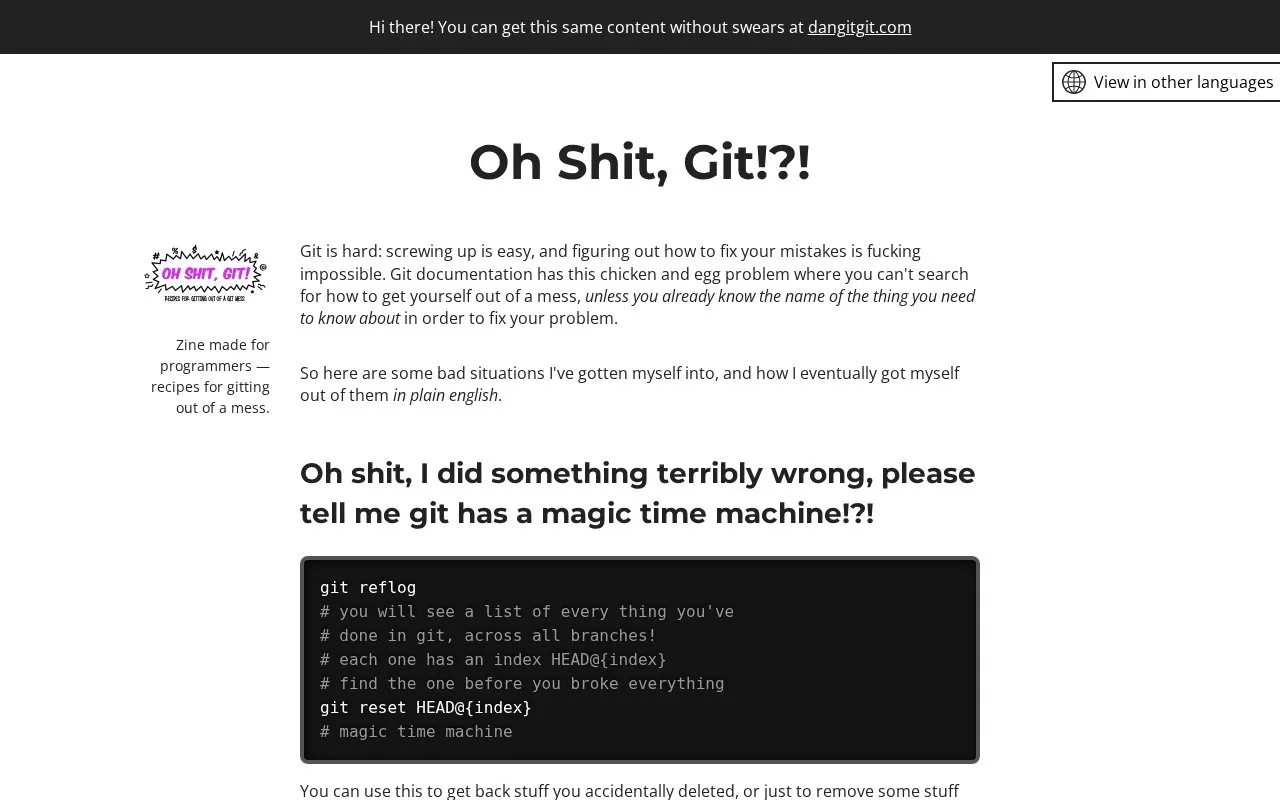
Oh Shit, Git!?! is a plain-English guide to recovering from common Git mistakes. Each entry names a specific bad situation — such as amending a commit, undoing a commit made several commits ago, or undoing changes to a single file — and lists the commands used to get out of it, including git reflog, reset, revert, stash and cherry-pick.
The entries include warnings about cases where the suggested steps do not apply, such as commits already pushed to a public or shared branch. The same content is available without swearing at dangitgit.com. No pricing information is stated.
Key features
- Situation-based recipes pairing a Git mistake with commands to fix it
- Uses git reflog to list history and reset to an earlier state
- Covers amending the last commit's content or message
- Shows moving an accidental commit to a new or correct branch
- Explains reverting older commits and undoing changes to one file
- Cleaner-language version of the same content at dangitgit.com
Best for: Developers who know enough Git to have made a mess but not enough to know the name of the command that fixes it.
Good for
- Explains fixes in plain English rather than assuming you know the command name
- Flags when steps fail, such as commits already pushed to shared branches
- Offers alternative approaches, such as cherry-pick or stash for a commit on the wrong branch
Watch out for
- Amending and branch-reset steps do not apply to commits already pushed to public or shared branches
- If other steps were tried first, commands may need adjusting, for example git reset HEAD@{number-of-commits-back}
- Content is written in English only
Oh Shit, Git!?! at a glance
- Website
- ohshitgit.com
- Category
- Education & Learning › Learn to Code
- Type
- Website
- Pricing
- Not confirmed. Check the site
- Platforms
- Web
- Open source
- Not stated
- Language
- English
- Last checked
- Oct 6, 2026 · Online when checked
- Listed
- Oct 5, 2026
Oh Shit, Git!?! alternatives
Tools and sites you could use instead, ranked by how closely they match.

This Git and Git Flow cheat sheet collects commands and reminders for common version control tasks.
A Git learning game visualizes repository structures in real time as players interact with the version control system.

Git Time introduces Git version control through a browser game about managing code changes.

This programming learning resource organizes links by language and subject, including web development, databases, and game development.

This guide to self-learning computer science draws on the author’s experience studying at university.
Popular in Learn to Code
Well-known listings from the same topic.
Codelabscodelabs.developers.google.comScratchscratch.mit.eduTelegram Bot APIcore.telegram.org/botsStudent Developer Packeducation.github.com/packHacksplaininghacksplaining.comQB64SourceCodeqb64tutorial.com


Oh Shit, Git!?! FAQ
Is there a version without swearing?
Yes. The site states that the same content is available without swears at dangitgit.com.
Can I amend a commit that has already been pushed?
The guide warns that you should never amend commits pushed to a public or shared branch, and to amend only commits that exist in your local copy.
What if the steps for moving an accidental commit to a new branch don't work?
The guide notes this does not work if the commit was already pushed to a public or shared branch, and that if you tried other things first you may need git reset HEAD@{number-of-commits-back} instead of HEAD~.
Is something wrong or out of date?
Tell us and an editor will check it.
Own this website?
Claim this listing
Claim the listing and suggest updates yourself. An editor checks every claim first.