
oTranscribe
Use oTranscribe in a browser to transcribe recorded interviews, with controls for working through audio.
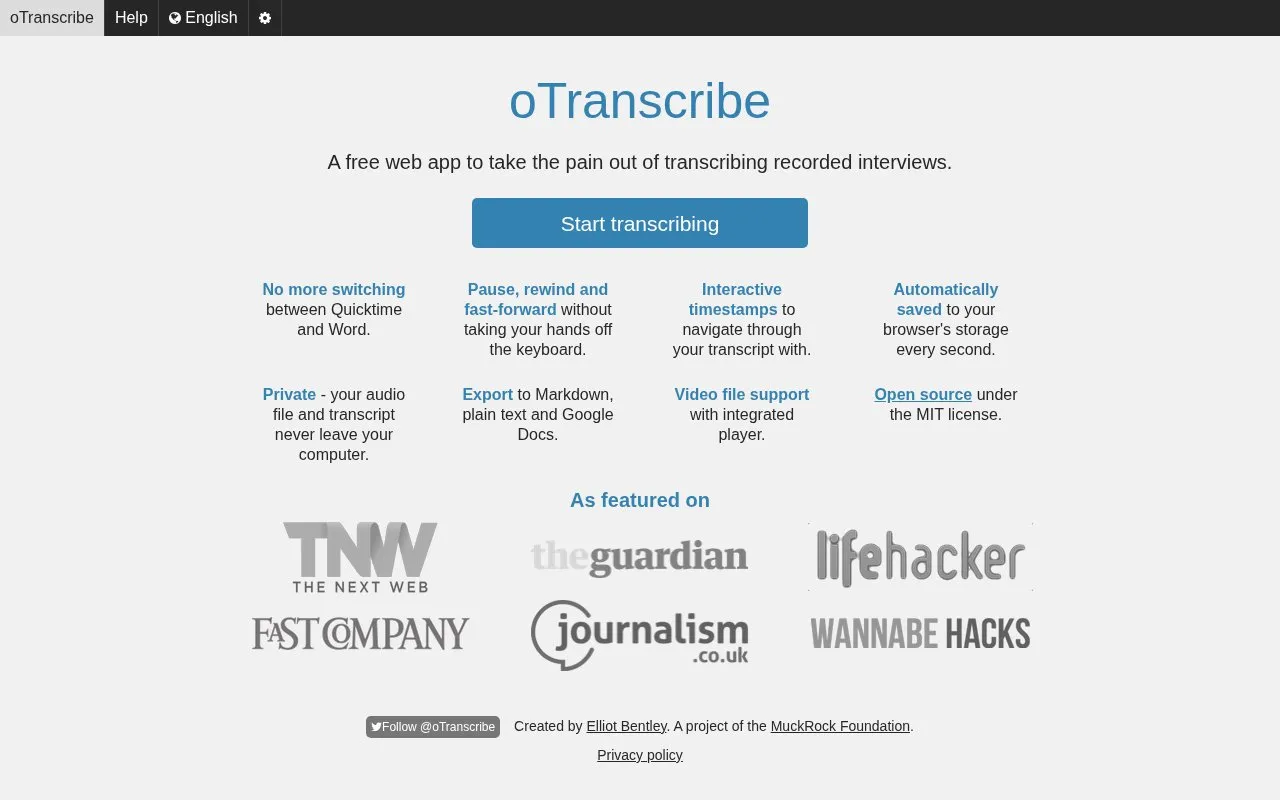
About oTranscribe
oTranscribe is a web tool for transcribing recorded interviews that combines audio playback with a transcript editor. It provides keyboard control for pause, rewind and fast-forward, interactive timestamps for navigation, and video file support with an integrated player.
It saves work to browser storage every second and can export to Markdown, plain text, oTranscribe format, and Google Drive. It works on desktop computers only. It states that audio and transcript stay on the computer, except when using optional external exports such as Google Drive.
Key features
- Pause, rewind, and fast-forward without leaving the keyboard
- Interactive timestamps for navigating the transcript
- Automatic saving to browser storage every second
- Export to Markdown, plain text, and oTranscribe format
- Send transcript to Google Drive with sign-in
- Video file support with integrated player
- Keyboard controls for playback while typing
- Automatic saving to browser storage every second
- Export options include Markdown, plain text, and Google Drive
- Works on desktop computers only
- Transcript history backups are not stored for very long
oTranscribe at a glance
- Website
- otranscribe.com
- Category
- Online Tools › Text Tools
- Type
- Online tool
- Pricing
- Not confirmed. Check the site
- Platforms
- Web
- Open source
- Not stated
- Last checked
- Oct 5, 2026 · Online when checked
- Listed
- Oct 5, 2026
Popular in Text Tools
Well-known listings from the same topic.


oTranscribe FAQ
What file formats can I export to?
How is my transcript saved?
How do I insert a timestamp while transcribing?
Tell us and an editor will check it.
Claim the listing and suggest updates yourself. An editor checks every claim first.